Powder vs Clipchamp
In the battle of Powder vs Clipchamp, which AI Video Editing tool comes out on top? We compare reviews, pricing, alternatives, upvotes, features, and more.
Between Powder and Clipchamp, which one is superior?
Upon comparing Powder with Clipchamp, which are both AI-powered video editing tools, Neither tool takes the lead, as they both have the same upvote count. The power is in your hands! Cast your vote and have a say in deciding the winner.
Don't agree with the result? Cast your vote and be a part of the decision-making process!
Powder

What is Powder?
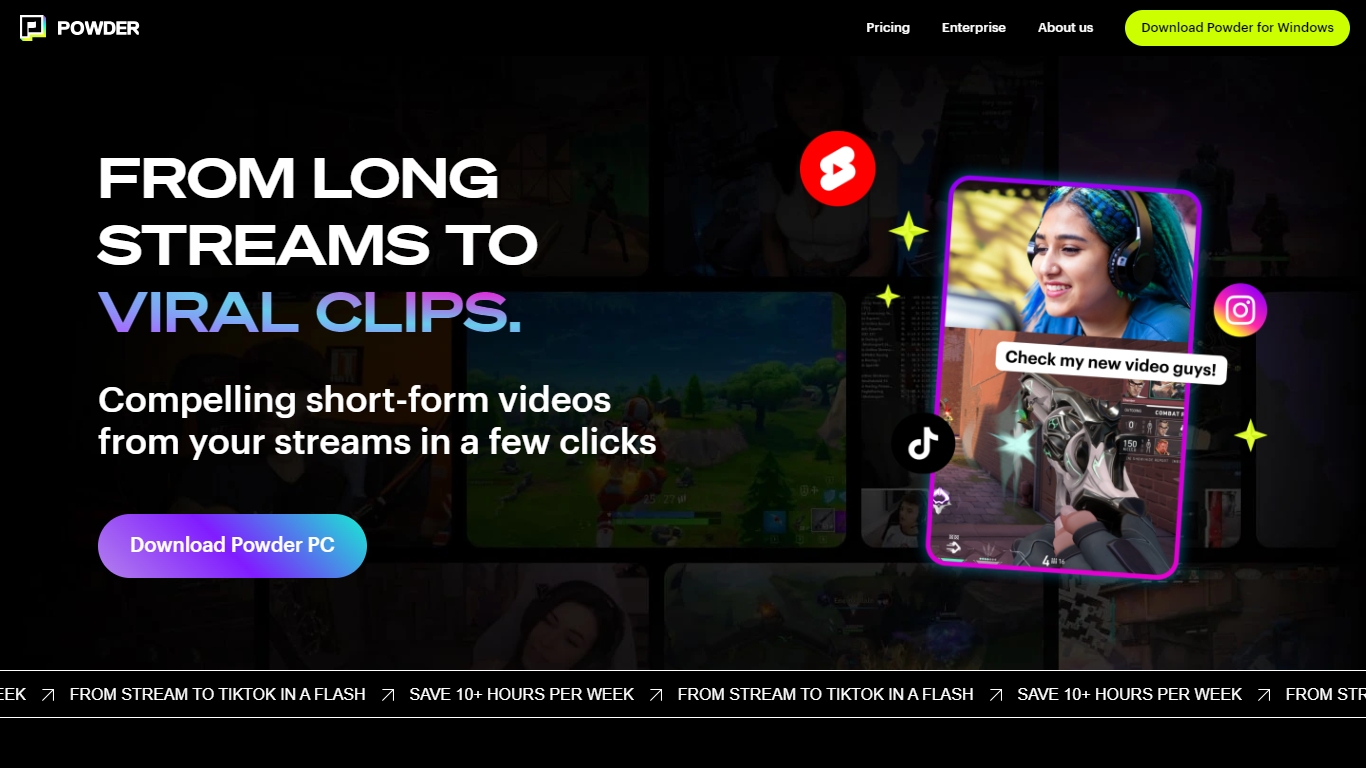
Powder automatically extracts and creates short video clips from gaming streams and local video files. It detects key moments such as emotional reactions, victories, and chat highlights to help content creators quickly generate engaging highlights.
The tool supports integration with Twitch, YouTube, and local files, covering over 50,000 games and Just Chatting streams. Powder's unique keyword search allows users to find specific moments by spoken words during streams, which speeds up content discovery compared to manual clipping.
Powder includes an editing suite for trimming clips and converting them into vertical formats optimized for social media platforms like TikTok, Instagram, Twitter, and YouTube. Users can upload clips directly to TikTok from the app, streamlining the sharing process.
By automating highlight detection and simplifying editing, Powder helps creators save over 10 hours weekly on video editing tasks. It offers Premium and Enterprise pricing plans with features such as 4K video output, campaign creation, and collaboration tools via a web app.
Clipchamp

What is Clipchamp?
Clipchamp enables users to record, edit, and share high-definition videos directly from their web browser or Windows app. It offers tools for creating videos with webcam, screen, and voice recordings, combined with AI-powered editing features like noise suppression and automatic subtitle generation.
What distinguishes Clipchamp from other video editors is its integration of advanced AI tools such as a natural voiceover generator with over 400 voices and an AI silence remover that automatically cuts long pauses. It also provides customizable color and gradient backgrounds and supports exporting videos up to 4K resolution without watermarks for premium users.
Clipchamp's content library includes royalty-free stock videos, images, music, and templates tailored for social media, education, and business use. Its privacy-first approach ensures all recordings remain on the user's device unless shared, making it a secure choice for video creation.
With features like multi-item editing, grouping, and a flexible video resizer supporting multiple aspect ratios, Clipchamp offers a comprehensive editing experience suitable for creators of all skill levels. It works seamlessly in Microsoft Edge and Google Chrome browsers, with an optional Windows app available for enhanced performance.
Powder Upvotes
Clipchamp Upvotes
Powder Top Features
🎮 Stream Integration: Connect Twitch, YouTube, and local files to analyze and clip your streams automatically.
🤖 AI Moment Detection: Finds key gaming events, emotional reactions, and chat highlights to create engaging clips.
🔍 Keyword Search: Use CTRL+F style search to quickly locate specific moments by what was said during streams.
✂️ Easy Editing Suite: Trim clips and convert them to vertical formats ready for social media sharing.
📲 Direct Sharing: Upload clips straight to TikTok and other platforms without leaving the app.
🕹️ Game Coverage: Supports over 50,000 games and Just Chatting streams for broad content compatibility.
💼 Collaboration Tools: Available in Premium and Enterprise plans for team campaign management.
Clipchamp Top Features
🎤 Natural AI voiceover generator with 400+ voices and adjustable pitch and pace
📝 AI subtitle generator creating accurate captions in 80+ languages with editable styles
📹 Screen and webcam recorder with unlimited retakes and no watermarks
🔇 AI silence remover to automatically cut long pauses and silences from videos
🎨 Custom color and gradient video backgrounds with HSV and HEX color picker
📺 Video exports up to 4K resolution available with premium subscription
🎬 Multi-item editing and grouping tools for efficient workflow
Powder Category
- Video Editing
Clipchamp Category
- Video Editing
Powder Pricing Type
- Freemium
Clipchamp Pricing Type
- Freemium