Powder vs Timebolt
In the battle of Powder vs Timebolt, which AI Video Editing tool comes out on top? We compare reviews, pricing, alternatives, upvotes, features, and more.
Between Powder and Timebolt, which one is superior?
Upon comparing Powder with Timebolt, which are both AI-powered video editing tools, Timebolt stands out as the clear frontrunner in terms of upvotes. Timebolt has been upvoted 18 times by aitools.fyi users, and Powder has been upvoted 6 times.
Want to flip the script? Upvote your favorite tool and change the game!
Powder

What is Powder?
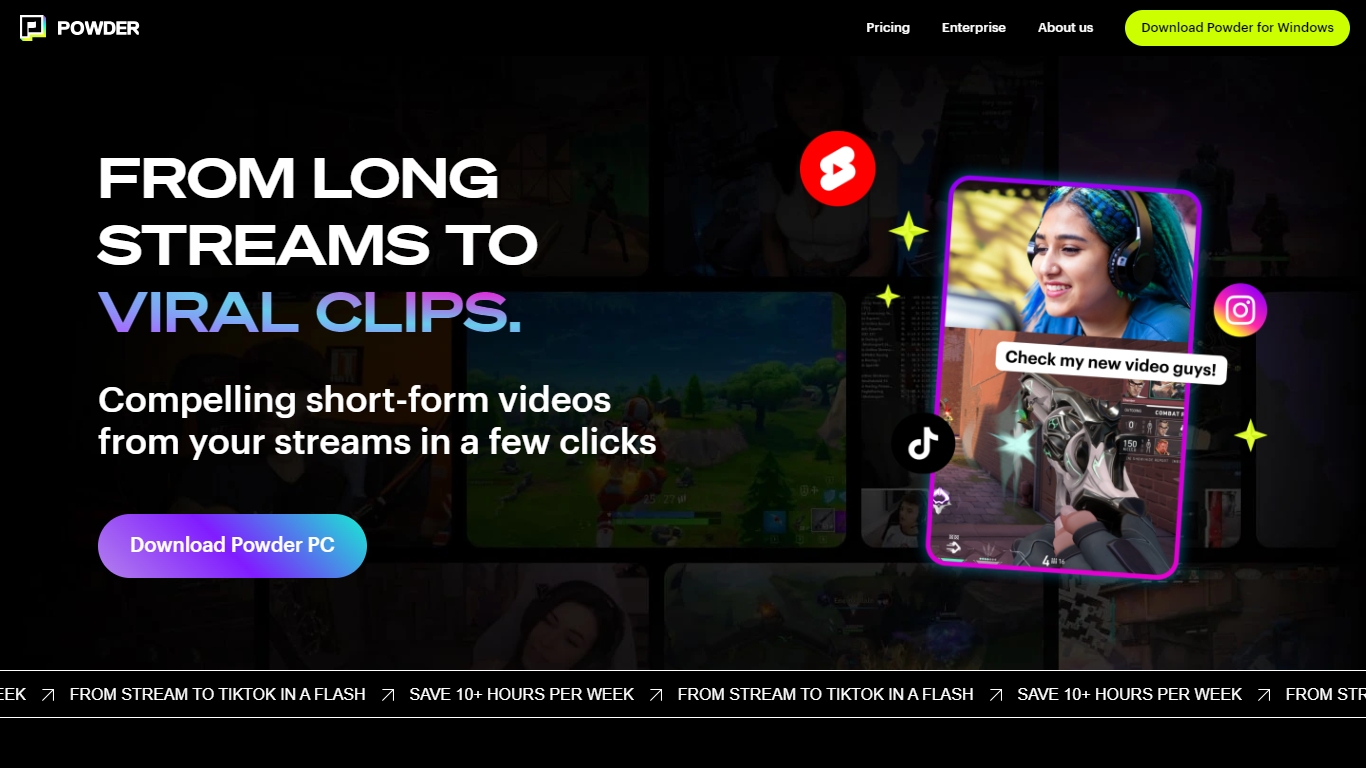
Powder automatically extracts and creates short video clips from gaming streams and local video files. It detects key moments such as emotional reactions, victories, and chat highlights to help content creators quickly generate engaging highlights.
The tool supports integration with Twitch, YouTube, and local files, covering over 50,000 games and Just Chatting streams. Powder's unique keyword search allows users to find specific moments by spoken words during streams, which speeds up content discovery compared to manual clipping.
Powder includes an editing suite for trimming clips and converting them into vertical formats optimized for social media platforms like TikTok, Instagram, Twitter, and YouTube. Users can upload clips directly to TikTok from the app, streamlining the sharing process.
By automating highlight detection and simplifying editing, Powder helps creators save over 10 hours weekly on video editing tasks. It offers Premium and Enterprise pricing plans with features such as 4K video output, campaign creation, and collaboration tools via a web app.
Timebolt

What is Timebolt?
Timebolt is a desktop video editor built around waveform-first jump cuts for podcasts, interviews, and screen recordings. It strips silence, filler words, and bad takes with 0.01 second cut control, then exports timelines to Premiere Pro, Final Cut Pro, DaVinci Resolve, or Camtasia without re-cutting by hand.
Most text-based AI editors guess where pauses live and leave hundreds of missed cuts per hour. Timebolt measures the audio waveform first, which is why its benchmark claims zero mistakes left per hour while rivals like Descript and Gling still need manual cleanup. That trade-off favors editors who want frame-tight cuts over a chat-style transcript workflow.
Podcasters, YouTubers, and course creators use Timebolt to shrink raw talking-head footage before publishing. Post-production teams also route Riverside multicam sessions through Timebolt XML exports so senior editors finish polish work in their preferred NLE.
Powder Upvotes
Timebolt Upvotes
Powder Top Features
🎮 Stream Integration: Connect Twitch, YouTube, and local files to analyze and clip your streams automatically.
🤖 AI Moment Detection: Finds key gaming events, emotional reactions, and chat highlights to create engaging clips.
🔍 Keyword Search: Use CTRL+F style search to quickly locate specific moments by what was said during streams.
✂️ Easy Editing Suite: Trim clips and convert them to vertical formats ready for social media sharing.
📲 Direct Sharing: Upload clips straight to TikTok and other platforms without leaving the app.
🕹️ Game Coverage: Supports over 50,000 games and Just Chatting streams for broad content compatibility.
💼 Collaboration Tools: Available in Premium and Enterprise plans for team campaign management.
Timebolt Top Features
0.01 second cut control on waveform-based silence removal
Processes an hour of footage in about 13 seconds for jump cuts
Exports XML timelines to Premiere Pro, Final Cut Pro, and DaVinci Resolve
UMCHECK removes filler words automatically from recorded speech
Free 4K screen capture tool for Mac and Windows
Benchmark reports zero missed cuts per hour versus hundreds on rival AI editors
Powder Category
- Video Editing
Timebolt Category
- Video Editing
Powder Pricing Type
- Freemium
Timebolt Pricing Type
- Freemium