Powder vs Typeframes
Dive into the comparison of Powder vs Typeframes and discover which AI Video Editing tool stands out. We examine alternatives, upvotes, features, reviews, pricing, and beyond.
When comparing Powder and Typeframes, which one rises above the other?
When we compare Powder and Typeframes, two exceptional video editing tools powered by artificial intelligence, and place them side by side, several key similarities and differences come to light. In the race for upvotes, Typeframes takes the trophy. Typeframes has attracted 7 upvotes from aitools.fyi users, and Powder has attracted 6 upvotes.
Does the result make you go "hmm"? Cast your vote and turn that frown upside down!
Powder

What is Powder?
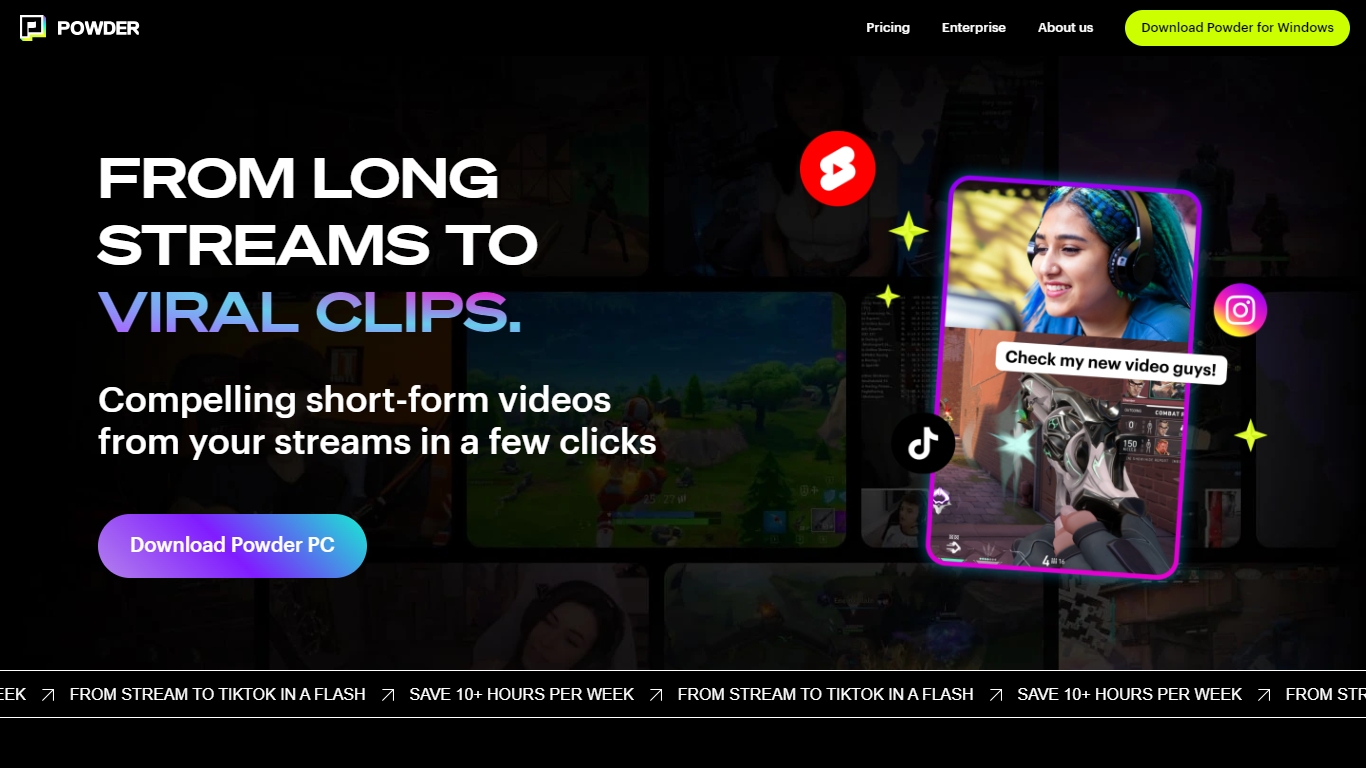
Powder automatically extracts and creates short video clips from gaming streams and local video files. It detects key moments such as emotional reactions, victories, and chat highlights to help content creators quickly generate engaging highlights.
The tool supports integration with Twitch, YouTube, and local files, covering over 50,000 games and Just Chatting streams. Powder's unique keyword search allows users to find specific moments by spoken words during streams, which speeds up content discovery compared to manual clipping.
Powder includes an editing suite for trimming clips and converting them into vertical formats optimized for social media platforms like TikTok, Instagram, Twitter, and YouTube. Users can upload clips directly to TikTok from the app, streamlining the sharing process.
By automating highlight detection and simplifying editing, Powder helps creators save over 10 hours weekly on video editing tasks. It offers Premium and Enterprise pricing plans with features such as 4K video output, campaign creation, and collaboration tools via a web app.
Typeframes

What is Typeframes?
Typeframes converts simple text prompts into engaging product videos optimized for social media platforms like YouTube, Instagram, and TikTok. It enables users to produce high-quality videos quickly without advanced video editing skills.
What sets Typeframes apart is its AI-driven approach that simplifies video production by offering customizable templates and automated suggestions to boost engagement. Unlike traditional video editors, it focuses on speed and ease of use, allowing creators to generate videos in minutes rather than hours.
The platform supports exporting videos in multiple resolutions tailored for different social media formats, including vertical videos. This makes Typeframes especially useful for content creators and marketers aiming to produce consistent, platform-optimized video content efficiently.
By streamlining the video creation process, Typeframes helps users save time and resources while enhancing their social media presence with visually appealing videos.
Powder Upvotes
Typeframes Upvotes
Powder Top Features
🎮 Stream Integration: Connect Twitch, YouTube, and local files to analyze and clip your streams automatically.
🤖 AI Moment Detection: Finds key gaming events, emotional reactions, and chat highlights to create engaging clips.
🔍 Keyword Search: Use CTRL+F style search to quickly locate specific moments by what was said during streams.
✂️ Easy Editing Suite: Trim clips and convert them to vertical formats ready for social media sharing.
📲 Direct Sharing: Upload clips straight to TikTok and other platforms without leaving the app.
🕹️ Game Coverage: Supports over 50,000 games and Just Chatting streams for broad content compatibility.
💼 Collaboration Tools: Available in Premium and Enterprise plans for team campaign management.
Typeframes Top Features
Transform text prompts into engaging videos quickly
Customize templates to match your brand style easily
Create vertical videos optimized for social platforms
Simple interface requires no video editing skills
Export videos in multiple resolutions including high quality
AI-driven suggestions to boost video engagement
Powder Category
- Video Editing
Typeframes Category
- Video Editing
Powder Pricing Type
- Freemium
Typeframes Pricing Type
- Freemium