PowerDMARC vs MailMaestro
Compare PowerDMARC vs MailMaestro and see which AI Email Assistant tool is better when we compare features, reviews, pricing, alternatives, upvotes, etc.
Which one is better? PowerDMARC or MailMaestro?
When we compare PowerDMARC with MailMaestro, which are both AI-powered email assistant tools, Interestingly, both tools have managed to secure the same number of upvotes. Be a part of the decision-making process. Your vote could determine the winner.
Disagree with the result? Upvote your favorite tool and help it win!
PowerDMARC

What is PowerDMARC?
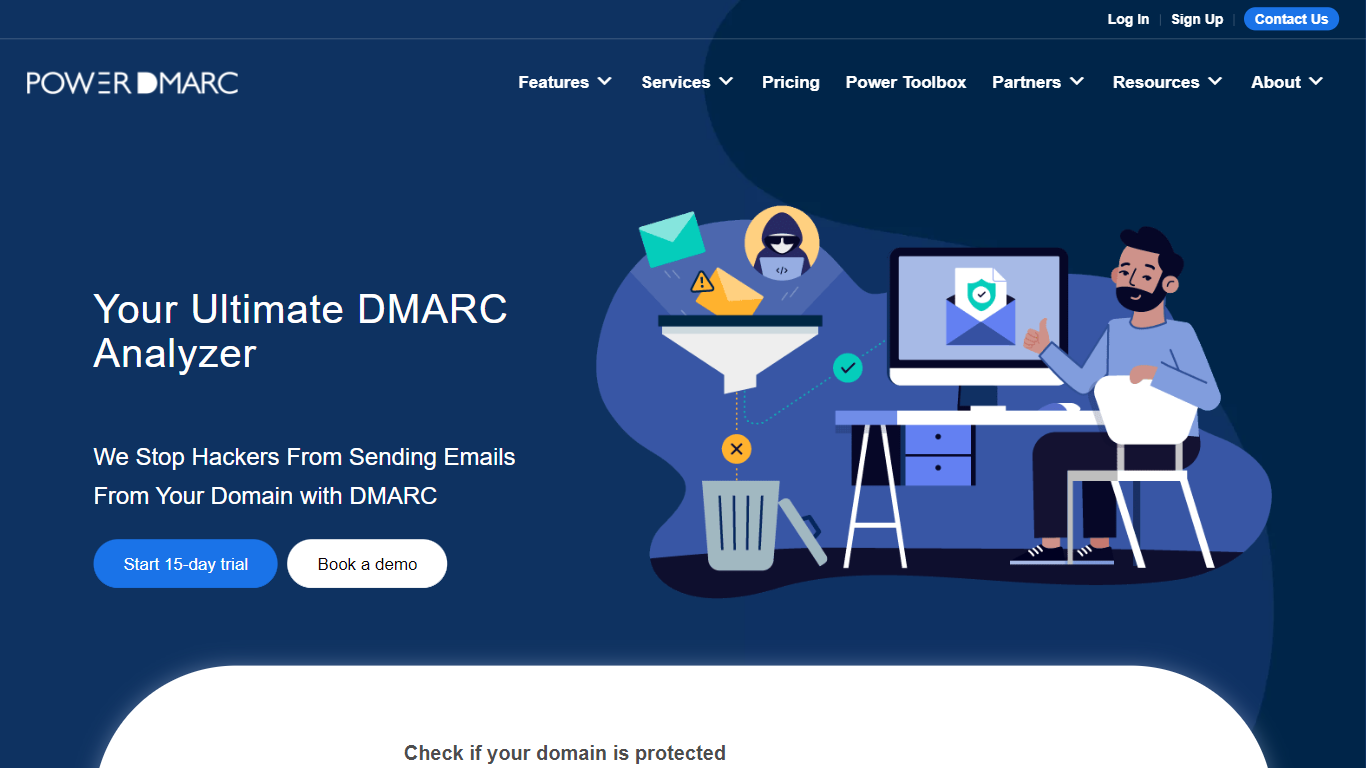
Maximize your email security with PowerDMARC's Free DMARC Analyzer and Monitoring Service. This robust solution safeguards your organization's email communication, curbing email spoofing and phishing attempts by employing the DMARC (Domain-based Message Authentication, Reporting & Conformance) protocol. Stay ahead of cyber threats and maintain the integrity of your domain. The user-friendly interface allows for easy monitoring and analysis of DMARC reports, ensuring that your brand reputation remains unblemished and your email deliverability is enhanced. Relish the added trust your customers will have in your emails with improved visibility and reach. Utilize PowerDMARC tools to authenticate emails and fortify your email ecosystem reliably.
MailMaestro
What is MailMaestro?
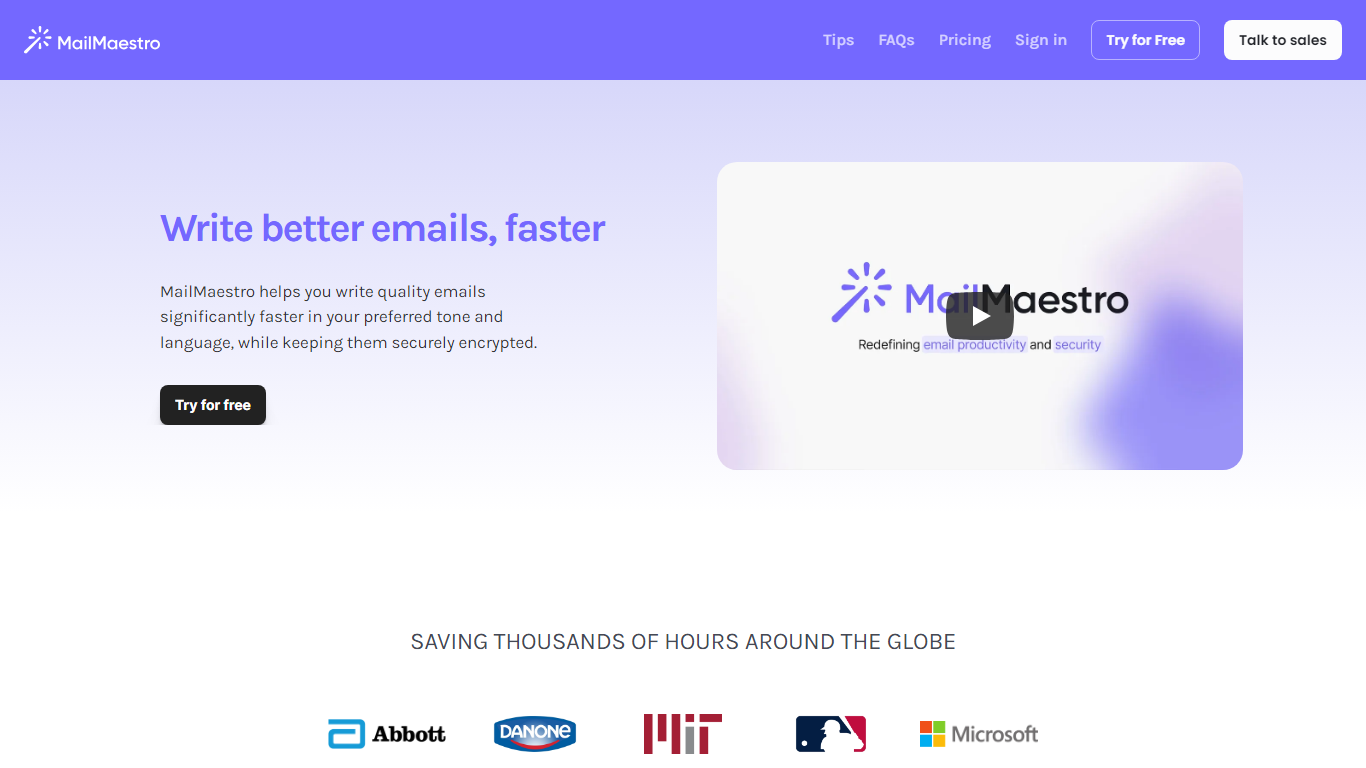
Transform your email writing experience with MailMaestro, the futuristic email assistant powered by OpenAI's impressive capabilities. This tool is ingeniously designed to help you enhance your email productivity by simplifying inbox management and accelerating the email composition process. MailMaestro stands out with features that allow you to quickly convert simple points into well-crafted emails, personalize your tone and language, and use a user-friendly interface that even learns your unique writing style. Prioritizing security, MailMaestro ensures that your communications are securely encrypted, giving you peace of mind that your sensitive information is well-protected.
The platform boasts tools like Magic Templates and text shortcuts to avoid repetition, ensuring that every email you send is refined and engaging. With MailMaestro, you not only save precious time but also improve the quality of your communications, making it an essential tool for professionals looking to optimize their email strategy.
PowerDMARC Upvotes
MailMaestro Upvotes
PowerDMARC Top Features
Real-Time Monitoring: Keep tabs on your email security with instant alerts and comprehensive DMARC reports.
Phishing Protection: Guard against malicious email practices and maintain the authenticity of your communications.
Email Authentication Strength: Equip your domain with SPF DKIM and DMARC to ensure only legitimate emails are delivered.
Reputation Shielding: Protect your brand's integrity and prevent unauthorized use of your domain.
Enhanced Deliverability: Improve the trust in your emails thereby increasing reach and deliverability rates to intended recipients.
MailMaestro Top Features
Rapid Email Creation: Utilizes AI to transform simple points into professional emails quickly.
Enhanced Personalization: Adapts to your preferred tone language and style for emails that sound like you.
Enterprise-level Security: Uses advanced encryption to protect your sensitive data during email communications.
Intuitive Magic Templates and Shortcuts: Provides tools for fast drafting and reduces repetitive typing with shortcuts.
Smart Scheduling for Meetings: Automatically detects meeting requests and assists in managing your calendar and responses.
PowerDMARC Category
- Email Assistant
MailMaestro Category
- Email Assistant
PowerDMARC Pricing Type
- Freemium
MailMaestro Pricing Type
- Freemium