Programming-Helper vs GitHub Copilot
Compare Programming-Helper vs GitHub Copilot and see which AI Code Assistant tool is better when we compare features, reviews, pricing, alternatives, upvotes, etc.
Which one is better? Programming-Helper or GitHub Copilot?
When we compare Programming-Helper with GitHub Copilot, which are both AI-powered code assistant tools, With more upvotes, GitHub Copilot is the preferred choice. The number of upvotes for GitHub Copilot stands at 4, and for Programming-Helper it's 3.
Does the result make you go "hmm"? Cast your vote and turn that frown upside down!
Programming-Helper
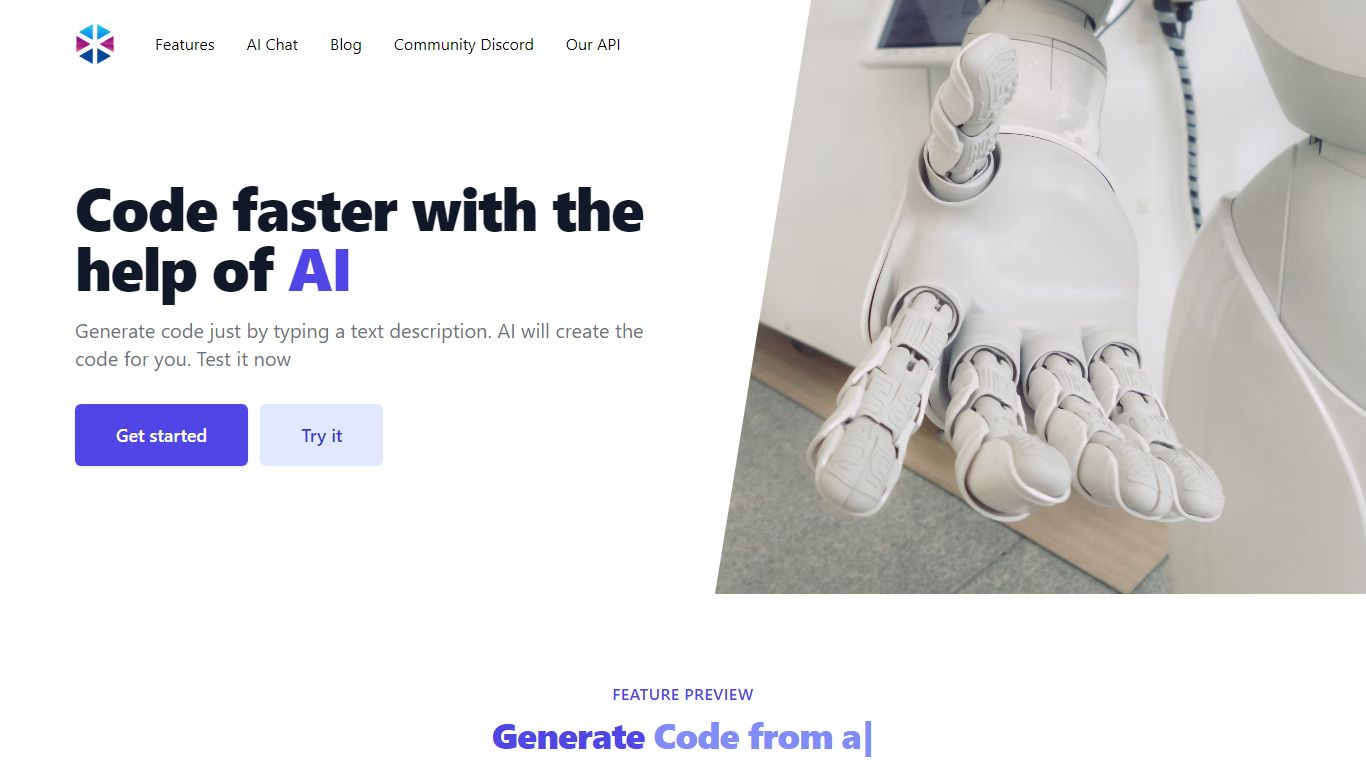

What is Programming-Helper?
Programming-Helper is a browser-based code assistant that turns plain-English prompts into functions, SQL, HTML, regex, Git commands, and more. You pick a task like generate function or text to SQL, describe what you need, and the site returns code you can copy, with community generations visible to other users.
Most code assistants chase one workflow, usually chat inside an IDE. Programming-Helper spreads dozens of narrow generators across a single site, from docstring-to-function and fix invalid code to Linux command lookup and time-complexity analysis. That breadth trades deep project context for quick one-off answers.
It fits students, indie developers, and analysts who need a specific snippet without opening a full IDE copilot. The newer AI Studio bundles the tools behind one interface with workflows, collaboration, and one-click exports for heavier use.
GitHub Copilot
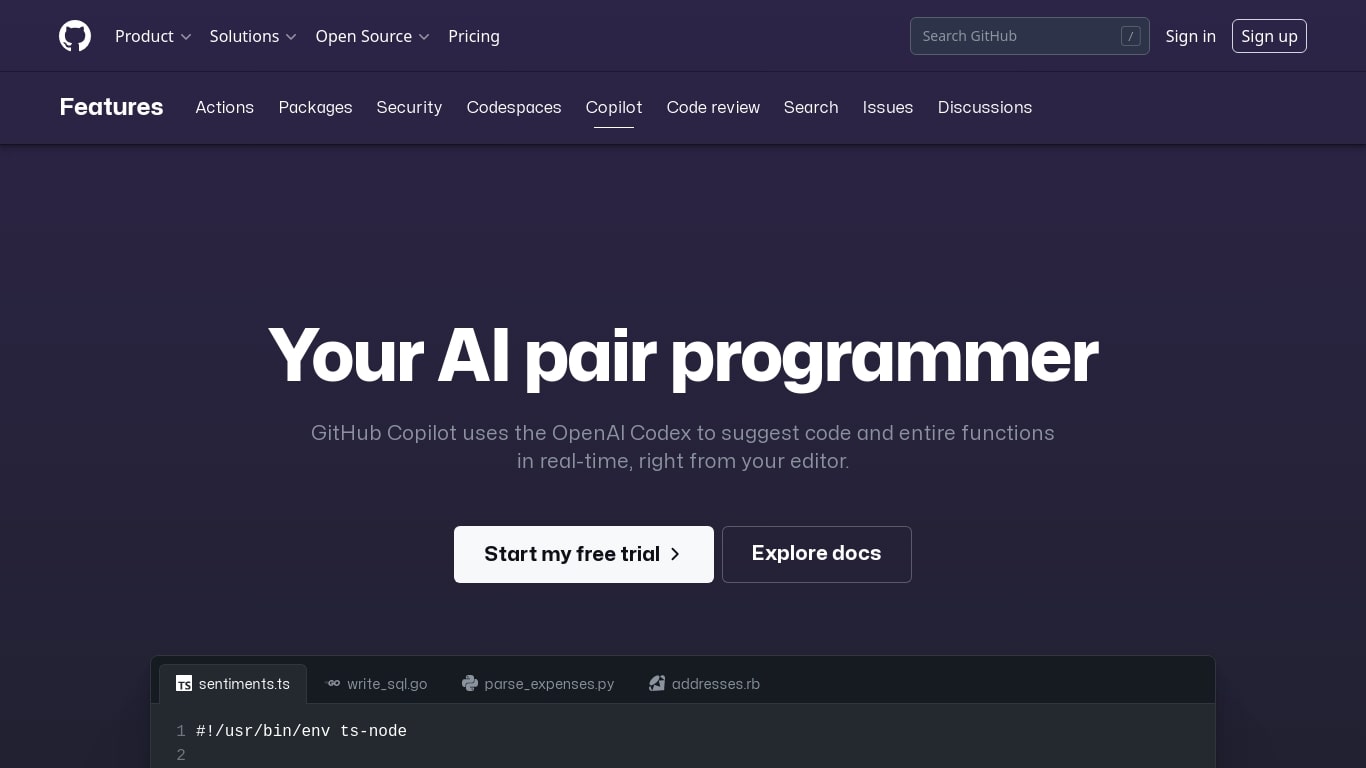
What is GitHub Copilot?
GitHub Copilot is a code assistant that lives inside your editor, terminal, and GitHub.com. It completes lines as you type, answers questions about your codebase in chat, and runs agent workflows that edit multiple files while you review each change. It is built for developers who want help inside the tools they already use rather than a separate chat window.
Most coding assistants bolt onto one IDE. Copilot spans VS Code, JetBrains, Neovim, Visual Studio, the GitHub CLI, GitHub Mobile, and native chat on GitHub.com with the Enterprise plan. That reach matters when your team splits time between local editing, pull request review, and issue triage on the web. The trade-off is complexity: plans, credit allowances, and agent policies vary by tier, so heavy agent users need to watch usage more carefully than someone who only wants inline completions.
Software engineers, open source maintainers, and enterprise dev teams use Copilot for inline completion, multi-file agent edits, automated code review on pull requests, and background cloud agents assigned through GitHub issues. Verified students and teachers can access Pro at no cost through GitHub's education program.
Programming-Helper Upvotes
GitHub Copilot Upvotes
Programming-Helper Top Features
Generate functions from text descriptions across many programming languages
Text-to-SQL converts plain English into SQL commands
Translate code between programming languages from a description
Regex from description and regex-to-English explanation tools
Fix invalid code, add typing, and generate unit tests from existing code
AI Studio bundles all generators with workflows, collaboration, and one-click exports
GitHub Copilot Top Features
Free tier includes 2,000 code completions and 50 chat requests per month
Pro plan is $10 per month with unlimited completions and next-edit suggestions
Runs in VS Code, JetBrains, Neovim, Visual Studio, Xcode, and Eclipse IDE
Agent mode proposes multi-file edits with Keep or Undo review in the editor
Assign cloud agents to GitHub issues, including Claude and OpenAI Codex on Pro
Copilot CLI and Spaces draw from monthly GitHub AI Credits on paid plans
Enterprise admins control MCP server allow lists from a single control plane
Programming-Helper Category
- Code Assistant
GitHub Copilot Category
- Code Assistant
Programming-Helper Pricing Type
- Freemium
GitHub Copilot Pricing Type
- Freemium