PromoAI content planner vs Timebolt
In the battle of PromoAI content planner vs Timebolt, which AI Video Editing tool comes out on top? We compare reviews, pricing, alternatives, upvotes, features, and more.
Between PromoAI content planner and Timebolt, which one is superior?
Upon comparing PromoAI content planner with Timebolt, which are both AI-powered video editing tools, In the race for upvotes, Timebolt takes the trophy. The number of upvotes for Timebolt stands at 18, and for PromoAI content planner it's 7.
Think we got it wrong? Cast your vote and show us who's boss!
PromoAI content planner

What is PromoAI content planner?
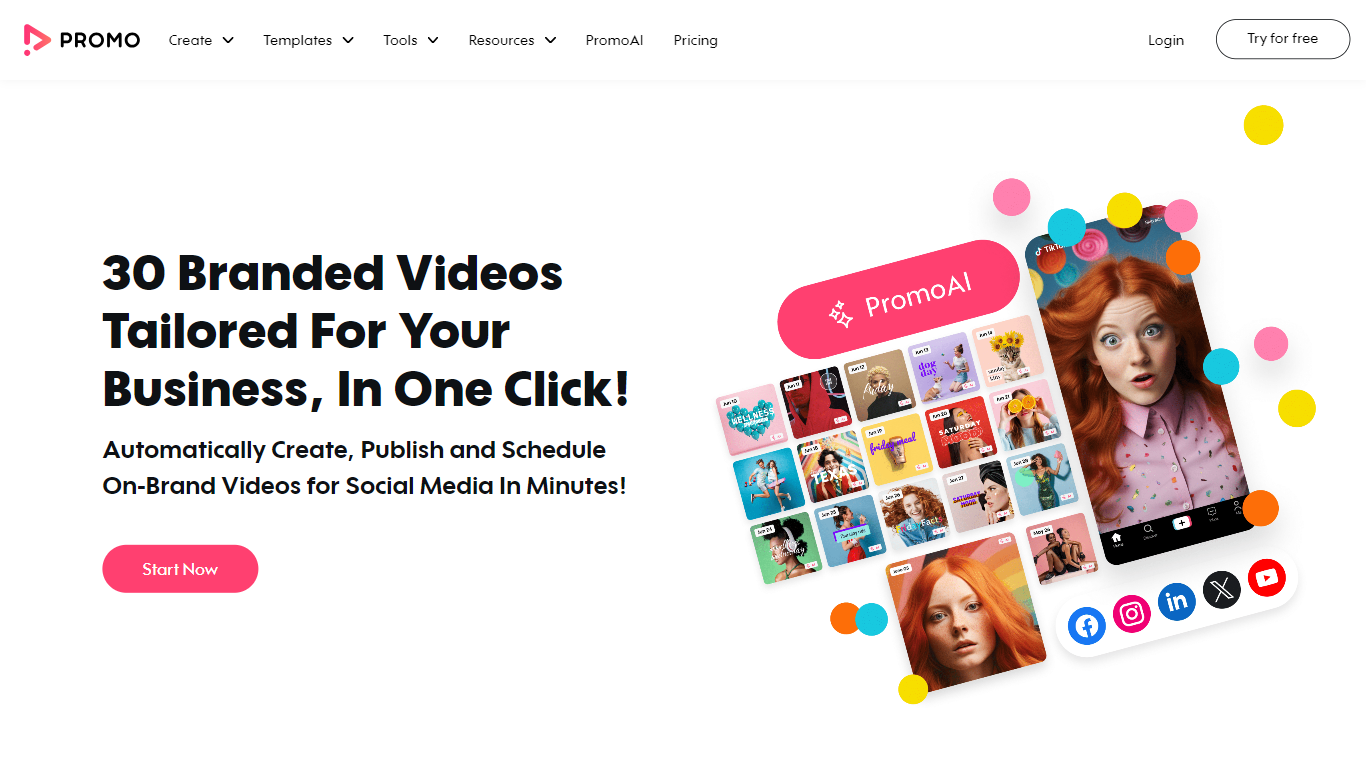
PromoAI at Promo.com is your go-to tool for effortlessly crafting, publishing, and scheduling on-brand videos across social media giants like Facebook, Instagram, TikTok, and YouTube. This dynamic platform caters to a broad spectrum of industries including real estate, HR, fitness, fashion, and travel, providing tailored video templates that resonate with your market and special dates. Whether it's for daily engagement or key shopping events like Black Friday and Christmas, PromoAI simplifies your video marketing with an extensive content planner and specialized ad creation tools for e-commerce platforms, including Amazon.
Beyond video templates, PromoAI enriches your content creation with a comprehensive suite of tools. Dive into video making for captivating intros and ads, leverage the video editor to enhance your clips with audio and text, and use the photo editor to design flawless images and thumbnails. For an extra touch of creativity, explore GIF-making tools and arm yourself with invaluable video marketing resources like a social media calendar, production cost estimator, and budget calculators. PromoAI is designed to revolutionize your video marketing strategy, making it the ultimate solution for impactful and efficient social media presence.
Timebolt

What is Timebolt?
Timebolt is a desktop video editor built around waveform-first jump cuts for podcasts, interviews, and screen recordings. It strips silence, filler words, and bad takes with 0.01 second cut control, then exports timelines to Premiere Pro, Final Cut Pro, DaVinci Resolve, or Camtasia without re-cutting by hand.
Most text-based AI editors guess where pauses live and leave hundreds of missed cuts per hour. Timebolt measures the audio waveform first, which is why its benchmark claims zero mistakes left per hour while rivals like Descript and Gling still need manual cleanup. That trade-off favors editors who want frame-tight cuts over a chat-style transcript workflow.
Podcasters, YouTubers, and course creators use Timebolt to shrink raw talking-head footage before publishing. Post-production teams also route Riverside multicam sessions through Timebolt XML exports so senior editors finish polish work in their preferred NLE.
PromoAI content planner Upvotes
Timebolt Upvotes
PromoAI content planner Top Features
Automated Video Creation: User-friendly tools to automatically create videos for various social media platforms.
Industry-Specific Content: Video templates tailored to industries like real estate, fitness, fashion, and more.
Marketing Calendar: Plan your social media content with a daily calendar for timely video posts.
E-Commerce Focus: Specialized ad creation for Amazon and other e-commerce platforms.
Educational Resources: In-depth tutorials and tips for enhancing video marketing strategies.
Timebolt Top Features
0.01 second cut control on waveform-based silence removal
Processes an hour of footage in about 13 seconds for jump cuts
Exports XML timelines to Premiere Pro, Final Cut Pro, and DaVinci Resolve
UMCHECK removes filler words automatically from recorded speech
Free 4K screen capture tool for Mac and Windows
Benchmark reports zero missed cuts per hour versus hundreds on rival AI editors
PromoAI content planner Category
- Video Editing
Timebolt Category
- Video Editing
PromoAI content planner Pricing Type
- Freemium
Timebolt Pricing Type
- Freemium