Quicktools vs AI Awesome
In the contest of Quicktools vs AI Awesome, which AI All In One tool is the champion? We evaluate pricing, alternatives, upvotes, features, reviews, and more.
If you had to choose between Quicktools and AI Awesome, which one would you go for?
When we examine Quicktools and AI Awesome, both of which are AI-enabled all in one tools, what unique characteristics do we discover? Quicktools stands out as the clear frontrunner in terms of upvotes. Quicktools has been upvoted 6 times by aitools.fyi users, and AI Awesome has been upvoted 3 times.
Don't agree with the result? Cast your vote and be a part of the decision-making process!
Quicktools

What is Quicktools?
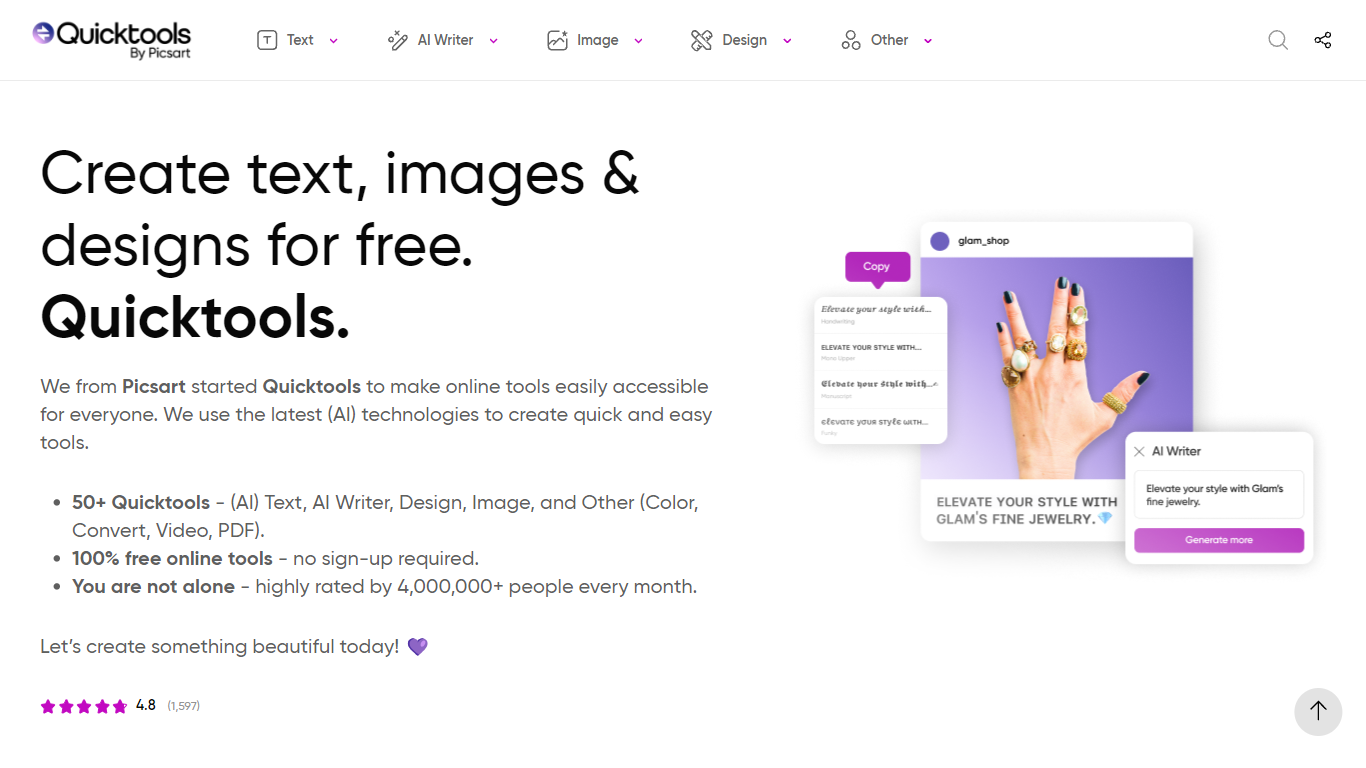
Quicktools is a free online toolbox from Picsart with 50 or more single-purpose utilities for text, images, design, video, PDFs, and file conversion. You open a tool in your browser, use it, and leave without creating an account. Popular picks include the font generator, AI writer, profile picture maker, and Instagram caption generator.
Most free tool sites scatter ads and upsells across every page. Quicktools runs the full collection at no cost with no sign-up, backed by Picsart's infrastructure and a 4.8 rating from over 1,500 reviews. The trade-off is that each tool does one job rather than offering a unified editor like Canva or Picsart's main app.
Students, social media managers, and casual creators who need a quick font style, emoji lookup, or AI paragraph draft without installing software are the typical users. The site reports 4 million monthly visitors across its tool categories.
AI Awesome
What is AI Awesome?
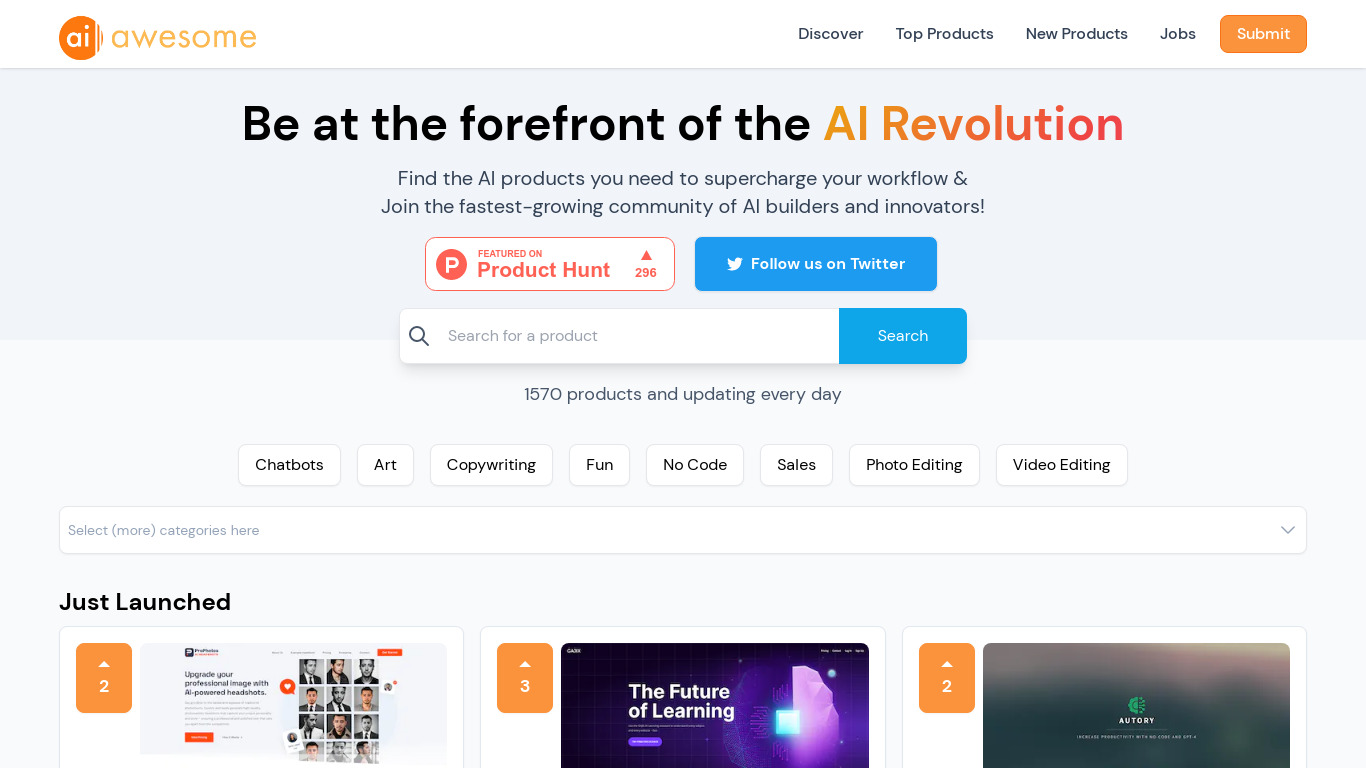
AI Awesome is an all-in-one hub for discovering AI tools, jobs, and builder projects. The directory lists 1,570 products across categories like chatbots, copywriting, photo editing, and no-code, with new tools added daily. You can browse top and newest listings, search by category, and follow a newsletter that promises AI news in three minutes or less.
Most AI directories only catalog tools. AI Awesome also runs an AI jobs board with engineering, marketing, and LLM filters, plus HustleGPT project submissions and sponsor slots for builders who want reach. That mix turns a discovery site into a small community hub rather than a static list.
Startup founders hunting tools, indie builders comparing launches, and job seekers looking for AI roles use AI Awesome to scan what's new without jumping between separate job boards and directories. Product submissions go through a Typeform, and sponsors can advertise to the newsletter audience followed by teams at OpenAI, Google, a16z, Microsoft, and Sequoia.
Quicktools Upvotes
AI Awesome Upvotes
Quicktools Top Features
50 or more tools spanning text, AI writing, image editing, design, video, PDF, and file conversion
No account or sign-up required to use any tool on the site
4 million or more monthly users with a 4.8 average rating from 1,597 reviews
AI Writer generates articles, emails, essays, and scripts from a text prompt
Profile Picture Maker resizes selfies for platform-specific avatar dimensions
Font Generator creates styled text for social bios and captions
AI Awesome Top Features
1,570 AI products listed across chatbots, copywriting, photo editing, video editing, and no-code categories
Top Products and New Products pages with search and category filters
AI jobs board with Engineering, Marketing, Sales, Image Generation, and LLM filters
Newsletter delivers AI news in 3 minutes or less to subscribers
Submit products, jobs, and HustleGPT projects through dedicated submission flows
Sponsor and advertise options to reach the AI Awesome builder audience
Quicktools Category
- All In One
AI Awesome Category
- All In One
Quicktools Pricing Type
- Free
AI Awesome Pricing Type
- Free