QuickVid vs Timebolt
In the contest of QuickVid vs Timebolt, which AI Video Editing tool is the champion? We evaluate pricing, alternatives, upvotes, features, reviews, and more.
If you had to choose between QuickVid and Timebolt, which one would you go for?
When we examine QuickVid and Timebolt, both of which are AI-enabled video editing tools, what unique characteristics do we discover? With more upvotes, Timebolt is the preferred choice. Timebolt has garnered 18 upvotes, and QuickVid has garnered 6 upvotes.
Not your cup of tea? Upvote your preferred tool and stir things up!
QuickVid

What is QuickVid?
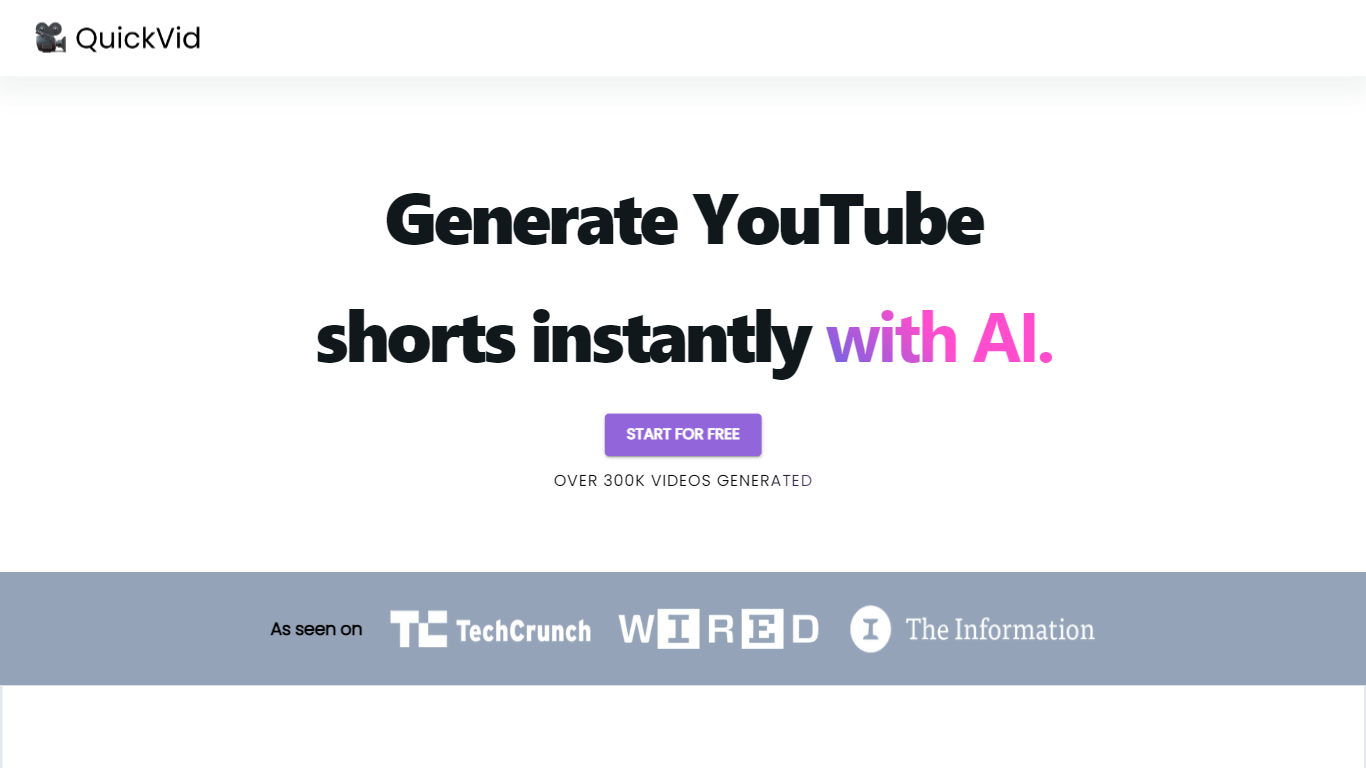
QuickVid is a powerful and efficient tool designed to revolutionize the process of generating YouTube shorts. With QuickVid, users can create captivating and attention-grabbing short videos for YouTube at lightning-fast speeds, saving them valuable time and effort.
Our cutting-edge technology allows users to generate YouTube shorts 10 times faster than traditional video editing methods. QuickVid's intuitive interface and user-friendly features make it easy for both beginners and experienced content creators to produce professional-quality shorts with just a few clicks.
Whether you're a vlogger, an influencer, or a business owner looking to enhance your online presence, QuickVid has got you covered. Our comprehensive range of templates, effects, and customization options ensure that you can create unique and engaging shorts that stand out from the crowd. Say goodbye to the tedious and time-consuming process of video editing and let QuickVid do the heavy lifting for you.
In addition to its exceptional speed and ease of use, QuickVid also offers advanced editing capabilities. Users can trim, merge, and add music or voiceovers to their shorts, giving them full creative control over the final product. With QuickVid, you can unleash your creativity and produce stunning videos that resonate with your audience.
Boost your YouTube channel's growth and engagement with QuickVid's powerful analytics and optimization tools. Our platform provides valuable insights into your video performance, helping you understand what works and what doesn't. With this data-driven approach, you can refine your content strategy and maximize your reach on YouTube.
With QuickVid, you no longer have to spend hours editing videos or struggle with complicated software. Our AI-powered tool simplifies the video creation process, allowing you to focus on what matters most – creating exceptional content. Discover the future of YouTube shorts with QuickVid and experience the power of speed and simplicity.
Timebolt

What is Timebolt?
Timebolt is a desktop video editor built around waveform-first jump cuts for podcasts, interviews, and screen recordings. It strips silence, filler words, and bad takes with 0.01 second cut control, then exports timelines to Premiere Pro, Final Cut Pro, DaVinci Resolve, or Camtasia without re-cutting by hand.
Most text-based AI editors guess where pauses live and leave hundreds of missed cuts per hour. Timebolt measures the audio waveform first, which is why its benchmark claims zero mistakes left per hour while rivals like Descript and Gling still need manual cleanup. That trade-off favors editors who want frame-tight cuts over a chat-style transcript workflow.
Podcasters, YouTubers, and course creators use Timebolt to shrink raw talking-head footage before publishing. Post-production teams also route Riverside multicam sessions through Timebolt XML exports so senior editors finish polish work in their preferred NLE.
QuickVid Upvotes
Timebolt Upvotes
QuickVid Top Features
No top features listedTimebolt Top Features
0.01 second cut control on waveform-based silence removal
Processes an hour of footage in about 13 seconds for jump cuts
Exports XML timelines to Premiere Pro, Final Cut Pro, and DaVinci Resolve
UMCHECK removes filler words automatically from recorded speech
Free 4K screen capture tool for Mac and Windows
Benchmark reports zero missed cuts per hour versus hundreds on rival AI editors
QuickVid Category
- Video Editing
Timebolt Category
- Video Editing
QuickVid Pricing Type
- Freemium
Timebolt Pricing Type
- Freemium