QuickVideo vs Supercreator AI
Compare QuickVideo vs Supercreator AI and see which AI Video Generation tool is better when we compare features, reviews, pricing, alternatives, upvotes, etc.
Which one is better? QuickVideo or Supercreator AI?
When we compare QuickVideo with Supercreator AI, which are both AI-powered video generation tools, The upvote count shows a clear preference for Supercreator AI. Supercreator AI has garnered 52 upvotes, and QuickVideo has garnered 6 upvotes.
Not your cup of tea? Upvote your preferred tool and stir things up!
QuickVideo
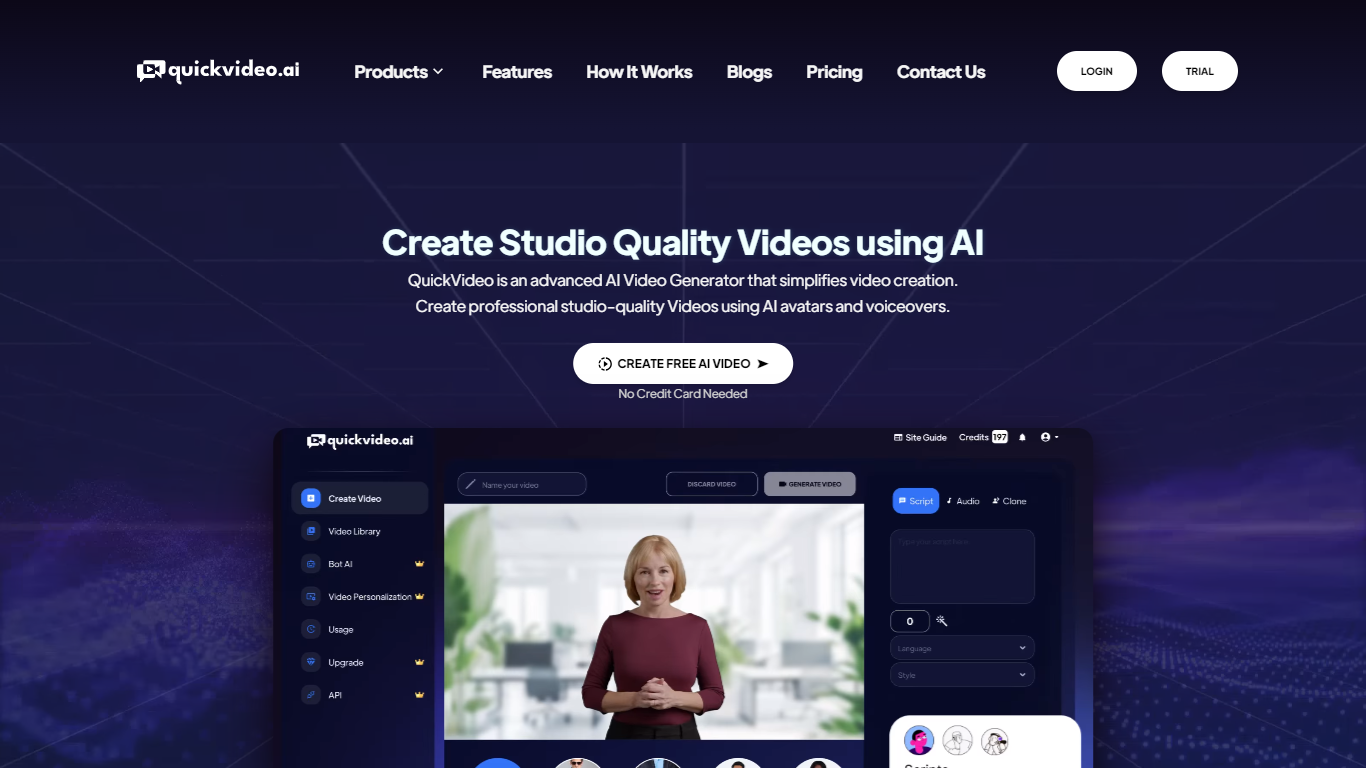

What is QuickVideo ?
QuickVideo is a conversational AI video chatbot tool that enables businesses to engage customers through live video interactions. It combines AI-driven chat with video to provide real-time support and personalized communication. The platform is designed for ease of use, allowing companies of all sizes to deploy interactive video chatbots without technical expertise.
What sets QuickVideo apart is its integration with popular CRM and messaging platforms, which streamlines workflows and enhances customer engagement. It supports multiple languages, making it suitable for global audiences. The solution also includes an analytics dashboard to track customer interactions and optimize chatbot performance.
QuickVideo targets customer service teams, sales departments, and marketing professionals aiming to improve engagement and conversion rates. By using QuickVideo, businesses can create more human-like conversations that build trust and loyalty.
Supercreator AI

What is Supercreator AI?
Supercreator AI lets you plan a short video scene by scene, record it with a scrolling teleprompter, then trim and caption the footage in the same browser workspace. Storyboarding, recording, timeline editing, and mini apps for AI media, talking avatars, and multi-shot sequences all sit on one home screen. You sign in to save creations, but every tool is listed before you start.
Where many video editors assume you already have footage, Supercreator AI front-loads scripting and recording. The storyboard maps scenes before capture, the recorder scrolls your script while you film, and one-click templates plus AI captions sit beside standalone tools like a Reel transcriber and clip editor. That workflow keeps scripting, capture, and polish in one tab instead of three separate apps.
It fits creators who publish to TikTok, Reels, and Shorts and want scripting, capture, and caption polish without switching tools. Founders, educators, and on-camera marketers get teleprompter support, visual aids, and reusable identity presets across projects.
QuickVideo Upvotes
Supercreator AI Upvotes
QuickVideo Top Features
🎥 Live AI Video Chatbot that interacts with customers in real time
🌐 Multilingual support for engaging diverse global audiences
🔗 Integrates with popular CRM and messaging platforms for smooth workflows
📊 Analytics dashboard to monitor chatbot performance and customer trends
⚙️ Easy setup with no coding required for quick deployment
💬 Supports unlimited chatbot conversations on paid plans
🆓 Free plan available with limited video chats per month
Supercreator AI Top Features
Storyboard maps scripts scene by scene before you hit record
Built-in recorder pairs a teleprompter with visual aids and smart overlays
Timeline editor cuts clips and adds AI-generated stylized captions
One-click templates turn raw clips into scroll-stopping social videos
Script Trainer collects high-performing videos, transcribes them, and drafts new scripts
Avatars mini app builds talking-head videos with AI voices
Super Director stitches multi-shot AI video sequences from one workspace
QuickVideo Category
- Video Generation
Supercreator AI Category
- Video Generation
QuickVideo Pricing Type
- Freemium
Supercreator AI Pricing Type
- Freemium