Quill Flow vs Numerous.ai
Explore the showdown between Quill Flow vs Numerous.ai and find out which AI Excel tool wins. We analyze upvotes, features, reviews, pricing, alternatives, and more.
In a face-off between Quill Flow and Numerous.ai, which one takes the crown?
When we contrast Quill Flow with Numerous.ai, both of which are exceptional AI-operated excel tools, and place them side by side, we can spot several crucial similarities and divergences. The upvote count is neck and neck for both Quill Flow and Numerous.ai. You can help us determine the winner by casting your vote and tipping the scales in favor of one of the tools.
Think we got it wrong? Cast your vote and show us who's boss!
Quill Flow
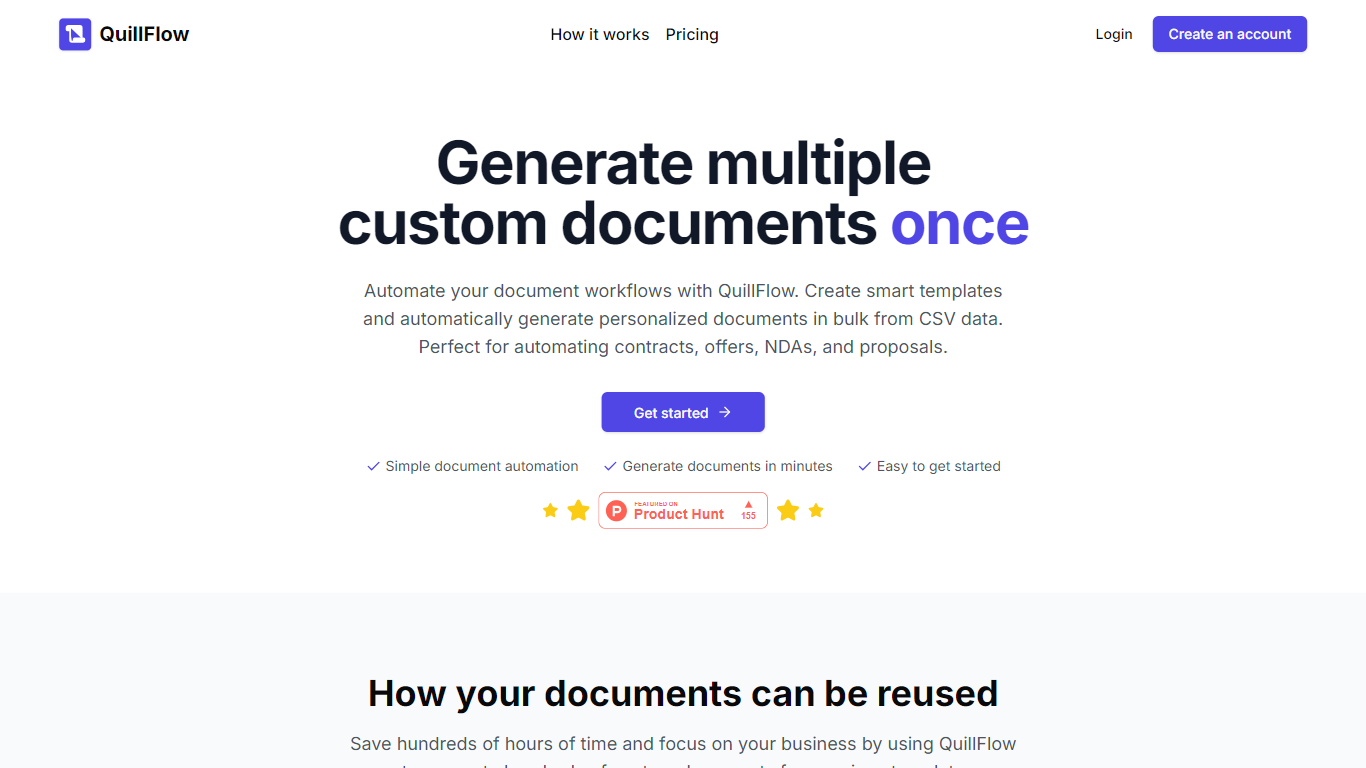

What is Quill Flow?
Quill Flow is a keyboard extension for iPhone that lets you swipe, type, or dictate in any app, then cleans up the text before it lands. Hold the mic, talk naturally, and get back formatted sentences with punctuation, capitalization, and filler words stripped out. It works in iMessage, WhatsApp, Gmail, Slack, Notes, and anywhere else you can type on iOS.
The keyboard combines glide typing, smart autocorrect, and dictation in one place so you do not have to switch apps or keyboards mid-message. Swipe typing covers 17 languages with live word candidates, while dictation supports 100+ languages including Hinglish for mixed Hindi and English in the same sentence.
Flow Studios built Quill Flow for people who write on their phone all day but hate fixing typos and messy transcripts. That includes commuters drafting emails, multilingual speakers code-switching mid-sentence, and VoiceOver users who need dictation that does not transcribe screen reader announcements.
Numerous.ai
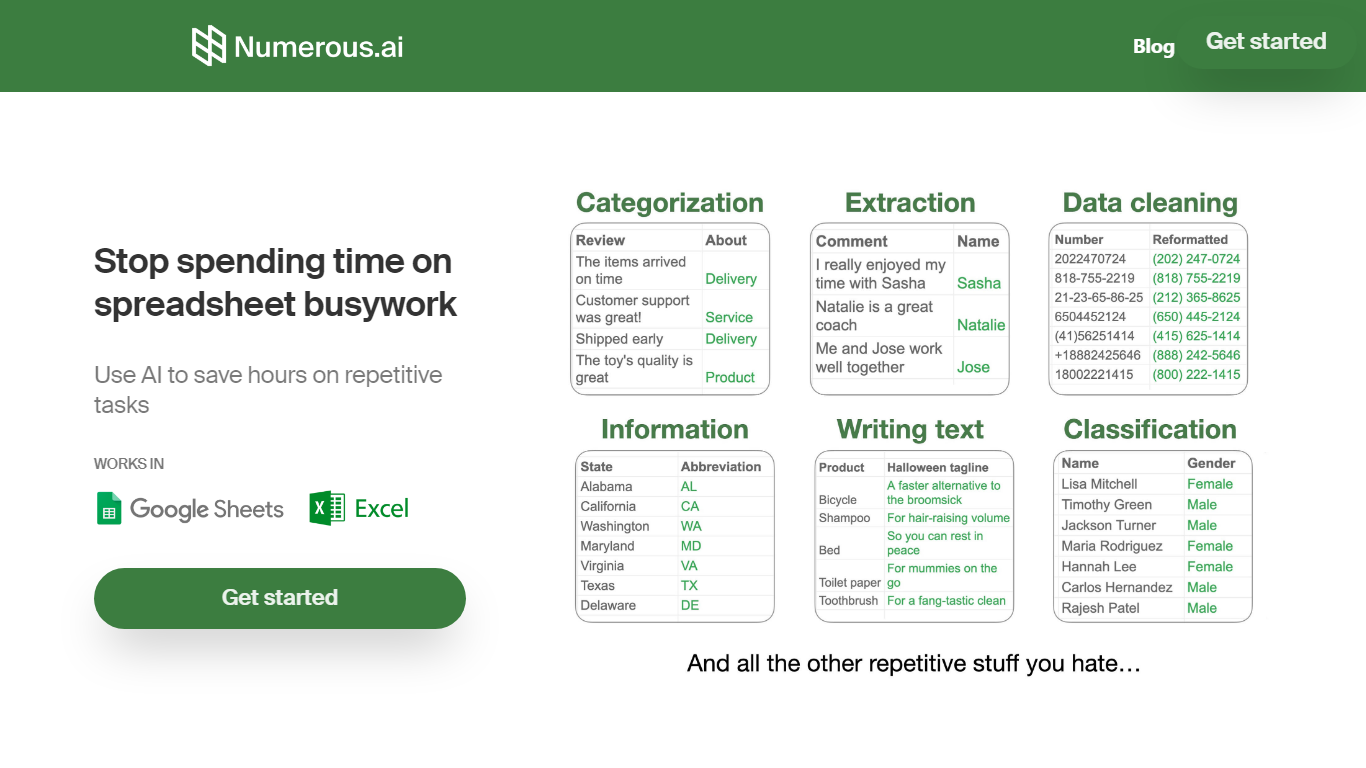
What is Numerous.ai?
Numerous.ai is a spreadsheet add-on that brings ChatGPT into Google Sheets and Microsoft Excel. You install the plugin, type formulas like =AI in any cell, and run language tasks across rows and columns without managing your own API keys.
The product is built around bulk spreadsheet workflows: summarizing survey responses, generating ad copy, cleaning messy user input, or prototyping prompts you can share with a team. Responses are cached so formula refreshes do not burn through tokens on duplicate queries.
It fits marketers running campaign research, content teams batching social posts, students organizing research data, and product teams testing prompt structures before shipping features. The team is US-based in San Francisco, and both the Google Sheets and Excel add-ins are listed in their respective official marketplaces.
Quill Flow Upvotes
Numerous.ai Upvotes
Quill Flow Top Features
Dictate in 100+ languages with filler words and false starts removed automatically
Glide typing in 17 languages with live candidates from an 82,000-word vocabulary
19 rewrite tones from Professional to Gen Z, applied to anything you dictated
Context-aware formatting that adjusts for email, chat, or notes based on the app you are in
Dedicated Hinglish dictation for mixing Hindi and English mid-sentence without garbled output
Full VoiceOver support with magic tap dictation and screen reader filtering in 34 languages
Works as a keyboard extension in every iOS app, no switching between keyboards required
Numerous.ai Top Features
No API keys to configure; install the add-on and start using =AI in cells
Custom =AI, =WRITE, and =INFER functions for generation, formulas, and pattern learning
Works in both Google Sheets and Microsoft Excel from one subscription
Caches AI responses so refreshes skip duplicate queries and save tokens
Personal plan includes 1 million characters; Pro includes 5 million
Pro and Enterprise plans let multiple teammates share the same subscription
Quill Flow Category
- Excel
Numerous.ai Category
- Excel
Quill Flow Pricing Type
- Freemium
Numerous.ai Pricing Type
- Freemium