Quill Flow vs SheetSavvy
In the contest of Quill Flow vs SheetSavvy, which AI Excel tool is the champion? We evaluate pricing, alternatives, upvotes, features, reviews, and more.
If you had to choose between Quill Flow and SheetSavvy, which one would you go for?
When we examine Quill Flow and SheetSavvy, both of which are AI-enabled excel tools, what unique characteristics do we discover? Neither tool takes the lead, as they both have the same upvote count. Since other aitools.fyi users could decide the winner, the ball is in your court now to cast your vote and help us determine the winner.
Don't agree with the result? Cast your vote and be a part of the decision-making process!
Quill Flow
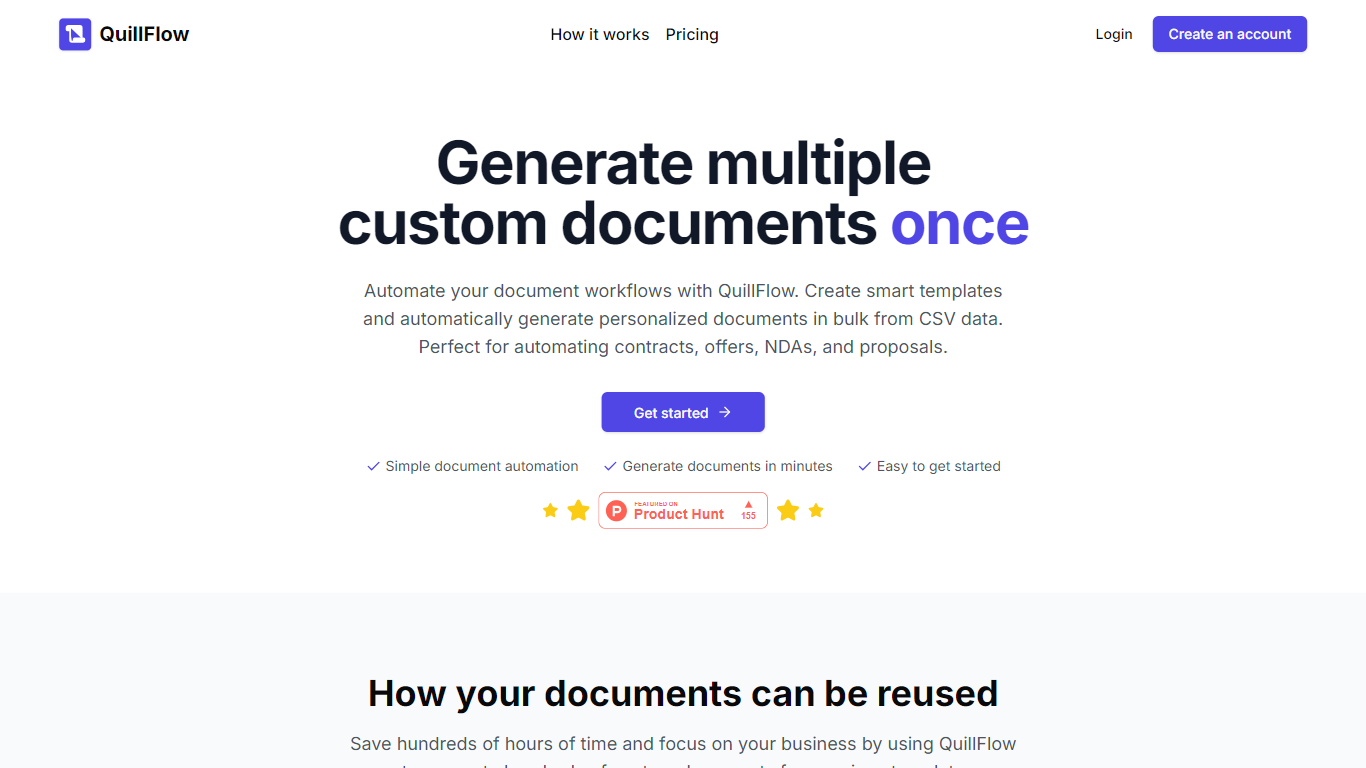

What is Quill Flow?
Quill Flow is a keyboard extension for iPhone that lets you swipe, type, or dictate in any app, then cleans up the text before it lands. Hold the mic, talk naturally, and get back formatted sentences with punctuation, capitalization, and filler words stripped out. It works in iMessage, WhatsApp, Gmail, Slack, Notes, and anywhere else you can type on iOS.
The keyboard combines glide typing, smart autocorrect, and dictation in one place so you do not have to switch apps or keyboards mid-message. Swipe typing covers 17 languages with live word candidates, while dictation supports 100+ languages including Hinglish for mixed Hindi and English in the same sentence.
Flow Studios built Quill Flow for people who write on their phone all day but hate fixing typos and messy transcripts. That includes commuters drafting emails, multilingual speakers code-switching mid-sentence, and VoiceOver users who need dictation that does not transcribe screen reader announcements.
SheetSavvy
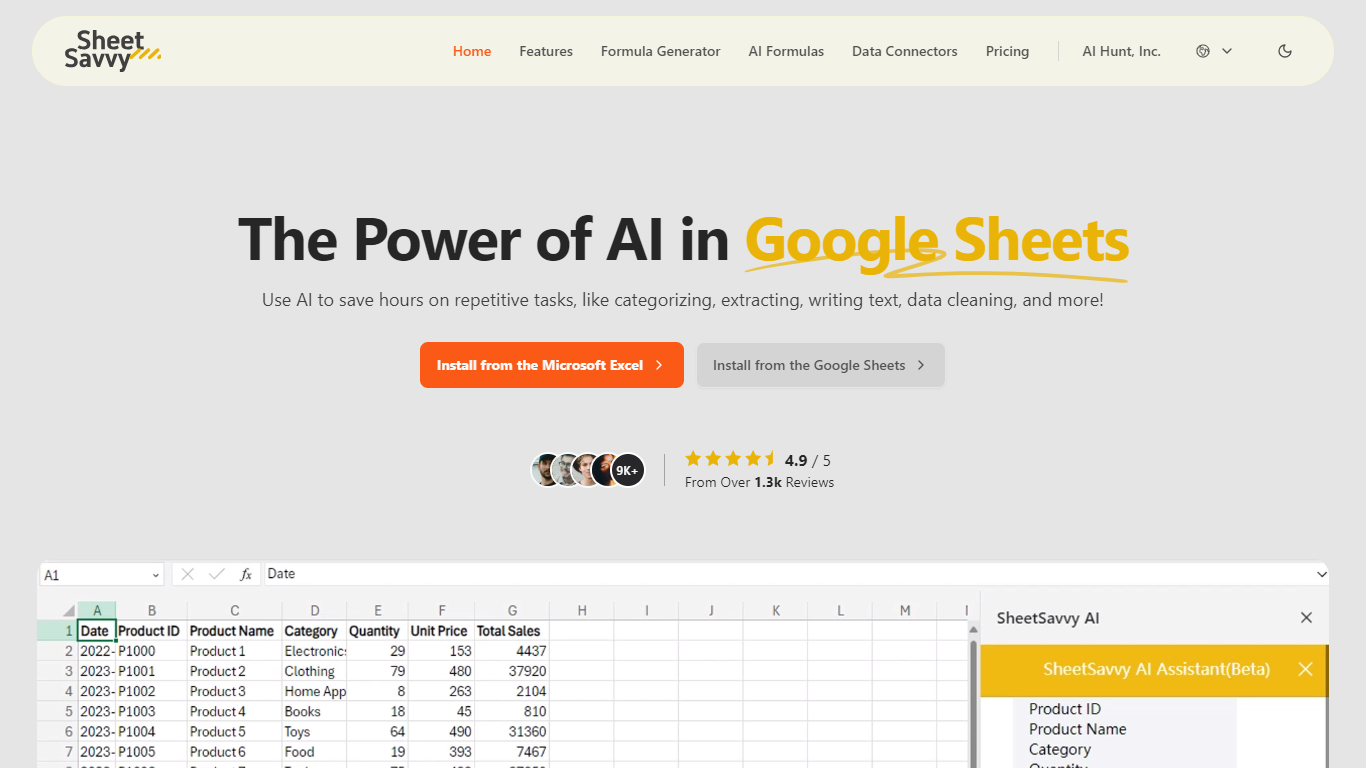
What is SheetSavvy?
SheetSavvy is a spreadsheet add-in for Microsoft Excel and Google Sheets that brings formula generation, cell-level AI functions, and live data imports into the apps you already use. Install it from the Microsoft AppSource or Google Workspace Marketplace, sign in, and work inside your workbook instead of copying data to a separate web tool.
The product centers on four areas: an AI assistant for templates, summaries, and charts; a formula generator that turns plain-English prompts into Excel or Sheets formulas; custom =SSAI formulas for text, tagging, extraction, and translation inside cells; and data connectors that pull live records from external systems without manual exports.
SheetSavvy targets analysts, operations teams, and spreadsheet-heavy roles who spend time cleaning data, writing nested formulas, or refreshing dashboards. The free Personal plan covers light use with GPT-3.5, while paid tiers unlock GPT-4, higher request limits, more connectors, and priority support.
Quill Flow Upvotes
SheetSavvy Upvotes
Quill Flow Top Features
Dictate in 100+ languages with filler words and false starts removed automatically
Glide typing in 17 languages with live candidates from an 82,000-word vocabulary
19 rewrite tones from Professional to Gen Z, applied to anything you dictated
Context-aware formatting that adjusts for email, chat, or notes based on the app you are in
Dedicated Hinglish dictation for mixing Hindi and English mid-sentence without garbled output
Full VoiceOver support with magic tap dictation and screen reader filtering in 34 languages
Works as a keyboard extension in every iOS app, no switching between keyboards required
SheetSavvy Top Features
Installs as a plug-in for Microsoft Excel and Google Sheets from official marketplaces
Formula generator turns plain-English prompts into spreadsheet formulas with explanations
Custom =SSAI formulas generate text, tag data, extract fields, summarize, and translate in cells
Data connectors import live records into spreadsheets with timed refresh and change alerts
Generates VBA, JavaScript, and Apps Script code to automate repetitive workbook tasks
Quill Flow Category
- Excel
SheetSavvy Category
- Excel
Quill Flow Pricing Type
- Freemium
SheetSavvy Pricing Type
- Freemium