Quill Flow vs Spreadsheet.com
In the battle of Quill Flow vs Spreadsheet.com, which AI Excel tool comes out on top? We compare reviews, pricing, alternatives, upvotes, features, and more.
Between Quill Flow and Spreadsheet.com, which one is superior?
Upon comparing Quill Flow with Spreadsheet.com, which are both AI-powered excel tools, The upvote count reveals a draw, with both tools earning the same number of upvotes. Join the aitools.fyi users in deciding the winner by casting your vote.
Feeling rebellious? Cast your vote and shake things up!
Quill Flow
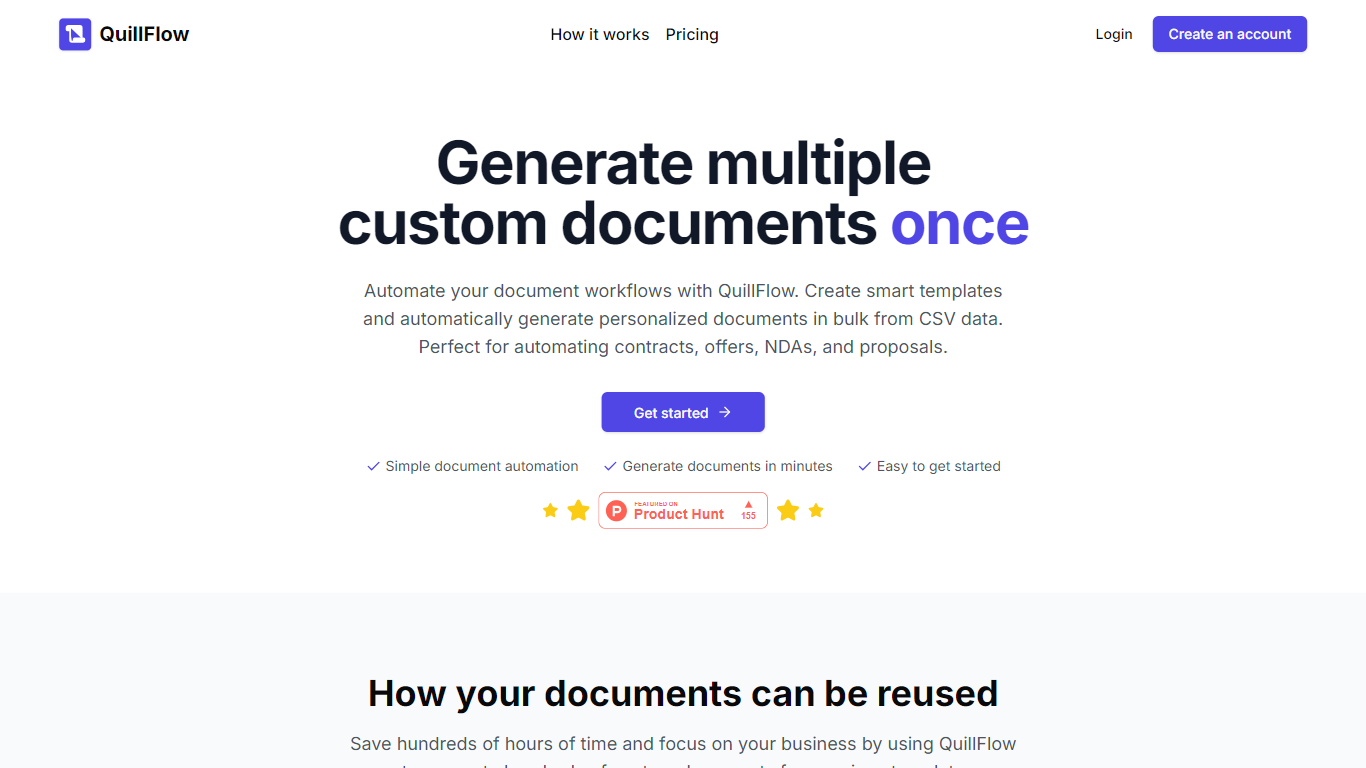

What is Quill Flow?
Quill Flow is a keyboard extension for iPhone that lets you swipe, type, or dictate in any app, then cleans up the text before it lands. Hold the mic, talk naturally, and get back formatted sentences with punctuation, capitalization, and filler words stripped out. It works in iMessage, WhatsApp, Gmail, Slack, Notes, and anywhere else you can type on iOS.
The keyboard combines glide typing, smart autocorrect, and dictation in one place so you do not have to switch apps or keyboards mid-message. Swipe typing covers 17 languages with live word candidates, while dictation supports 100+ languages including Hinglish for mixed Hindi and English in the same sentence.
Flow Studios built Quill Flow for people who write on their phone all day but hate fixing typos and messy transcripts. That includes commuters drafting emails, multilingual speakers code-switching mid-sentence, and VoiceOver users who need dictation that does not transcribe screen reader announcements.
Spreadsheet.com
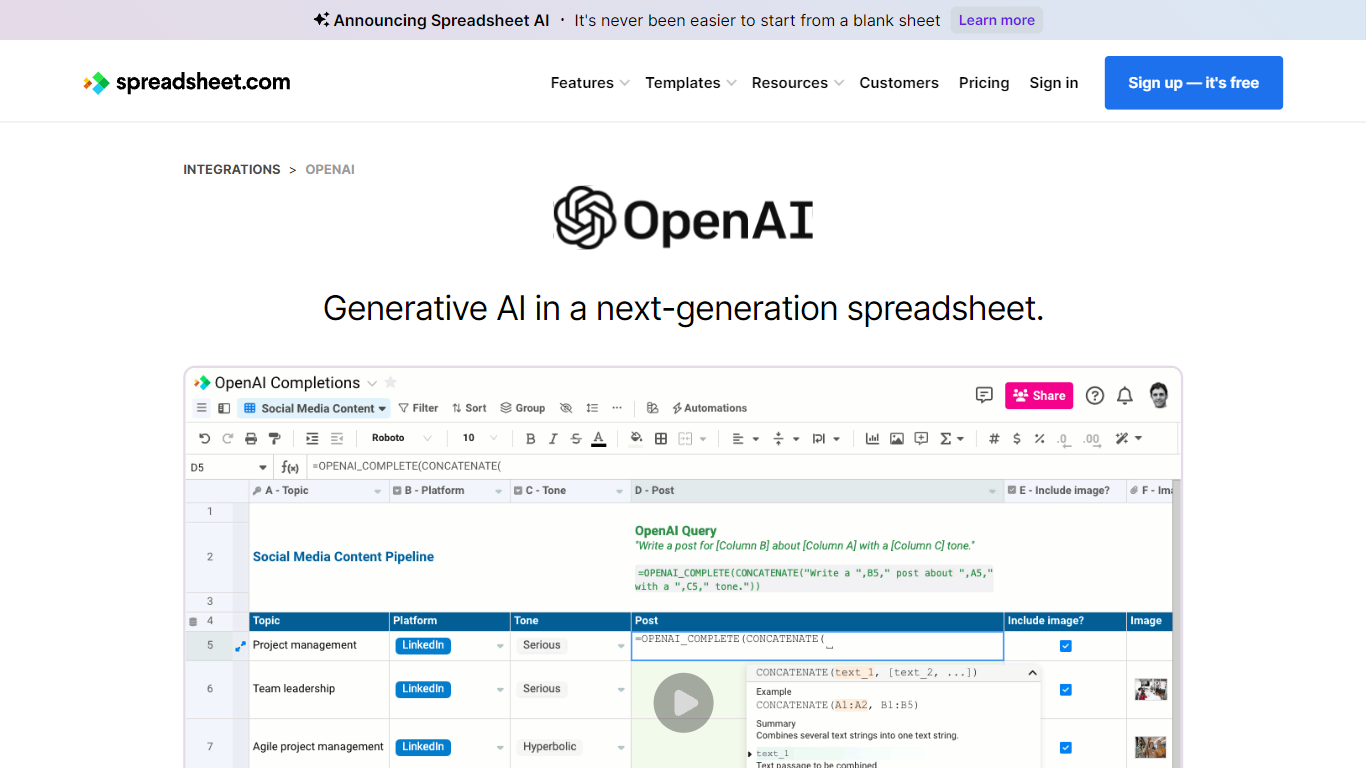
What is Spreadsheet.com?
The collaboration between OpenAI and Spreadsheet.com introduces the power of generative AI into the realm of spreadsheets, transforming the traditional spreadsheet experience. With this integration, users can now utilize the advanced technology behind ChatGPT to generate content and answer queries based on their spreadsheet data. This innovative feature simplifies data management, analysis, and reporting, making it accessible to users with any level of technical expertise. Spreadsheet.com’s next-generation platform allows for building no-code solutions like Project Management, CRM, ATS, and ERP systems. It enhances productivity with tailored views for sheets, Gantt charts, Kanban boards, forms, and calendars. Plus, the platform supports a vast array of integrations and automation to streamline processes. The service caters to various business needs and offers specialized templates for a quick start. Whether it's for project planning, sales management, or personal organization, Spreadsheet.com’s versatile features open up new possibilities for work management.
Quill Flow Upvotes
Spreadsheet.com Upvotes
Quill Flow Top Features
Dictate in 100+ languages with filler words and false starts removed automatically
Glide typing in 17 languages with live candidates from an 82,000-word vocabulary
19 rewrite tones from Professional to Gen Z, applied to anything you dictated
Context-aware formatting that adjusts for email, chat, or notes based on the app you are in
Dedicated Hinglish dictation for mixing Hindi and English mid-sentence without garbled output
Full VoiceOver support with magic tap dictation and screen reader filtering in 34 languages
Works as a keyboard extension in every iOS app, no switching between keyboards required
Spreadsheet.com Top Features
Generative AI Integration: Leverage the power of OpenAI in spreadsheets for content generation and data queries.
No-Code Solutions: Create complex applications for Project Management CRM and more without any coding required.
Interactive Views: Organize and visualize your data with custom sheet views Gantt Kanban calendar and form views.
Robust Automations: Set up no-code automations to streamline repetitive tasks and workflows.
Comprehensive Templates: Access over 200 pre-made templates for various industries and use cases to get started quickly.
Quill Flow Category
- Excel
Spreadsheet.com Category
- Excel
Quill Flow Pricing Type
- Freemium
Spreadsheet.com Pricing Type
- Freemium