Quillow vs Video To Blog
Explore the showdown between Quillow vs Video To Blog and find out which AI Content Creation tool wins. We analyze upvotes, features, reviews, pricing, alternatives, and more.
When comparing Quillow and Video To Blog, which one rises above the other?
When we contrast Quillow with Video To Blog, both of which are exceptional AI-operated content creation tools, and place them side by side, we can spot several crucial similarities and divergences. Both tools are equally favored, as indicated by the identical upvote count. Since other aitools.fyi users could decide the winner, the ball is in your court now to cast your vote and help us determine the winner.
Disagree with the result? Upvote your favorite tool and help it win!
Quillow
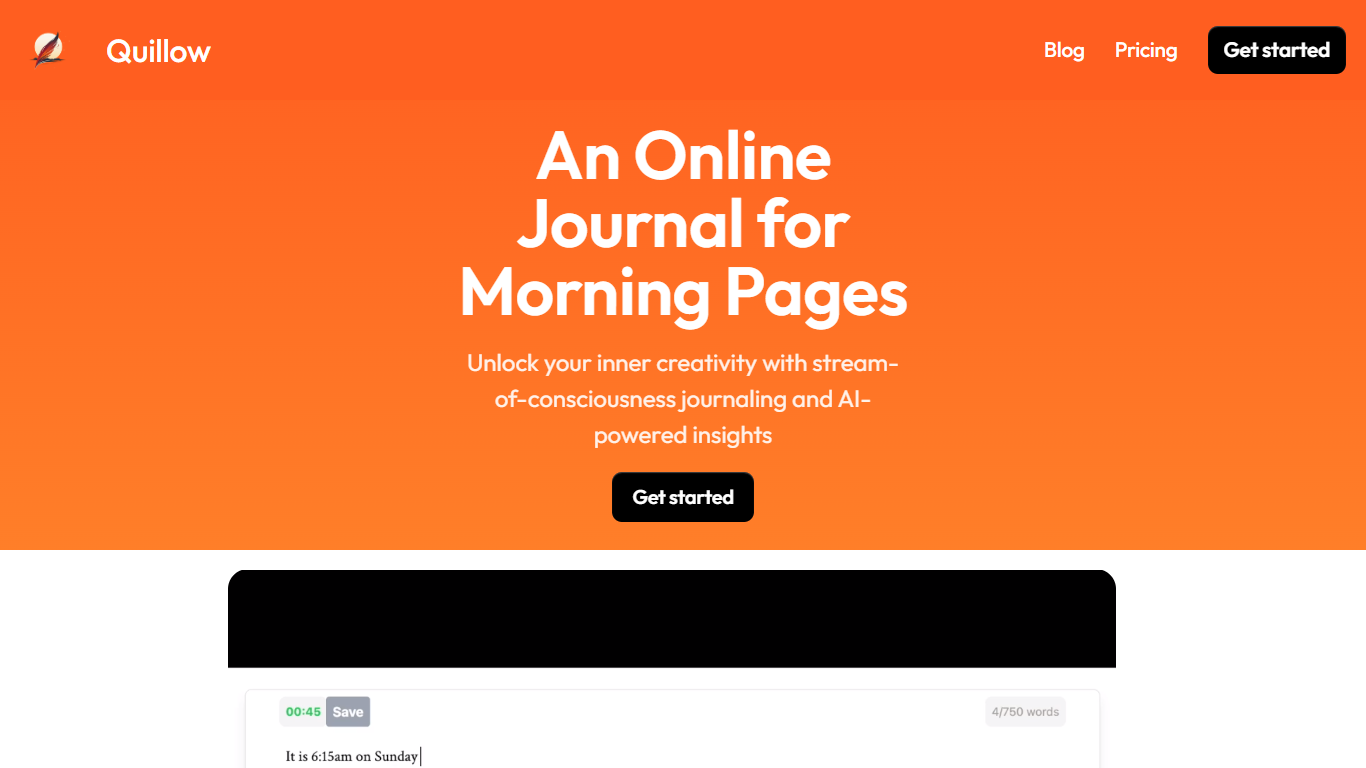

What is Quillow?
Quillow is a lab building personal AI entities that stay with you, remember what matters, and act on your behalf. Instead of treating AI like a chat window you open and close, Quillow is working toward agents that feel like a continuous presence in your life.
The team focuses on three foundations: memory that compounds over months and years, real-world identity and agency (email, phone, accounts, computer use), and continuous background inference that knows when to think, act, or reach out without becoming noisy.
Edith is Quillow's first personal AI entity, aimed at helping you think through decisions, stay accountable, and get things done. Quillow plans to expand beyond Edith into more entities built on the same thesis that personal AI should feel less like software and more like a presence.
Video To Blog

What is Video To Blog?
Video To Blog turns spoken video and audio into publish-ready blog articles. Paste a YouTube link, upload a file, drop in a transcript, record audio, or connect a channel, and the service outputs structured posts with headings, screenshots, smart links, metadata, and calls to action you can send to a website, newsletter, or download as HTML, Markdown, PDF, or Word.
Transcript-to-ChatGPT workflows still leave you stitching screenshots, links, and publishing steps by hand. Video To Blog bundles those production tasks: auto screenshots from the source video, reusable CTA blocks, SEO and GEO formatting, YouTube upload automations, and a built-in Publications feature for hosting a blog plus email newsletter on a custom domain. The homepage cites 500,000+ articles created and a 4.8 average across 500+ reviews on Trustpilot, G2, and Capterra.
YouTube creators, podcasters, agencies, and teams publishing sermons or webinars are the target users. Pricing starts free with one monthly upload, scales to Business at $69 per month (yearly billing) for 50 videos, and every paid tier adds publications, website integrations, and longer runtime limits.
Quillow Upvotes
Video To Blog Upvotes
Quillow Top Features
Memory that compounds across months or years of interaction
Agents with real-world identity: email, phone, and account access
Continuous background inference that decides when to act or reach out
Edith, the first entity focused on decisions, accountability, and follow-through
Subscription model with no ads and no attention-selling business
Video To Blog Top Features
Imports YouTube links, uploaded video/audio, transcripts, Google Drive files, and channel automations
Auto screenshots pull key visual moments from source videos into each article
Smart links and reusable CTA blocks insert internal and external links automatically
Publications host a blog, email newsletter, and custom domain without extra services
Free plan includes 1 monthly upload for videos up to 30 minutes with no credit card
Pro plan ($39/mo yearly) allows 15 monthly uploads up to 1.5 hours with 3 team members
Exports finished posts as HTML, Markdown, PDF, or Word and publishes to connected websites
Quillow Category
- Content Creation
Video To Blog Category
- Content Creation
Quillow Pricing Type
- Paid
Video To Blog Pricing Type
- Freemium