Rapid Pages vs Magic Brush AI
In the face-off between Rapid Pages vs Magic Brush AI, which AI Design tool takes the crown? We scrutinize features, alternatives, upvotes, reviews, pricing, and more.
When we put Rapid Pages and Magic Brush AI head to head, which one emerges as the victor?
If we were to analyze Rapid Pages and Magic Brush AI, both of which are AI-powered design tools, what would we find? The upvote count is neck and neck for both Rapid Pages and Magic Brush AI. Join the aitools.fyi users in deciding the winner by casting your vote.
Don't agree with the result? Cast your vote and be a part of the decision-making process!
Rapid Pages

What is Rapid Pages?
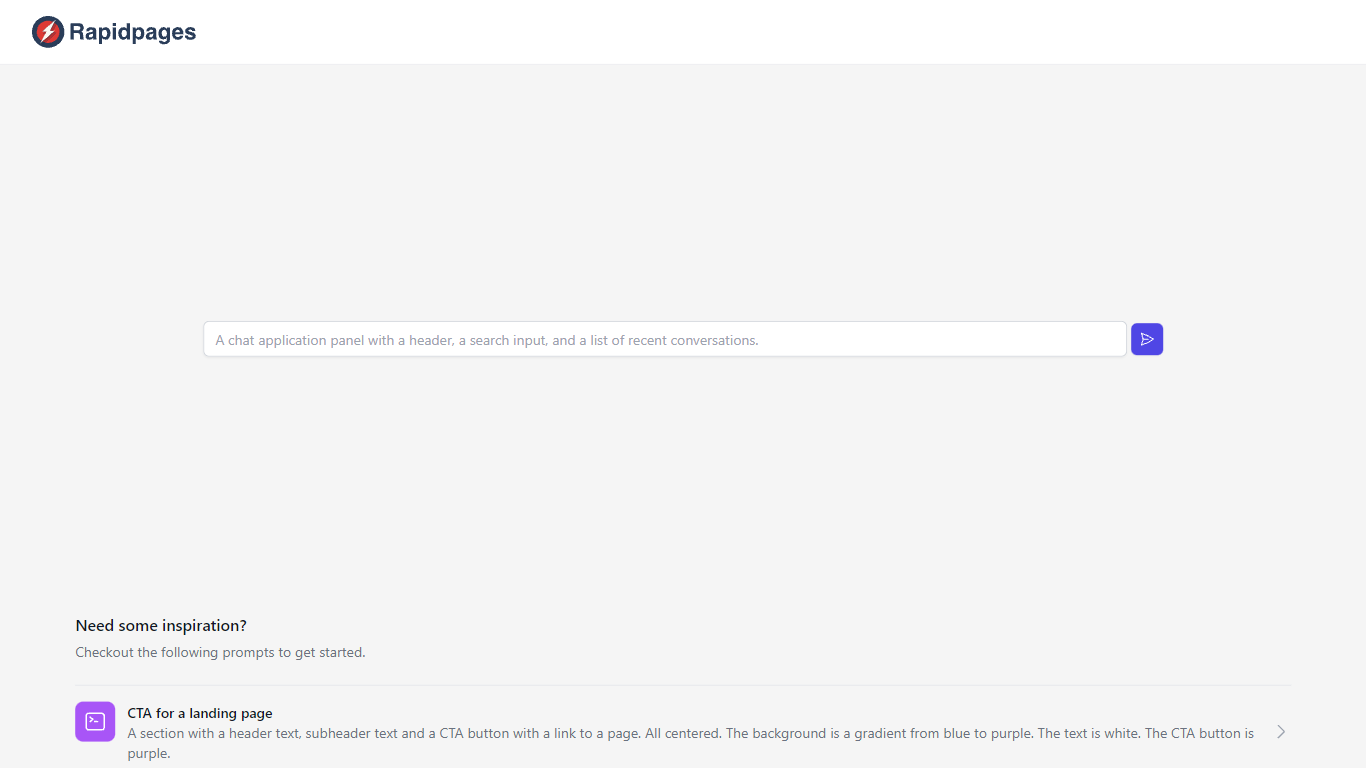
Creating a new component for your website can greatly enhance user experience and engagement. Our creative prompts provide the inspiration you need to design components that are both visually appealing and functionally effective. Whether you're looking to craft a compelling Call to Action (CTA) for your landing page or detailed product cards, this guide will help you conceive and execute your vision.
Starting with a CTA for a landing page, imagine a section that grabs attention with a bold header text, a captivating subheader, and a prominent CTA button that links to a pivotal page of your website. This component is designed to stand out with a stunning background gradient transitioning from blue to purple, while the text remains a crisp white for readability, and the CTA button follows the theme with a deep purple hue.
When it comes to showcasing the features of a product, our layout suggestion includes a section with clear header and subheader texts above a centered 2x2 grid. Each grid cell would succinctly describe a key aspect of your product against a subtle gray background, with text in white to ensure clarity and focus.
Finally, our product card proposal entails a neatly arranged section with two cards at the center, spotlighting the product image, name, description, and a purple CTA button on a clean white backdrop. Black text is recommended to offer a strong contrast, facilitating an effortless reading experience.
Magic Brush AI

What is Magic Brush AI?
Magic Brush AI introduces an innovative AI-powered plugin specifically designed for Figma users who wish to enhance their design process. The Magic Brush AI plugin seamlessly integrates with Figma, allowing designers to generate and edit images directly within the application. If you're looking to speed up your design workflow and leverage artificial intelligence in your projects, Magic Brush AI offers a simple yet powerful solution. With easy installation and a user-friendly interface, Magic Brush expands creative possibilities without ever leaving your favorite design platform. Additionally, the community aspect is emphasized with an invitation to join their Discord, suggesting a focus on user engagement and support. Designed by Elie Toubiana from sunshine-filled Los Angeles, CA, Magic Brush AI is poised to transform how creatives interact with Figma and image editing.
Rapid Pages Upvotes
Magic Brush AI Upvotes
Rapid Pages Top Features
Inspiring Prompts: Specific prompts to kickstart your design process for website components.
CTA Design: Guidance for creating compelling CTAs with focused design elements.
Product Features Layout: A structured 2x2 grid layout to detail product features effectively.
Product Cards Template: Recommendations for designing informative and appealing product cards.
Visual Aesthetics: Tips on color schemes and text contrast to enhance user interaction and visual appeal.
Magic Brush AI Top Features
AI Powered Plugin: A convenient Figma plugin that utilizes AI for image generation and editing.
Seamless Integration: Integrates with Figma for a streamlined design workflow.
Easy Installation: Simple process to install the plugin directly on Figma.
Community Support: Access to a Discord community for networking and support.
Frequent Updates: Continual improvements and feature additions to enhance user experience.
Rapid Pages Category
- Design
Magic Brush AI Category
- Design
Rapid Pages Pricing Type
- Freemium
Magic Brush AI Pricing Type
- Freemium