RAVATAR vs AI Doc GPT
Compare RAVATAR vs AI Doc GPT and see which AI Content Creation tool is better when we compare features, reviews, pricing, alternatives, upvotes, etc.
Which one is better? RAVATAR or AI Doc GPT?
When we compare RAVATAR with AI Doc GPT, which are both AI-powered content creation tools, In the race for upvotes, RAVATAR takes the trophy. RAVATAR has 7 upvotes, and AI Doc GPT has 4 upvotes.
Want to flip the script? Upvote your favorite tool and change the game!
RAVATAR

What is RAVATAR?
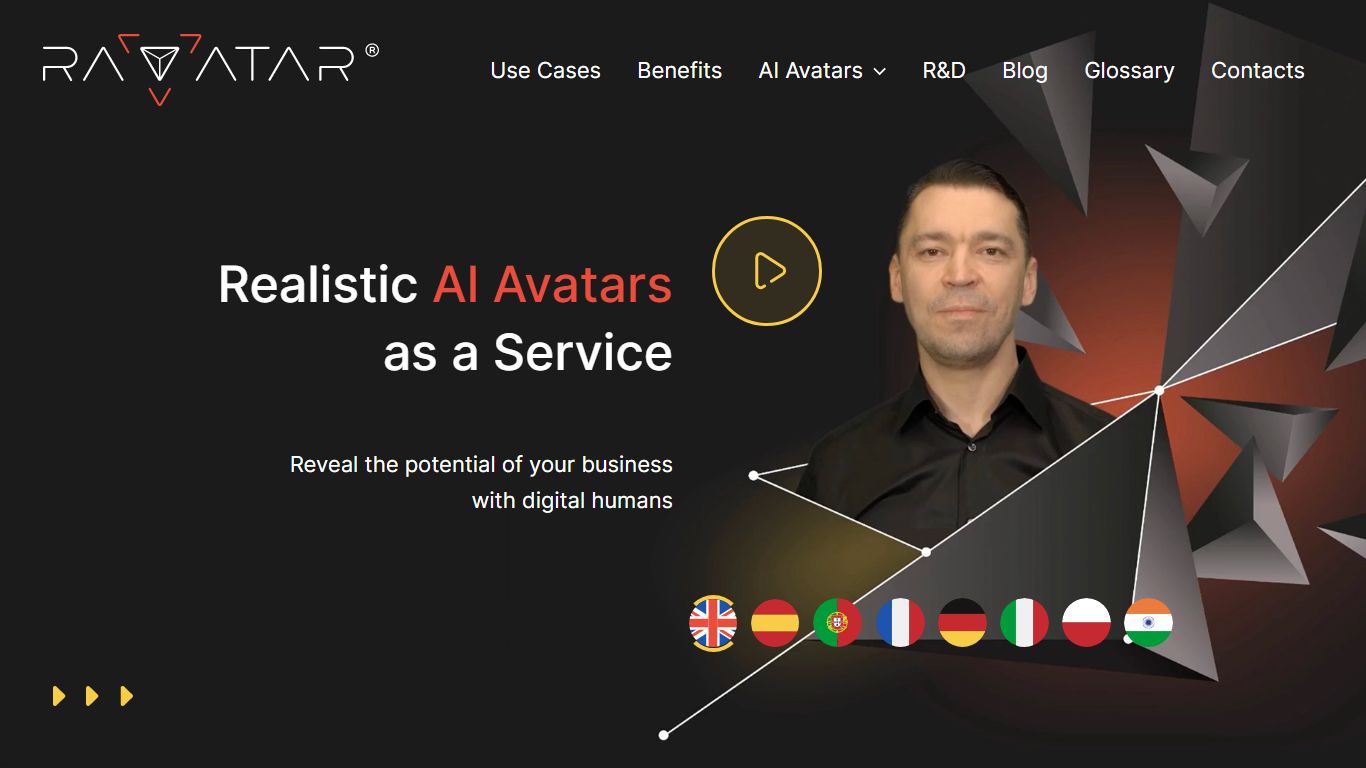
RAVATAR lets businesses build real-time AI avatars that speak, gesture, and hold conversations through its Genesis AI Avatar Studio. You design the visual avatar, pick voice and role prompts, connect an LLM and text-to-speech engine, then deploy the result as a website widget or a life-sized hologram at events and venues.
Compared with static video presenters or basic chatbots, RAVATAR focuses on full-body digital humans that stream in real time, including Full HD holographic output on higher plans. The studio also supports custom avatar creation, RAG knowledge bases on corporate tiers, and integrations with public or on-premise LLM, TTS, and STT services.
Event marketers, museums, healthcare teams, and brand experience designers are the target users. Starter plans begin at $19 per month for 150 conversation minutes, scaling to 10,000 minutes on the $999 Corporate tier, with Enterprise offering custom minute allotments and holobox hardware support.
AI Doc GPT
What is AI Doc GPT?
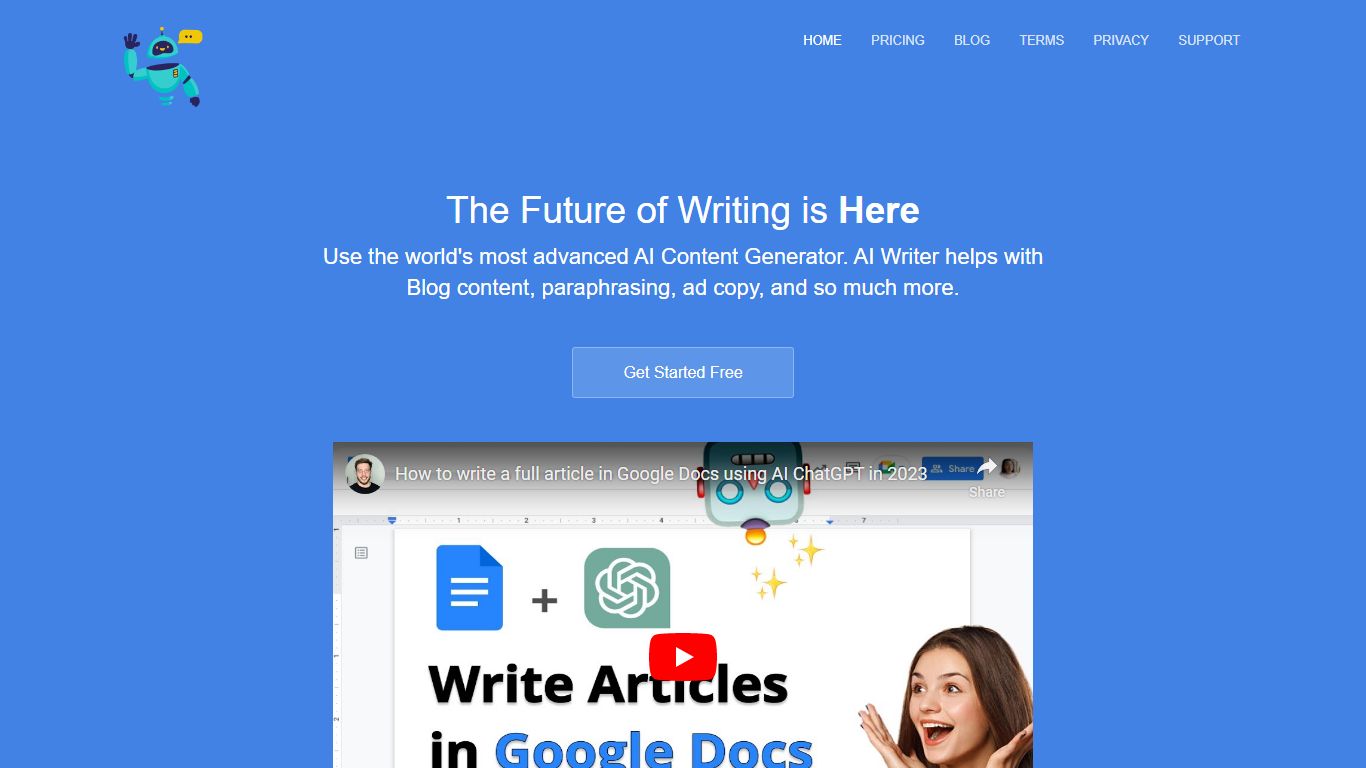
AI Doc GPT (DocGPT.ai) plugs GPT, Claude, Gemini, Mistral, and Perplexity into Google Sheets, Docs, Slides, Forms, and Gmail as native add-ons. The flagship GPT for Sheets exposes spreadsheet functions like =GPT(), =CLAUDE(), and =GEMINI() so you can run bulk translation, classification, lead enrichment, and web search across thousands of rows without leaving a spreadsheet. Models are built in, so you do not need your own API keys to start.
Where chat sidebar tools handle one prompt at a time, DocGPT.ai targets spreadsheet-scale content work: the site claims up to 10,000 results per hour and ships 40+ templates for product descriptions, programmatic SEO, and sentiment tagging. Switching models is a formula change, not a new integration, which is a different workflow from BYOK sheet plugins that bill API usage separately.
E-commerce operators, SEO teams, and sales ops use GPT for Sheets for bulk copy and enrichment. Marketers reach for Google Slide AI and GPT for Docs when they need decks or long-form drafts inside Workspace. Gmail add-ons cover AI email replies and mail-merge campaigns fed from Sheet data.
RAVATAR Upvotes
AI Doc GPT Upvotes
RAVATAR Top Features
Starter plan costs $19 per month and includes 150 conversation minutes
Genesis AI Avatar Studio supports stock avatars plus custom avatar add-ons
Website widget integration enables voice and text chat on your own site
Holographic Full HD streaming is available on Business plans and above
Corporate and Enterprise tiers unlock holobox hologram hardware integration
AI Doc GPT Top Features
Spreadsheet functions =GPT(), =CLAUDE(), =GEMINI(), =MISTRAL(), and =PERPLEXITY() run inside Google Sheets with no API keys
Bulk processing handles up to 10,000 results per hour across thousands of spreadsheet rows
40+ free templates cover product descriptions, programmatic SEO, Google Ads copy, and lead enrichment
Suite spans six Google Workspace add-ons for Sheets, Docs, Slides, Forms, Gmail, and mail merge
GPT for Sheets holds a 4.8 out of 5 rating on the Google Workspace Marketplace
=GROK() and =DEEPSEEK() formulas accept your own API keys when you want xAI or DeepSeek models
RAVATAR Category
- Content Creation
AI Doc GPT Category
- Content Creation
RAVATAR Pricing Type
- Paid
AI Doc GPT Pricing Type
- Freemium