RecCloud vs Clipchamp
In the clash of RecCloud vs Clipchamp, which AI Video Editing tool emerges victorious? We assess reviews, pricing, alternatives, features, upvotes, and more.
When we put RecCloud and Clipchamp head to head, which one emerges as the victor?
Let's take a closer look at RecCloud and Clipchamp, both of which are AI-driven video editing tools, and see what sets them apart. Interestingly, both tools have managed to secure the same number of upvotes. Every vote counts! Cast yours and contribute to the decision of the winner.
Think we got it wrong? Cast your vote and show us who's boss!
RecCloud
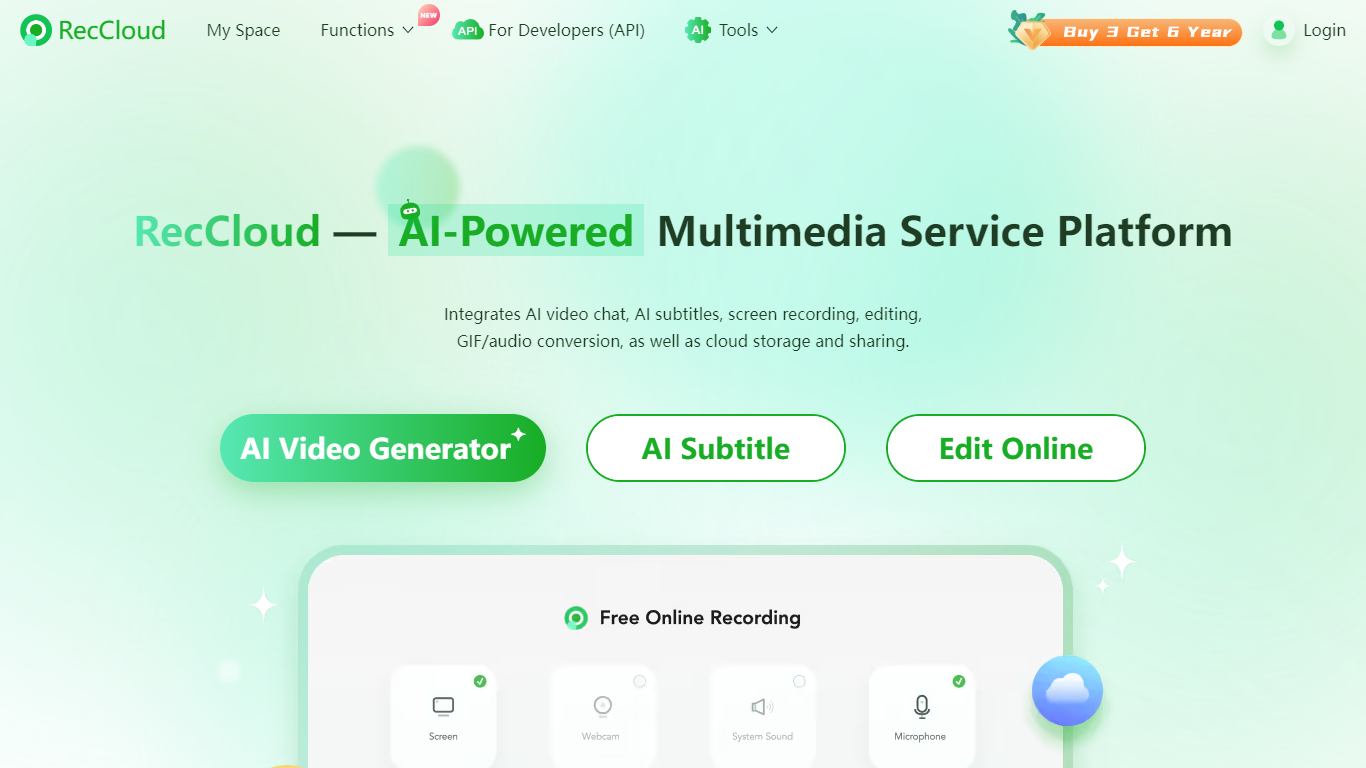

What is RecCloud ?
RecCloud is a versatile AI-powered multimedia service platform designed to revolutionize the way content creators work with videos. The platform integrates a suite of advanced AI features, such as AI video and audio summarizers, AI-powered video chat, and auto-generated subtitles, to make video creation more efficient and user-friendly.
Users can effortlessly convert text or images to videos, summarize video or audio content, and enjoy a smart voice-to-text function for easy transcriptions. RecCloud also provides basic AI features, including a voice generator and video translator, adding an extra layer of functionality.
With the cutting-edge video editing tools, users can make precise edits, convert videos to GIFs, and even split vocal and instrumental tracks in audio files.
The cloud-based storage and screen recording capabilities, along with professional multi-screen recording options, ensure that RecCloud caters to both individual and corporate needs. Moreover, developers can integrate RecCloud's powerful APIs into their projects, unlocking the full potential of AI multimedia processing.
Clipchamp

What is Clipchamp?
Clipchamp is a versatile video editing platform that empowers users to create stunning videos with ease. Whether you're editing on a browser, using the Windows app, or on mobile, Clipchamp simplifies the process with its smart tools and royalty-free content. It's ideal for everything from YouTube and TikTok videos to promo videos and Facebook video ads. Notable for its AI video editing capabilities, such as autocaptions and text-to-speech, Clipchamp also offers features like green screen effects, video overlays, and even speaker coaching. It ensures that your video fits any platform perfectly by allowing you to resize and transform your video with stylish elements. For business, education, or fun, Clipchamp is the way to go for creating high-quality videos without watermarks in up to 4K resolution. Now a part of Microsoft, this tool assures a smooth experience for all your video creation needs.
RecCloud Upvotes
Clipchamp Upvotes
RecCloud Top Features
AI Video Generator: Easily create videos from text or images using AI technology.
AI Subtitles: Automatically generate subtitles for your videos.
AI Speech to Text: Convert spoken words into text with the smart voice-to-text feature.
Video Editing Tools: Edit your videos, convert them to GIFs, and split audio tracks with precision.
Cloud Storage: Store and share your multimedia content anytime, anywhere.
Clipchamp Top Features
Autocaptions: Automatically generate accurate captions in over 140 languages using advanced speech-to-text technology.
Text to Speech: Easily convert text into natural-sounding speech in various languages and voices.
Resize Video: Adjust the aspect ratio of your videos to fit different platforms with customizable background colors and blur effects.
Speaker Coach: Improve communication skills with feedback on pace pitch and filler words using the webcam recorder tool.
Royalty-Free Elements: Enhance your videos with access to a wide range of stock elements including text overlays filters and templates.
RecCloud Category
- Video Editing
Clipchamp Category
- Video Editing
RecCloud Pricing Type
- Freemium
Clipchamp Pricing Type
- Freemium