Record Once vs Clipchamp
In the face-off between Record Once vs Clipchamp, which AI Video Editing tool takes the crown? We scrutinize features, alternatives, upvotes, reviews, pricing, and more.
In a face-off between Record Once and Clipchamp, which one takes the crown?
If we were to analyze Record Once and Clipchamp, both of which are AI-powered video editing tools, what would we find? Both tools are equally favored, as indicated by the identical upvote count. Every vote counts! Cast yours and contribute to the decision of the winner.
Not your cup of tea? Upvote your preferred tool and stir things up!
Record Once

What is Record Once?
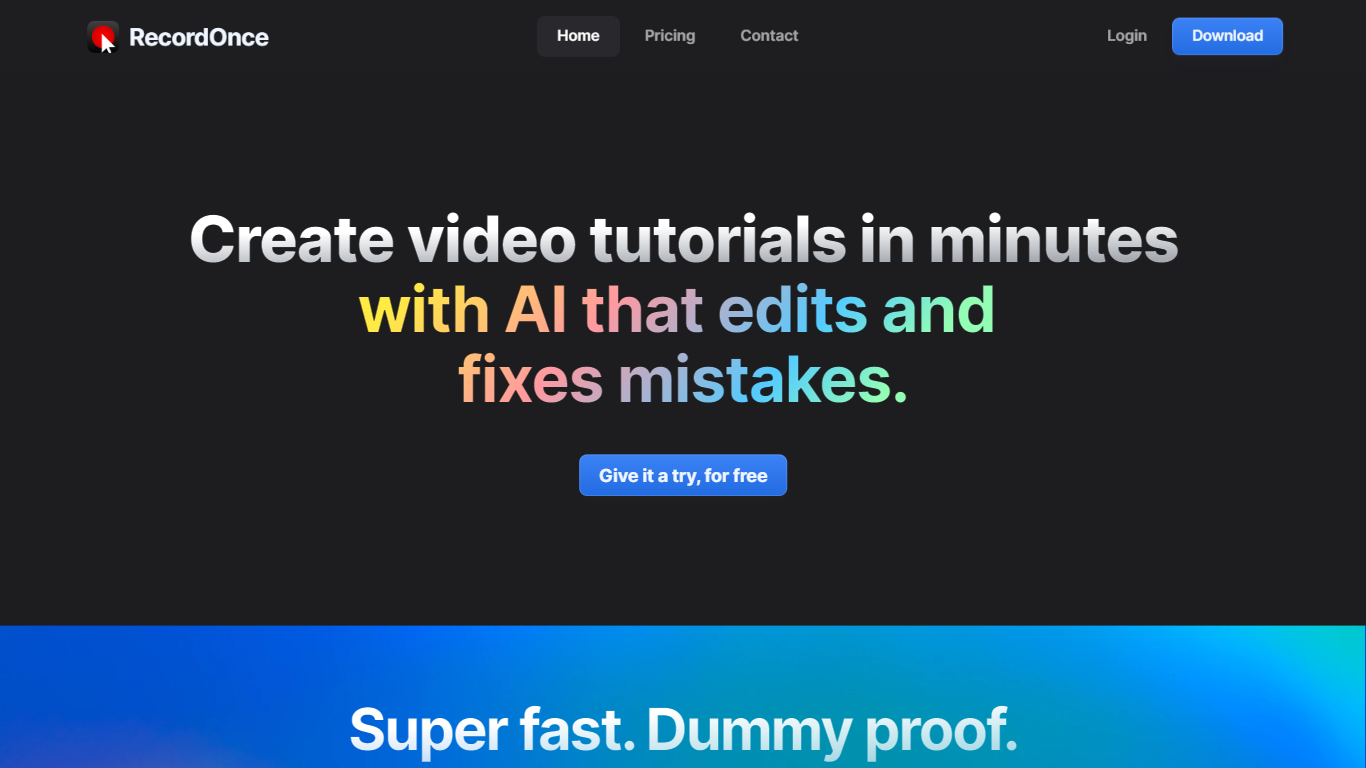
Record Once revolutionizes the creation of video tutorials by providing a user-friendly AI-powered tool that edits and improves your recordings in minutes. The integrated AI swiftly eradicates mistakes, rendering professional-looking videos without the need for sophisticated video editing skills. The built-in browser records your web app interactions, capturing every HTML and CSS detail, simulating even typo corrections to ensure seamless playback. In addition to automatic text guides, voice-overs, and instant updates to existing content, Record Once offers 4K super smooth videos at 120+ FPS for a visually stunning experience with small file sizes. The platform is perfect for teams, eliminating the hassle of brand consistency, enabling quick turnarounds with hosting included, and allowing updates years after the initial publication. Start for free and see your first video go live in less time than it takes to have a coffee.
Clipchamp

What is Clipchamp?
Clipchamp is a versatile video editing platform that empowers users to create stunning videos with ease. Whether you're editing on a browser, using the Windows app, or on mobile, Clipchamp simplifies the process with its smart tools and royalty-free content. It's ideal for everything from YouTube and TikTok videos to promo videos and Facebook video ads. Notable for its AI video editing capabilities, such as autocaptions and text-to-speech, Clipchamp also offers features like green screen effects, video overlays, and even speaker coaching. It ensures that your video fits any platform perfectly by allowing you to resize and transform your video with stylish elements. For business, education, or fun, Clipchamp is the way to go for creating high-quality videos without watermarks in up to 4K resolution. Now a part of Microsoft, this tool assures a smooth experience for all your video creation needs.
Record Once Upvotes
Clipchamp Upvotes
Record Once Top Features
Super-fast and Simple: Develop tutorials quickly; the AI edits out mistakes requiring only minimal human input.
In-Built Browser Recording: Captures interactive web app sessions at the HTML/CSS level to ensure high-quality video results.
Automatic Enhancements: Offers voice-overs text guides and automatic error correction for polished tutorials.
Instant Updates and Hosting: Enables real-time updates to published videos with hosting included ensuring content remains current.
Team-Friendly Format: Ensures brand consistency across different team members with no need for video editing skills.
Clipchamp Top Features
Autocaptions: Automatically generate accurate captions in over 140 languages using advanced speech-to-text technology.
Text to Speech: Easily convert text into natural-sounding speech in various languages and voices.
Resize Video: Adjust the aspect ratio of your videos to fit different platforms with customizable background colors and blur effects.
Speaker Coach: Improve communication skills with feedback on pace pitch and filler words using the webcam recorder tool.
Royalty-Free Elements: Enhance your videos with access to a wide range of stock elements including text overlays filters and templates.
Record Once Category
- Video Editing
Clipchamp Category
- Video Editing
Record Once Pricing Type
- Freemium
Clipchamp Pricing Type
- Freemium