Record Once vs Timebolt
Explore the showdown between Record Once vs Timebolt and find out which AI Video Editing tool wins. We analyze upvotes, features, reviews, pricing, alternatives, and more.
In a face-off between Record Once and Timebolt, which one takes the crown?
When we contrast Record Once with Timebolt, both of which are exceptional AI-operated video editing tools, and place them side by side, we can spot several crucial similarities and divergences. The upvote count favors Timebolt, making it the clear winner. The upvote count for Timebolt is 18, and for Record Once it's 6.
Not your cup of tea? Upvote your preferred tool and stir things up!
Record Once
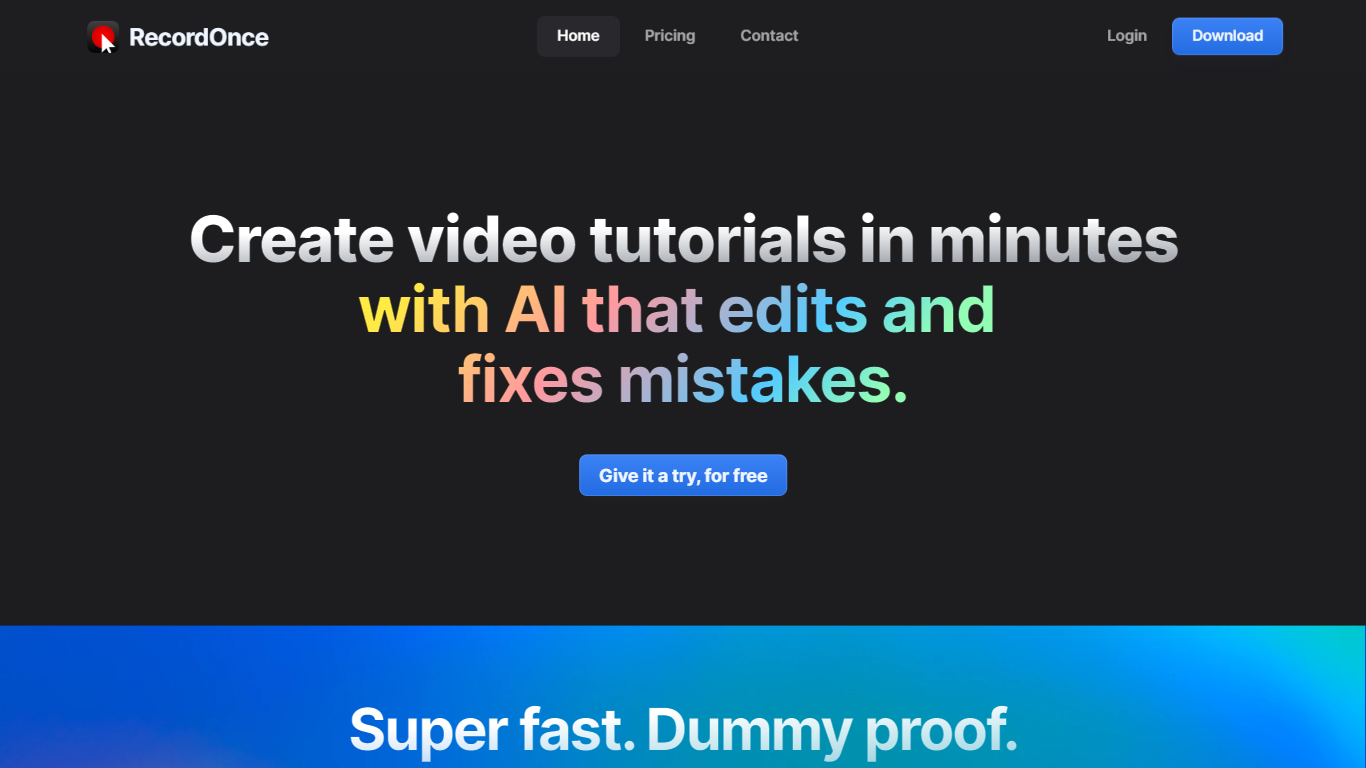

What is Record Once?
Record Once revolutionizes the creation of video tutorials by providing a user-friendly AI-powered tool that edits and improves your recordings in minutes. The integrated AI swiftly eradicates mistakes, rendering professional-looking videos without the need for sophisticated video editing skills. The built-in browser records your web app interactions, capturing every HTML and CSS detail, simulating even typo corrections to ensure seamless playback. In addition to automatic text guides, voice-overs, and instant updates to existing content, Record Once offers 4K super smooth videos at 120+ FPS for a visually stunning experience with small file sizes. The platform is perfect for teams, eliminating the hassle of brand consistency, enabling quick turnarounds with hosting included, and allowing updates years after the initial publication. Start for free and see your first video go live in less time than it takes to have a coffee.
Timebolt

What is Timebolt?
Experience the future of video editing with TimeBolt.io. Automatically jump-cut videos to eliminate silences and awkward pauses, transforming lengthy content into engaging masterpieces. Whether you're editing podcasts or videos, TimeBolt ensures a seamless and rapid editing process, making you talk like a superhuman without the burnout.
Record Once Upvotes
Timebolt Upvotes
Record Once Top Features
Super-fast and Simple: Develop tutorials quickly; the AI edits out mistakes requiring only minimal human input.
In-Built Browser Recording: Captures interactive web app sessions at the HTML/CSS level to ensure high-quality video results.
Automatic Enhancements: Offers voice-overs text guides and automatic error correction for polished tutorials.
Instant Updates and Hosting: Enables real-time updates to published videos with hosting included ensuring content remains current.
Team-Friendly Format: Ensures brand consistency across different team members with no need for video editing skills.
Timebolt Top Features
Elimina automáticamente el silencio de vídeos y podcasts
Editor de vídeo rápido para Windows y MAC
Detección automática de silencio en vídeos.
Esculpir: Corta o conserva cualquier palabra o escena.
Opciones de exportación: Premiere, Final Cut Pro, DaVinci Resolve y Camtasia
Elimina las palabras de relleno automáticamente con Umcheck
Record Once Category
- Video Editing
Timebolt Category
- Video Editing
Record Once Pricing Type
- Freemium
Timebolt Pricing Type
- Paid