Redesign vs Magic Brush AI
Dive into the comparison of Redesign vs Magic Brush AI and discover which AI Design tool stands out. We examine alternatives, upvotes, features, reviews, pricing, and beyond.
In a comparison between Redesign and Magic Brush AI, which one comes out on top?
When we compare Redesign and Magic Brush AI, two exceptional design tools powered by artificial intelligence, and place them side by side, several key similarities and differences come to light. Neither tool takes the lead, as they both have the same upvote count. Join the aitools.fyi users in deciding the winner by casting your vote.
Think we got it wrong? Cast your vote and show us who's boss!
Redesign

What is Redesign?
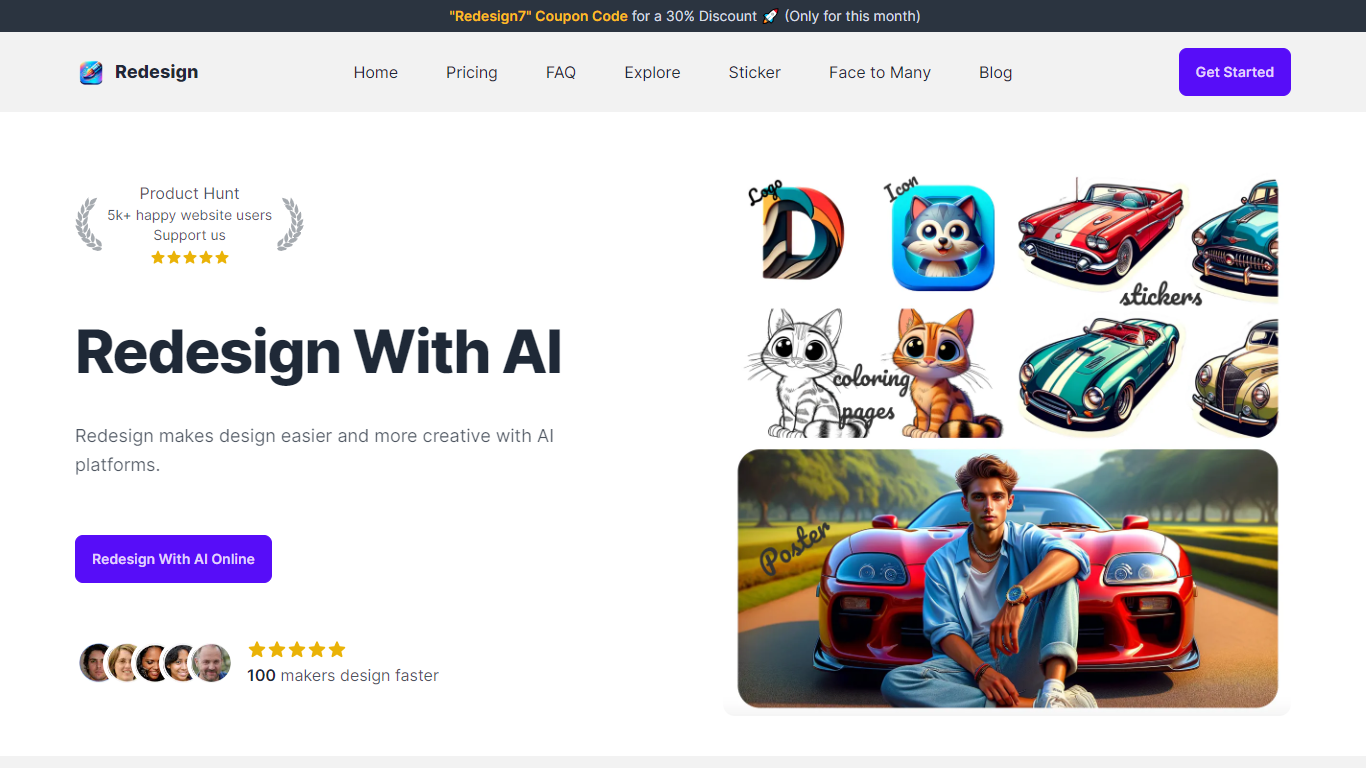
Redesign is a web-based design generator that turns text prompts into icons, logos, stickers, posters, coloring pages, mockups, tattoos, illustrations, and more. You pick a design type, describe what you want, and the platform returns a high-quality image without opening a separate design app.
The workflow runs through a dashboard where you select an image category, enter a title and prompt, and generate. Flux AI handles image creation on a credit system, with unlimited Flux AI usage included on the Premium plan. A Face To Many feature and built-in design editor round out the core toolkit, and image history keeps past generations accessible.
Explore hosts a public gallery filtered by design type, so you can browse community examples before creating your own. The site supports eight languages, including English, Chinese, Korean, Japanese, Arabic, Spanish, German, and French.
Redesign fits indie makers, small business owners, and solo developers who need logos, app icons, promotional posters, or social graphics without hiring a designer.
Magic Brush AI

What is Magic Brush AI?
Magic Brush AI introduces an innovative AI-powered plugin specifically designed for Figma users who wish to enhance their design process. The Magic Brush AI plugin seamlessly integrates with Figma, allowing designers to generate and edit images directly within the application. If you're looking to speed up your design workflow and leverage artificial intelligence in your projects, Magic Brush AI offers a simple yet powerful solution. With easy installation and a user-friendly interface, Magic Brush expands creative possibilities without ever leaving your favorite design platform. Additionally, the community aspect is emphasized with an invitation to join their Discord, suggesting a focus on user engagement and support. Designed by Elie Toubiana from sunshine-filled Los Angeles, CA, Magic Brush AI is poised to transform how creatives interact with Figma and image editing.
Redesign Upvotes
Magic Brush AI Upvotes
Redesign Top Features
Nine design types from icons and logos to tattoos and coloring pages
Unlimited Flux AI generation on the Premium plan
Face To Many transforms faces at one credit per output
Built-in design editor for refining images in the dashboard
Image history stores past generations in your account
Explore gallery with examples sorted by design type
Magic Brush AI Top Features
AI Powered Plugin: A convenient Figma plugin that utilizes AI for image generation and editing.
Seamless Integration: Integrates with Figma for a streamlined design workflow.
Easy Installation: Simple process to install the plugin directly on Figma.
Community Support: Access to a Discord community for networking and support.
Frequent Updates: Continual improvements and feature additions to enhance user experience.
Redesign Category
- Design
Magic Brush AI Category
- Design
Redesign Pricing Type
- Freemium
Magic Brush AI Pricing Type
- Freemium