ReelCraft vs Clipchamp
In the clash of ReelCraft vs Clipchamp, which AI Video Editing tool emerges victorious? We assess reviews, pricing, alternatives, features, upvotes, and more.
When we put ReelCraft and Clipchamp head to head, which one emerges as the victor?
Let's take a closer look at ReelCraft and Clipchamp, both of which are AI-driven video editing tools, and see what sets them apart. Both tools have received the same number of upvotes from aitools.fyi users. Be a part of the decision-making process. Your vote could determine the winner.
You don't agree with the result? Cast your vote to help us decide!
ReelCraft

What is ReelCraft?
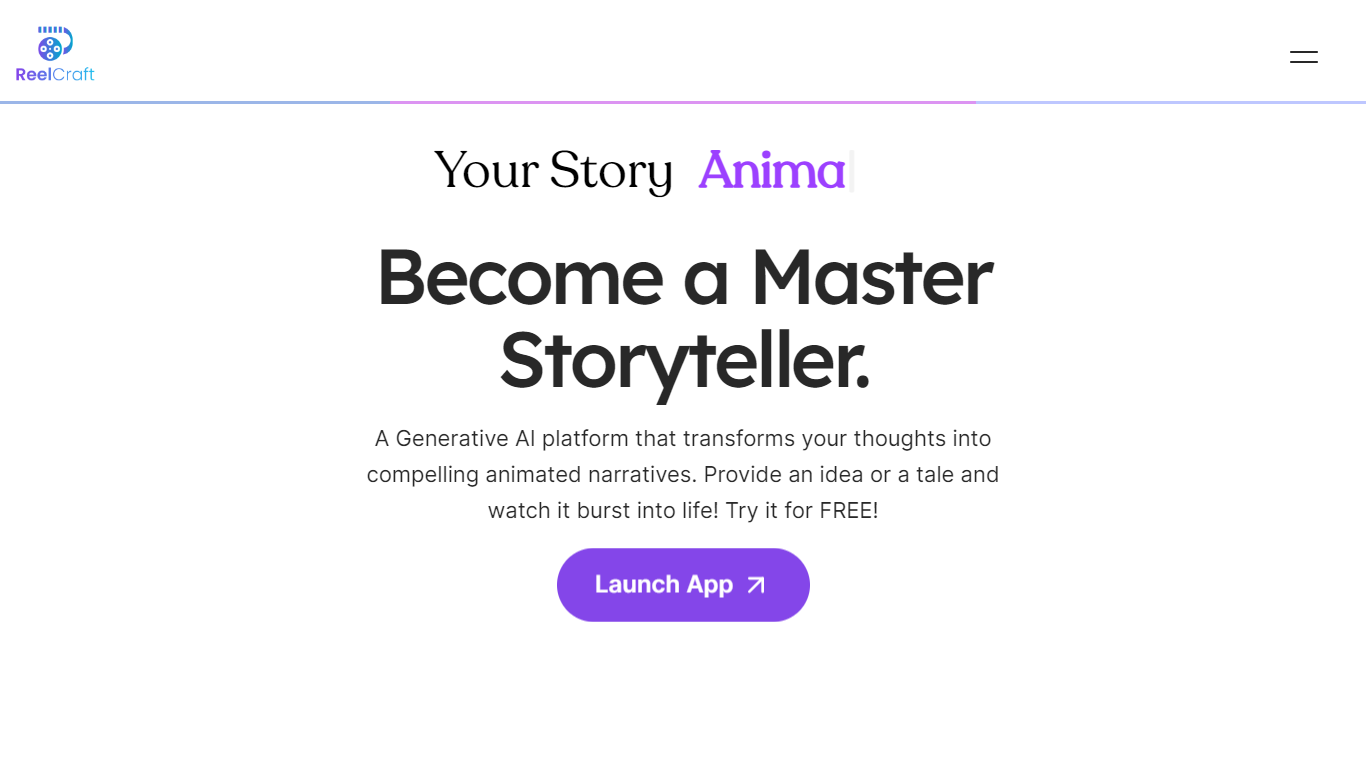
ReelCraft creates animated story videos from written ideas using generative AI, requiring no animation skills. It enables users to produce engaging narratives with consistent characters and surreal scenes. The tool supports 4K and 3D animations, voice narration, and background music to enhance storytelling.
What sets ReelCraft apart is its focus on simplifying animation creation while maintaining high-quality output. Unlike traditional animation software that demands technical skills, ReelCraft uses AI to automate complex processes. This trade-off means users gain ease of use and speed but may face some limits in advanced customization.
ReelCraft is accessible on any device, allowing users to create and edit animations flexibly. It offers customization options to tailor animations to specific brands or messages. The platform suits educators, marketers, entrepreneurs, and storytellers who want to communicate ideas clearly and creatively.
ReelCraft continues to evolve by adding features that enhance storytelling and video production for a wide range of users.
Clipchamp
What is Clipchamp?
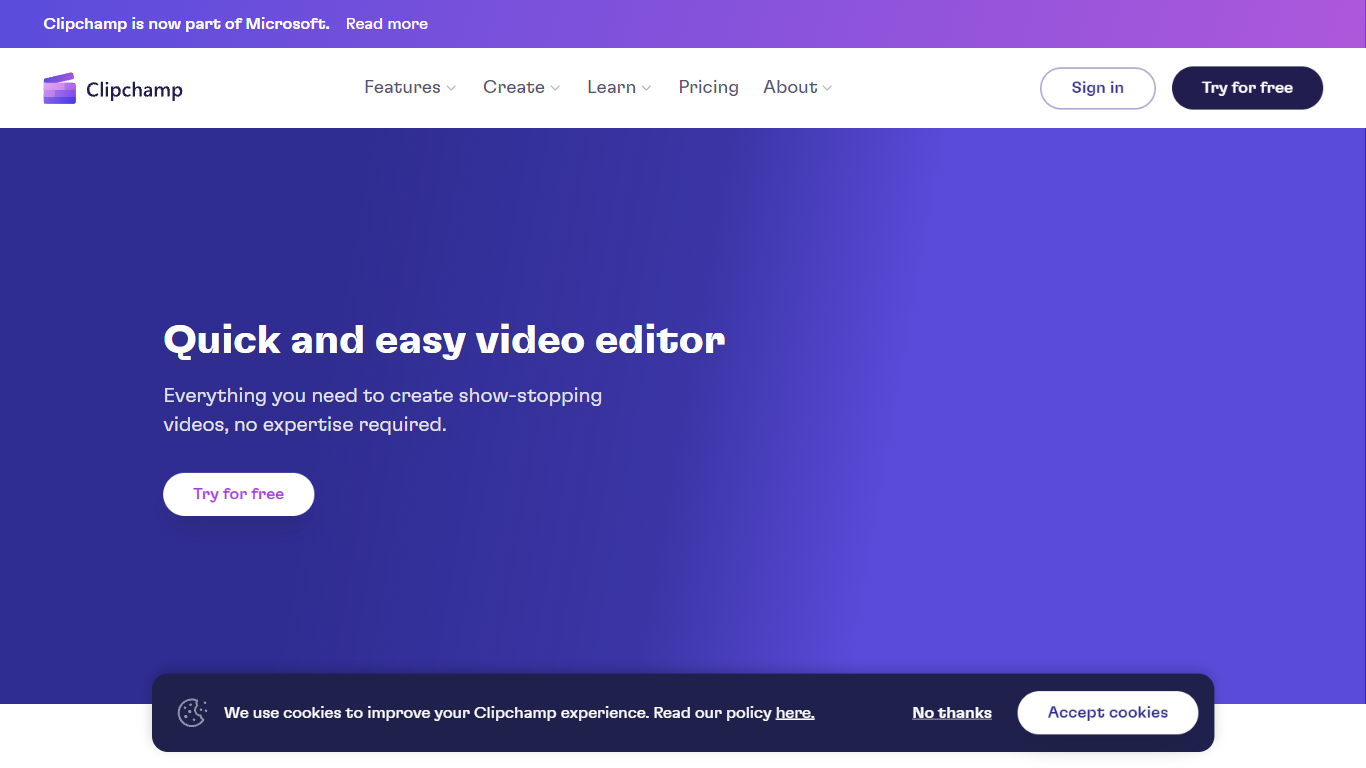
Clipchamp enables users to record, edit, and share high-definition videos directly from their web browser or Windows app. It offers tools for creating videos with webcam, screen, and voice recordings, combined with AI-powered editing features like noise suppression and automatic subtitle generation.
What distinguishes Clipchamp from other video editors is its integration of advanced AI tools such as a natural voiceover generator with over 400 voices and an AI silence remover that automatically cuts long pauses. It also provides customizable color and gradient backgrounds and supports exporting videos up to 4K resolution without watermarks for premium users.
Clipchamp's content library includes royalty-free stock videos, images, music, and templates tailored for social media, education, and business use. Its privacy-first approach ensures all recordings remain on the user's device unless shared, making it a secure choice for video creation.
With features like multi-item editing, grouping, and a flexible video resizer supporting multiple aspect ratios, Clipchamp offers a comprehensive editing experience suitable for creators of all skill levels. It works seamlessly in Microsoft Edge and Google Chrome browsers, with an optional Windows app available for enhanced performance.
ReelCraft Upvotes
Clipchamp Upvotes
ReelCraft Top Features
🎨 Text to Animation: Turn written ideas into animated videos quickly.
📱 Cross-Device Access: Create and edit animations on any device anytime.
🔊 Voice Narration & Music: Add voiceovers and background scores to enhance stories.
🖼️ Consistent Characters: Maintain the same characters across multiple scenes easily.
🌟 4K & 3D Animation Support: Produce high-quality, immersive animations for professional use.
Clipchamp Top Features
🎤 Natural AI voiceover generator with 400+ voices and adjustable pitch and pace
📝 AI subtitle generator creating accurate captions in 80+ languages with editable styles
📹 Screen and webcam recorder with unlimited retakes and no watermarks
🔇 AI silence remover to automatically cut long pauses and silences from videos
🎨 Custom color and gradient video backgrounds with HSV and HEX color picker
📺 Video exports up to 4K resolution available with premium subscription
🎬 Multi-item editing and grouping tools for efficient workflow
ReelCraft Category
- Video Editing
Clipchamp Category
- Video Editing
ReelCraft Pricing Type
- Freemium
Clipchamp Pricing Type
- Freemium