ReelCraft vs Timebolt
Compare ReelCraft vs Timebolt and see which AI Video Editing tool is better when we compare features, reviews, pricing, alternatives, upvotes, etc.
Which one is better? ReelCraft or Timebolt?
When we compare ReelCraft with Timebolt, which are both AI-powered video editing tools, The upvote count favors Timebolt, making it the clear winner. Timebolt has attracted 18 upvotes from aitools.fyi users, and ReelCraft has attracted 6 upvotes.
Feeling rebellious? Cast your vote and shake things up!
ReelCraft
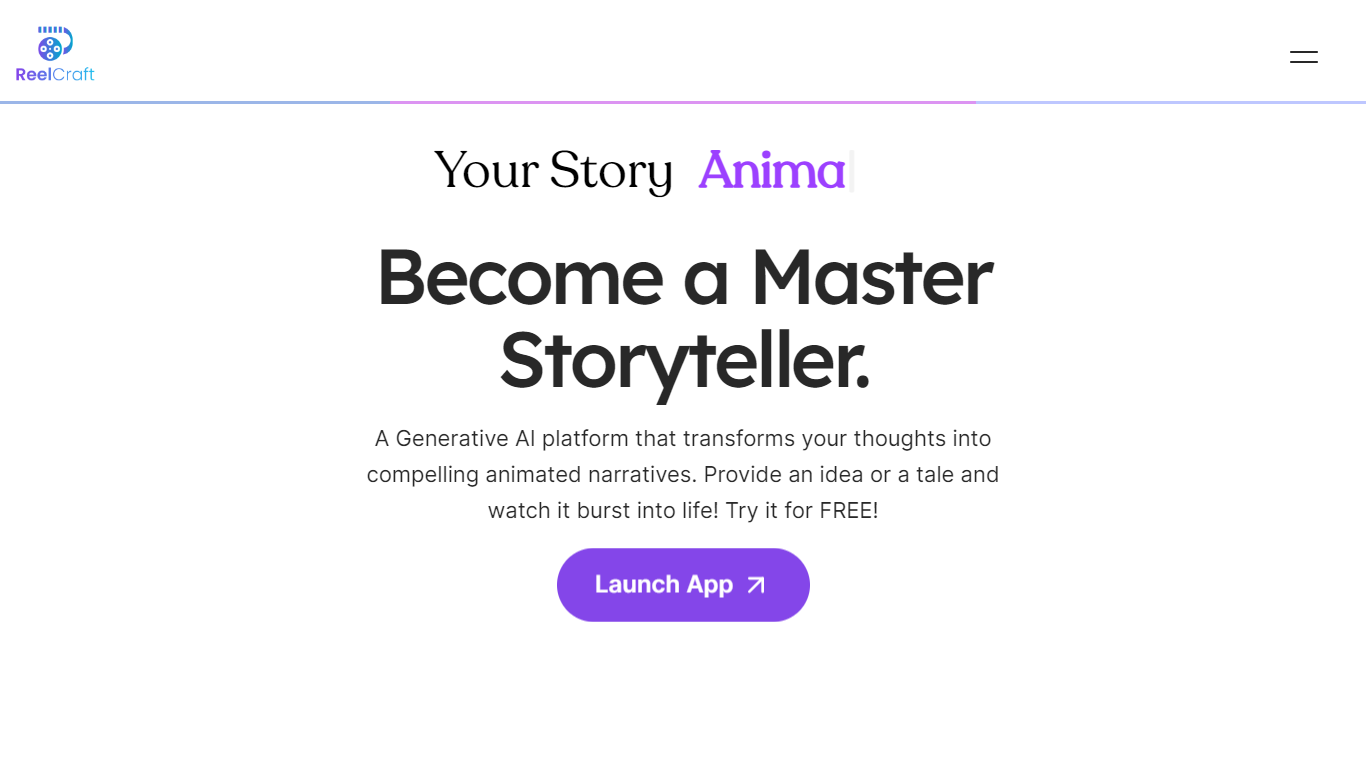

What is ReelCraft?
ReelCraft creates animated story videos from written ideas using generative AI, requiring no animation skills. It enables users to produce engaging narratives with consistent characters and surreal scenes. The tool supports 4K and 3D animations, voice narration, and background music to enhance storytelling.
What sets ReelCraft apart is its focus on simplifying animation creation while maintaining high-quality output. Unlike traditional animation software that demands technical skills, ReelCraft uses AI to automate complex processes. This trade-off means users gain ease of use and speed but may face some limits in advanced customization.
ReelCraft is accessible on any device, allowing users to create and edit animations flexibly. It offers customization options to tailor animations to specific brands or messages. The platform suits educators, marketers, entrepreneurs, and storytellers who want to communicate ideas clearly and creatively.
ReelCraft continues to evolve by adding features that enhance storytelling and video production for a wide range of users.
Timebolt

What is Timebolt?
Timebolt is a desktop video editor built around waveform-first jump cuts for podcasts, interviews, and screen recordings. It strips silence, filler words, and bad takes with 0.01 second cut control, then exports timelines to Premiere Pro, Final Cut Pro, DaVinci Resolve, or Camtasia without re-cutting by hand.
Most text-based AI editors guess where pauses live and leave hundreds of missed cuts per hour. Timebolt measures the audio waveform first, which is why its benchmark claims zero mistakes left per hour while rivals like Descript and Gling still need manual cleanup. That trade-off favors editors who want frame-tight cuts over a chat-style transcript workflow.
Podcasters, YouTubers, and course creators use Timebolt to shrink raw talking-head footage before publishing. Post-production teams also route Riverside multicam sessions through Timebolt XML exports so senior editors finish polish work in their preferred NLE.
ReelCraft Upvotes
Timebolt Upvotes
ReelCraft Top Features
🎨 Text to Animation: Turn written ideas into animated videos quickly.
📱 Cross-Device Access: Create and edit animations on any device anytime.
🔊 Voice Narration & Music: Add voiceovers and background scores to enhance stories.
🖼️ Consistent Characters: Maintain the same characters across multiple scenes easily.
🌟 4K & 3D Animation Support: Produce high-quality, immersive animations for professional use.
Timebolt Top Features
0.01 second cut control on waveform-based silence removal
Processes an hour of footage in about 13 seconds for jump cuts
Exports XML timelines to Premiere Pro, Final Cut Pro, and DaVinci Resolve
UMCHECK removes filler words automatically from recorded speech
Free 4K screen capture tool for Mac and Windows
Benchmark reports zero missed cuts per hour versus hundreds on rival AI editors
ReelCraft Category
- Video Editing
Timebolt Category
- Video Editing
ReelCraft Pricing Type
- Freemium
Timebolt Pricing Type
- Freemium