ReLogo AI vs Blend AI Studio
In the clash of ReLogo AI vs Blend AI Studio, which AI Design tool emerges victorious? We assess reviews, pricing, alternatives, features, upvotes, and more.
When we put ReLogo AI and Blend AI Studio head to head, which one emerges as the victor?
Let's take a closer look at ReLogo AI and Blend AI Studio, both of which are AI-driven design tools, and see what sets them apart. Both tools have received the same number of upvotes from aitools.fyi users. Since other aitools.fyi users could decide the winner, the ball is in your court now to cast your vote and help us determine the winner.
Want to flip the script? Upvote your favorite tool and change the game!
ReLogo AI

What is ReLogo AI?
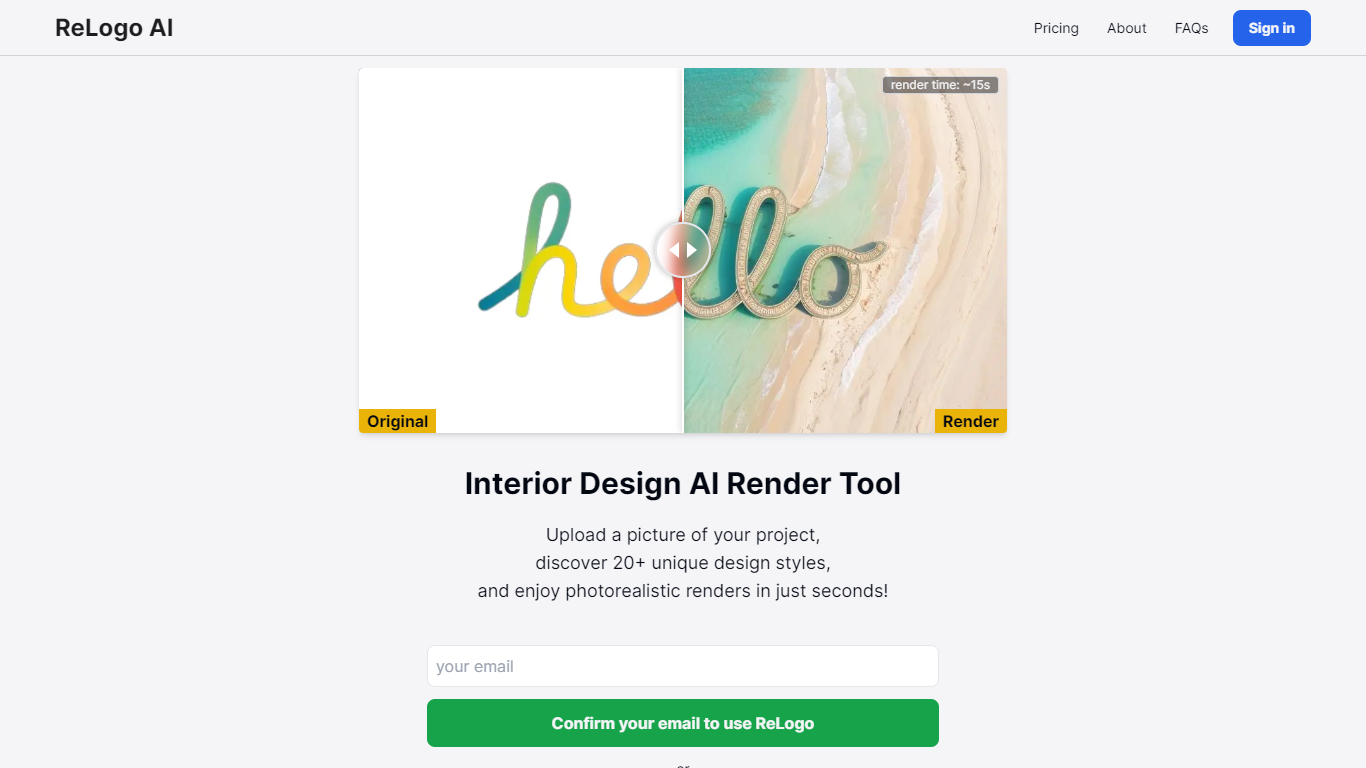
ReLogo AI turns an uploaded logo into photorealistic brand visuals across 20+ design styles in about 15 seconds. You pick themes or write prompts, and the design tool re-renders your mark with different lighting, materials, and environments while keeping the core logo recognizable. Sign in with Google or email to start generating.
Unlike full logo generators that invent a mark from scratch, ReLogo AI assumes you already have a logo and focuses on expressive brand mockups. That makes it closer to a scene renderer than a vector editor like Canva or Looka. Pro plans remove watermarks, unlock private mode, and double output resolution for client-ready assets.
Freelancers, agencies, and founders use it to preview how a logo looks on packaging, signage, or social posts without opening Photoshop. The free tier allows 3 renders per day with watermarks, while Pro runs $19 per month or $15.83 per month billed annually for unlimited renders.
Blend AI Studio
What is Blend AI Studio?
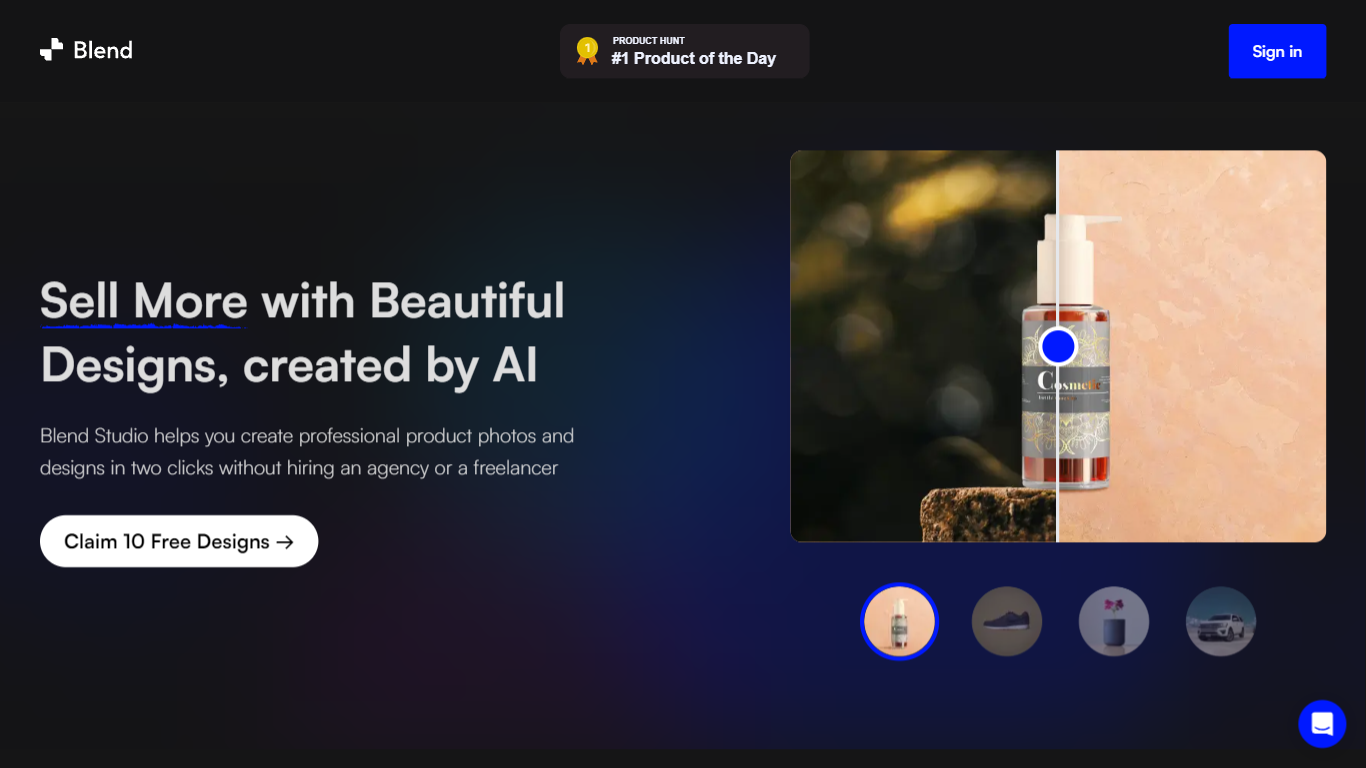
Blend AI Studio turns flat product uploads into studio shots, on-model try-on images, lifestyle scenes, and short product videos for ecommerce listings without booking a photographer. Upload a product image, pick a workflow like studio shots, ghost mannequin, or virtual try-on, and export listing-ready visuals through the web app or mobile apps.
Where general editors like Canva or Photoroom spread across social graphics and one-off cutouts, Blend keeps the workflow tied to seller tasks: marketplace white backgrounds, ghost mannequin apparel shots, batch catalog processing, and credit-priced limits per feature type on paid plans. That trade-off favors merchants shipping hundreds of SKUs over designers building broad brand decks.
Fashion, beauty, home goods, and high-volume catalog teams use it for Amazon, Etsy, Shopify, and DTC storefronts. BlendIt Studios reports 10M+ images created, 3.5M sellers on the platform, and a 4.8-star App Store rating on the homepage.
ReLogo AI Upvotes
Blend AI Studio Upvotes
ReLogo AI Top Features
Upload a logo and explore 20+ unique design styles with renders in about 15 seconds
Free plan includes 3 renders per day with commercial use allowed
Monthly Pro at $19 includes unlimited renders and 2x enhanced image quality
Yearly Pro at $15.83 per month billed annually matches Pro features at lower cost
Pro plans add watermark-free exports, private mode, and all lighting styles
Render with preset themes or custom text prompts for scene control
API access listed for integrating ReLogo AI into external workflows
Blend AI Studio Top Features
PRO includes 1,000 monthly credits with 100 AI model shots, 100 lifestyle shots, and 100 studio shots
Batch-edit up to 20 product photos for background removal in one pass on the mobile app
Generate AI product videos up to 10 seconds on PRO or 30 seconds on MAX
Create ghost mannequin, recolor, dimension overlays, and AI backgrounds from a single upload
MAX triples PRO credits and adds custom AI influencer model creation plus cheaper add-on credits
Access 1,000+ templates and DesignGPT outputs priced from 100 to 2,000 credits per run
ReLogo AI Category
- Design
Blend AI Studio Category
- Design
ReLogo AI Pricing Type
- Freemium
Blend AI Studio Pricing Type
- Freemium