RemoveBG vs RADIANT
In the contest of RemoveBG vs RADIANT, which AI Photo Editing tool is the champion? We evaluate pricing, alternatives, upvotes, features, reviews, and more.
If you had to choose between RemoveBG and RADIANT, which one would you go for?
When we examine RemoveBG and RADIANT, both of which are AI-enabled photo editing tools, what unique characteristics do we discover? The users have made their preference clear, RemoveBG leads in upvotes. RemoveBG has garnered 11 upvotes, and RADIANT has garnered 6 upvotes.
Feeling rebellious? Cast your vote and shake things up!
RemoveBG


What is RemoveBG?
RemoveBG is a powerful and user-friendly online tool that allows you to remove image backgrounds in seconds, and the best part is, it's completely free! With advanced AI technology, RemoveBG makes background removal a breeze, saving you time and effort. Whether you need to edit images for creative projects, marketing materials, or personal use, RemoveBG has got you covered.
With RemoveBG, the process of removing image backgrounds is as easy as 1-2-3. First, choose the image you want to edit and upload it into the tool. Second, let the advanced AI technology analyze your image and automatically remove the background. Finally, download the new image and use it for any purpose you desire. Say goodbye to background woes and hello to hassle-free image editing with RemoveBG.
RADIANT
What is RADIANT?
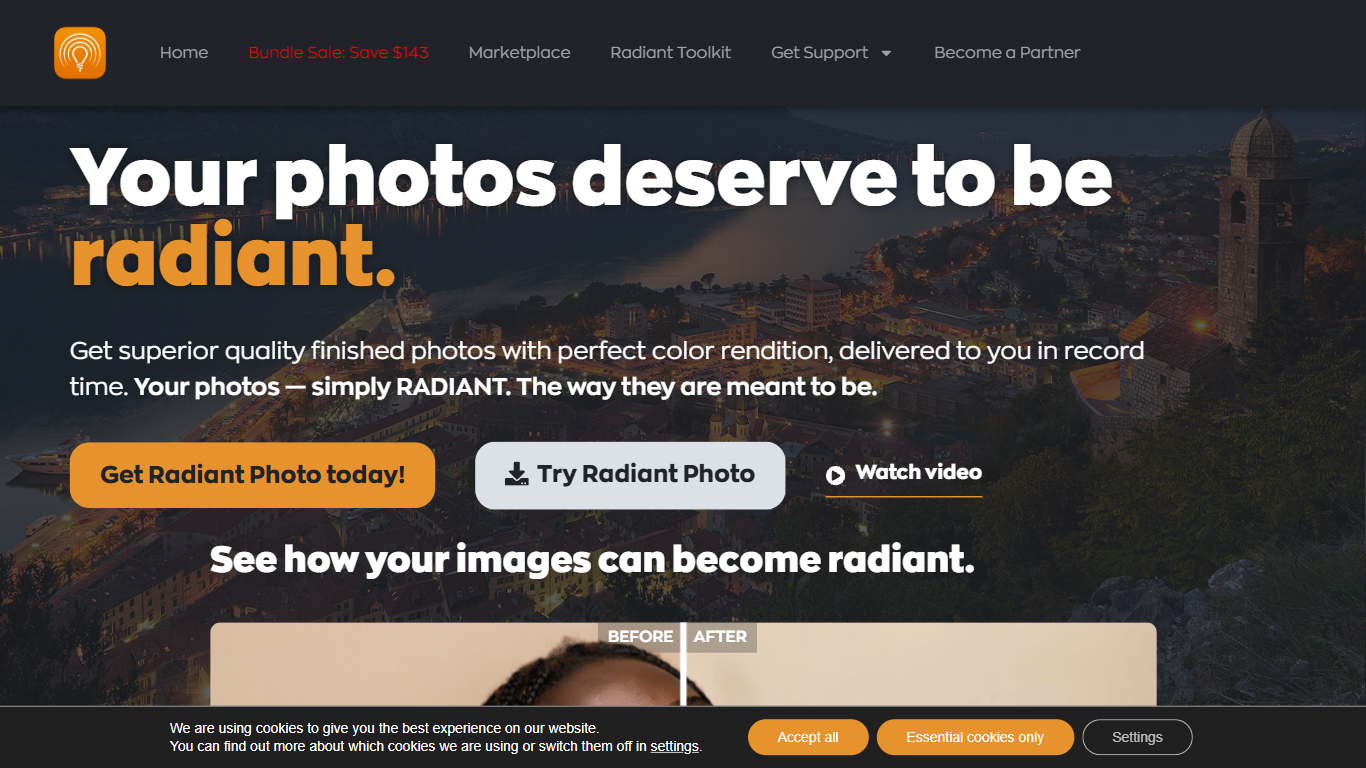
Radiant Imaging Labs builds Radiant Photo 2, a desktop photo editor for Windows and macOS that applies scene-aware corrections locally on your machine. Open a raw or JPEG file and the software reads the subject, lighting, and background before suggesting exposure, color, and detail adjustments. It also ships mobile camera apps and a Marketplace of Looks, presets, and genre Workflows.
Where most AI photo tools lean on cloud processing or generative edits that add or remove pixels, Radiant keeps everything on your computer and explicitly avoids generative AI. Corrections stay assistive: the app analyzes what is already in the frame rather than inventing new content, and original pixels remain intact through a non-destructive workflow.
The desktop app runs standalone or as a plugin inside Adobe Photoshop, Lightroom Classic, and Corel PaintShop Pro. Optional Workflow modules target landscape, portrait, bird, and pet photography with tuned presets and scene libraries, including 94 bird-specific scenes in the Birds Workflow. Smart Batch Export and sidecar files support high-volume editing without leaving the folder structure you already use.
Photographers who want fast, natural-looking results without weeks of slider practice tend to be the core audience. Enthusiasts get automatic enhancements out of the box, while professionals use it as a finishing pass before delivery. A 30-day trial runs the full app and plugins without asking for payment details.
RemoveBG Upvotes
RADIANT Upvotes
RemoveBG Top Features
Quick and Easy Background Removal: RemoveBG makes it incredibly simple to remove image backgrounds with just a few clicks. No need for complex editing software or extensive manual work.
Free of Cost: RemoveBG offers its background removal services completely free of charge. Say goodbye to expensive editing tools and hello to cost-effective image editing.
Advanced AI Technology: Powered by advanced AI technology RemoveBG analyzes your images and accurately detects and removes the background ensuring clean and professional results.
Versatile Usage: The images edited with RemoveBG can be used for a wide range of purposes including creative projects marketing materials or personal use. The possibilities are endless.
User-Friendly Interface: RemoveBG's user-friendly interface makes it easy for anyone to use regardless of their level of expertise in image editing. No technical skills required.
RADIANT Top Features
30-day free trial with full standalone and plugin access and no credit card required
100% local processing with no cloud upload of your photos
Scene detection for portraits, landscapes, birds, and pets plus optional genre Workflows at $89 each
Runs standalone or as a plugin in Photoshop, Lightroom Classic, and PaintShop Pro
Smart Batch Export processes multiple images while keeping quality consistent
One license covers up to 2 macOS or Windows computers
RemoveBG Category
- Photo Editing
RADIANT Category
- Photo Editing
RemoveBG Pricing Type
- Free
RADIANT Pricing Type
- Freemium