RenderFit vs Timebolt
Explore the showdown between RenderFit vs Timebolt and find out which AI Video Editing tool wins. We analyze upvotes, features, reviews, pricing, alternatives, and more.
When comparing RenderFit and Timebolt, which one rises above the other?
When we contrast RenderFit with Timebolt, both of which are exceptional AI-operated video editing tools, and place them side by side, we can spot several crucial similarities and divergences. The community has spoken, Timebolt leads with more upvotes. Timebolt has received 18 upvotes from aitools.fyi users, while RenderFit has received 6 upvotes.
Does the result make you go "hmm"? Cast your vote and turn that frown upside down!
RenderFit
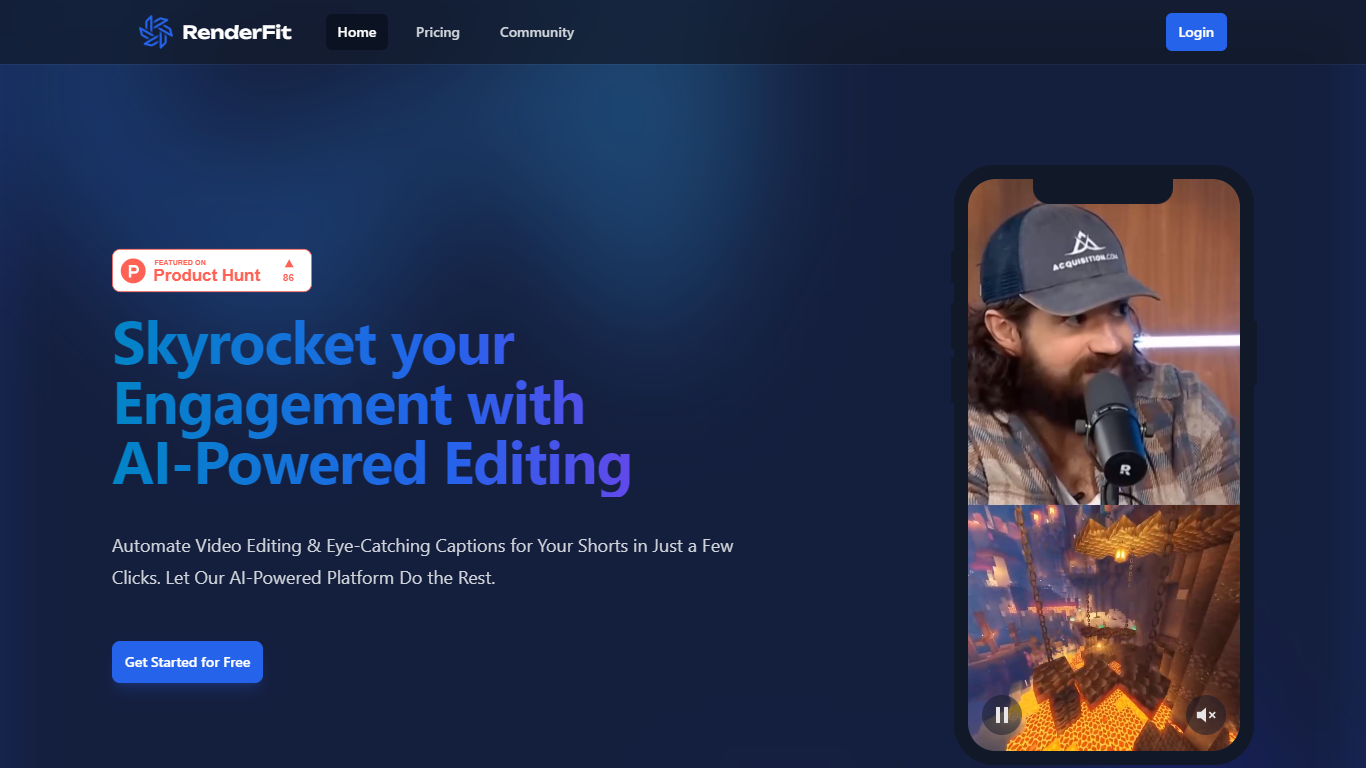

What is RenderFit?
RenderFit is a cutting-edge AI-powered platform dedicated to enhancing video content with automatic subtitling. This innovative tool dramatically increases user engagement by adding eye-catching captions to videos, making them more accessible and comprehensible. RenderFit is ideal for content creators on platforms such as TikTok, Instagram Reels, and YouTube Shorts who are looking to boost their watch time and viewer retention.
The platform boasts features like AI-Powered Captions, Emoji Integration, Full Customization, Real-Time Preview, and Speed & Ease, providing an all-encompassing solution for quick and efficient video editing. The process is straightforward – upload a video, customize the captions and emojis, preview in real-time, and then download the video with subtitles ready to captivate the audience.
RenderFit prioritizes security, ensuring that all content and financial transactions are protected. Starting with RenderFit is simple with the offer of free editing seconds upon signing up, and the website will soon be optimized for mobile use, ensuring convenience across all devices.
Timebolt
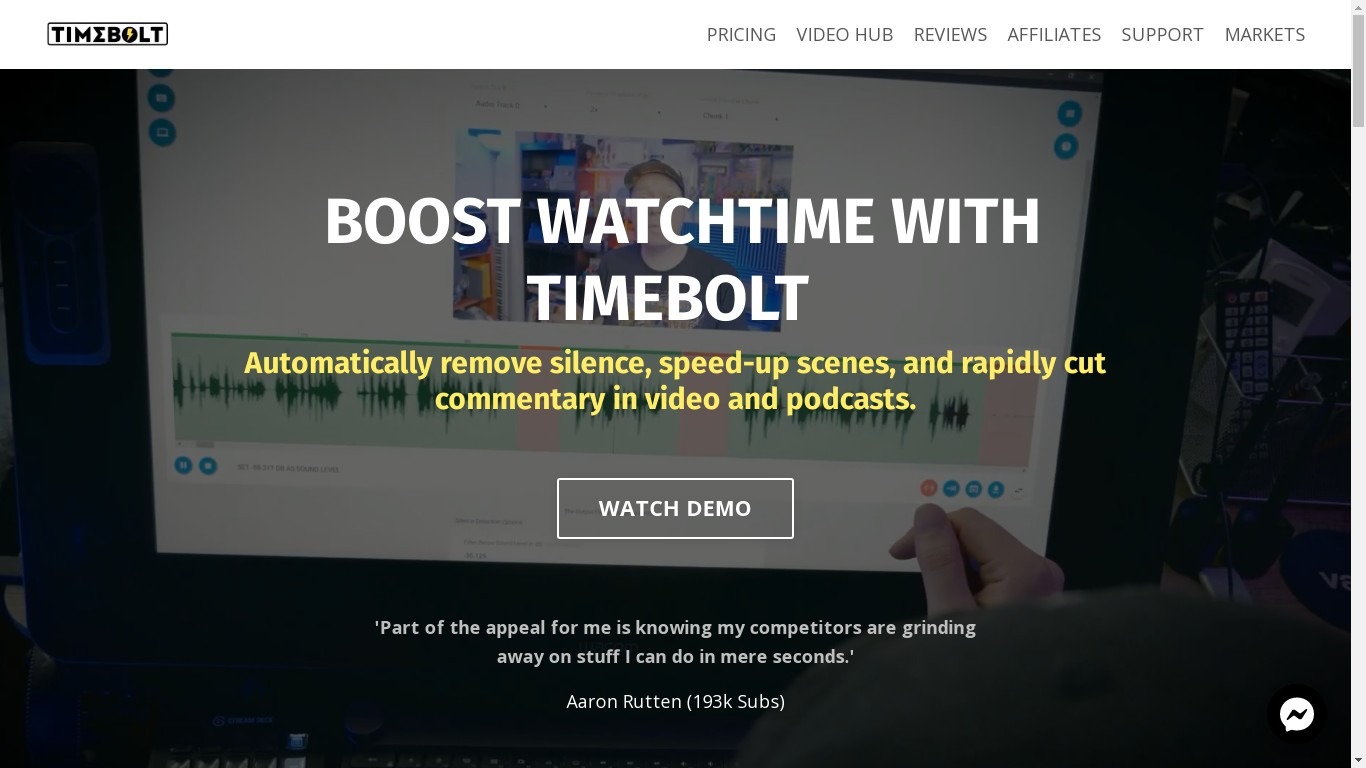
What is Timebolt?
Experience the future of video editing with TimeBolt.io. Automatically jump-cut videos to eliminate silences and awkward pauses, transforming lengthy content into engaging masterpieces. Whether you're editing podcasts or videos, TimeBolt ensures a seamless and rapid editing process, making you talk like a superhuman without the burnout.
RenderFit Upvotes
Timebolt Upvotes
RenderFit Top Features
AI-Powered Captions: Leverage the future of video captioning with AI for unrivaled accuracy.
Emoji Integration: Make captions more engaging with smart emoji detection.
Fully Customizable: Personalize style, captions, and emojis with 10 trendy templates.
Real-Time Preview: Ensure your video aligns with your vision before finalizing.
Speed & Ease: Enjoy a quick and user-friendly rendering process that saves time.
Timebolt Top Features
Elimina automáticamente el silencio de vídeos y podcasts
Editor de vídeo rápido para Windows y MAC
Detección automática de silencio en vídeos.
Esculpir: Corta o conserva cualquier palabra o escena.
Opciones de exportación: Premiere, Final Cut Pro, DaVinci Resolve y Camtasia
Elimina las palabras de relleno automáticamente con Umcheck
RenderFit Category
- Video Editing
Timebolt Category
- Video Editing
RenderFit Pricing Type
- Freemium
Timebolt Pricing Type
- Paid