Research Pal AI vs Numerous.ai
In the contest of Research Pal AI vs Numerous.ai, which AI Excel tool is the champion? We evaluate pricing, alternatives, upvotes, features, reviews, and more.
If you had to choose between Research Pal AI and Numerous.ai, which one would you go for?
When we examine Research Pal AI and Numerous.ai, both of which are AI-enabled excel tools, what unique characteristics do we discover? The upvote count is neck and neck for both Research Pal AI and Numerous.ai. Every vote counts! Cast yours and contribute to the decision of the winner.
Want to flip the script? Upvote your favorite tool and change the game!
Research Pal AI

What is Research Pal AI?
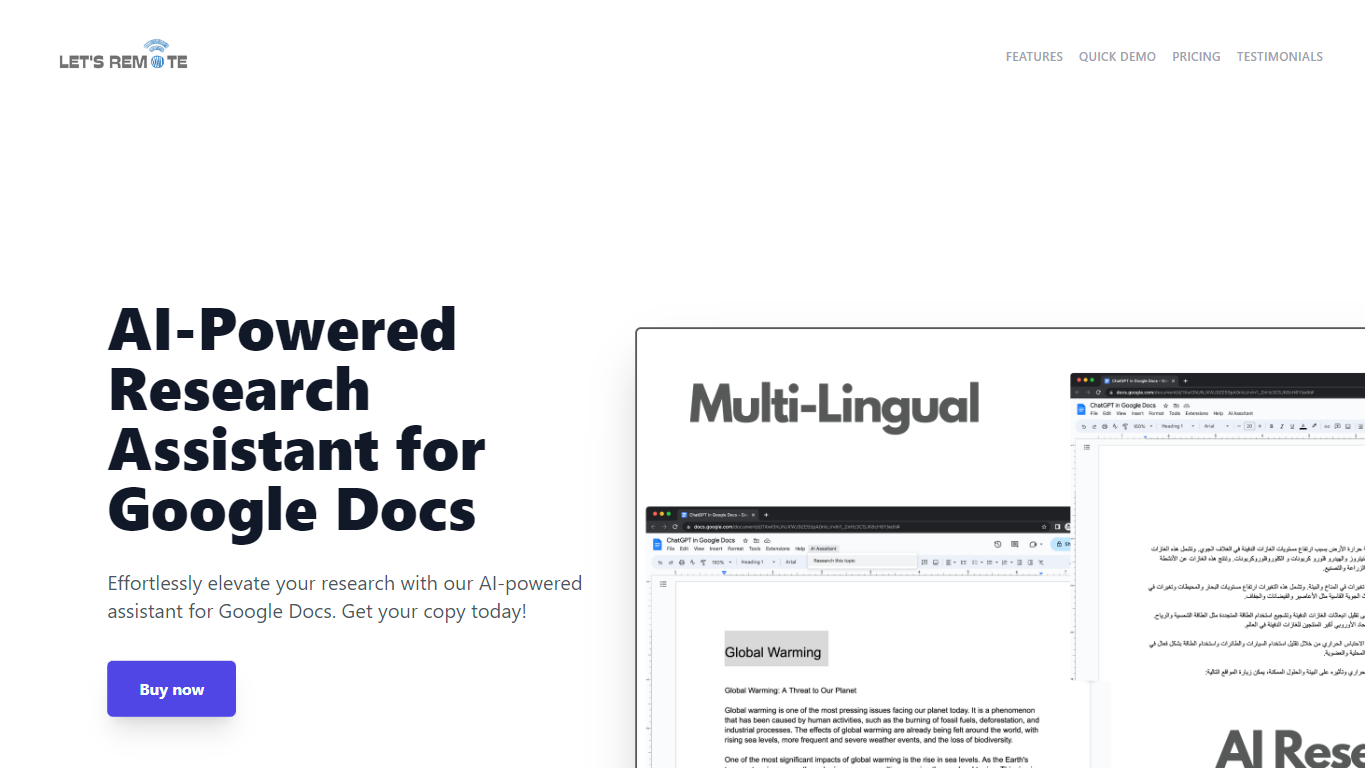
Step up your document creation game with the AI-Powered Research Assistant for Google Docs. This innovative Google Docs extension is designed to streamline your research and writing process, enabling you to generate high-quality text swiftly and efficiently. It's an essential tool for individuals looking to enhance their productivity while maintaining the quality of their content. Key features include state-of-the-art Natural Language Generation technology for coherent and rich text, customizable settings for tone and style preferences, and time-saving capabilities for regular content production. The extension also boasts multi-lingual support, catering to a global user base, and a user-friendly interface, making it accessible regardless of technical skill level. Advanced algorithms ensure texts are not only informative but also engaging, tailored to your specific audience. Secure, versatile, and powerful, this tool will transform your Google Docs experience and give you a competitive advantage in content creation.
Numerous.ai
What is Numerous.ai?
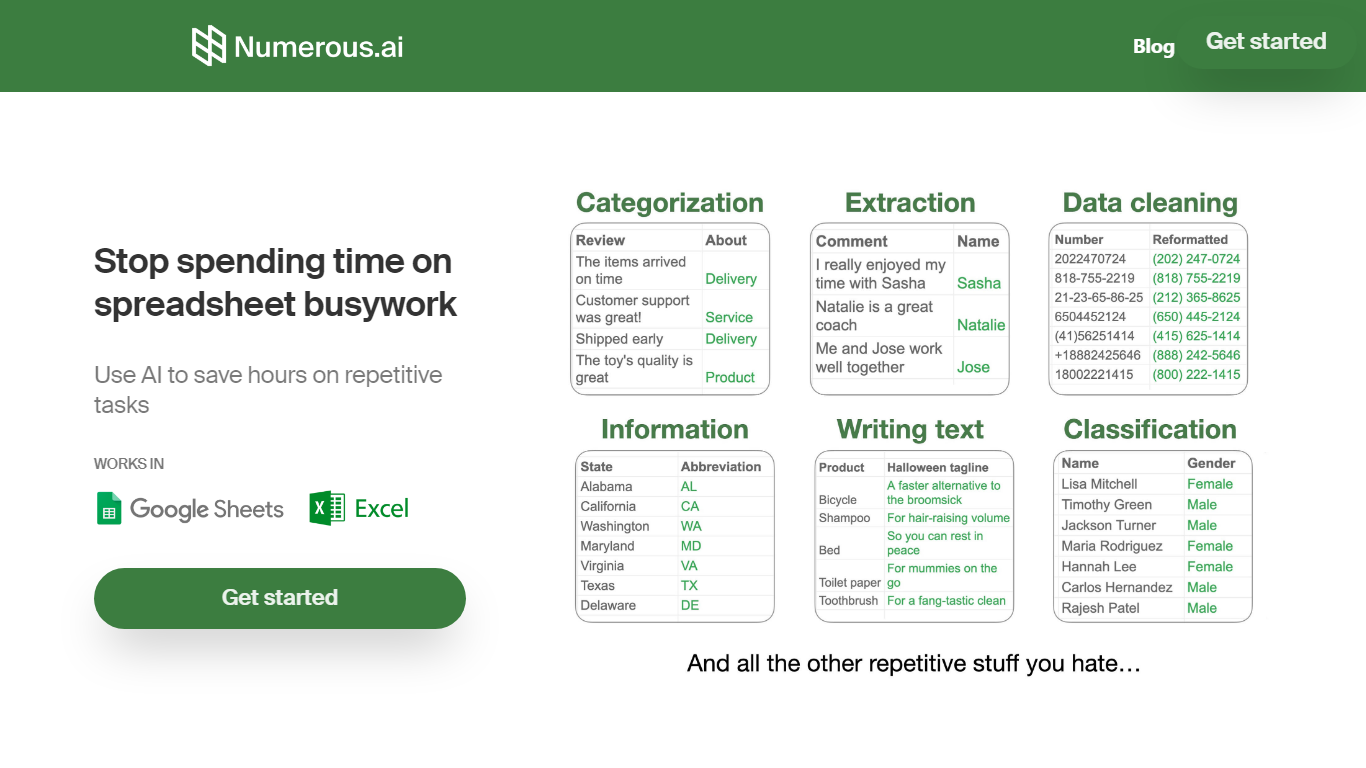
Numerous.ai is a spreadsheet add-on that brings ChatGPT into Google Sheets and Microsoft Excel. You install the plugin, type formulas like =AI in any cell, and run language tasks across rows and columns without managing your own API keys.
The product is built around bulk spreadsheet workflows: summarizing survey responses, generating ad copy, cleaning messy user input, or prototyping prompts you can share with a team. Responses are cached so formula refreshes do not burn through tokens on duplicate queries.
It fits marketers running campaign research, content teams batching social posts, students organizing research data, and product teams testing prompt structures before shipping features. The team is US-based in San Francisco, and both the Google Sheets and Excel add-ins are listed in their respective official marketplaces.
Research Pal AI Upvotes
Numerous.ai Upvotes
Research Pal AI Top Features
Natural Language Generation: The extension uses cutting-edge AI technology for creating coherent and informative text.
Customizable Settings: Offers user-settings for tone style and text length to tailor the content to specific needs.
Time-Saving Tool: Quickly generates quality text boosting efficiency for regular content creators.
Multi-Lingual Support: Accommodates users worldwide with support for multiple languages.
User-Friendly Interface: Easy to navigate enabling users of all technical abilities to optimize their writing tasks.
Numerous.ai Top Features
No API keys to configure; install the add-on and start using =AI in cells
Custom =AI, =WRITE, and =INFER functions for generation, formulas, and pattern learning
Works in both Google Sheets and Microsoft Excel from one subscription
Caches AI responses so refreshes skip duplicate queries and save tokens
Personal plan includes 1 million characters; Pro includes 5 million
Pro and Enterprise plans let multiple teammates share the same subscription
Research Pal AI Category
- Excel
Numerous.ai Category
- Excel
Research Pal AI Pricing Type
- Freemium
Numerous.ai Pricing Type
- Freemium