Research Studio vs Browse AI
When comparing Research Studio vs Browse AI, which AI Research tool shines brighter? We look at pricing, alternatives, upvotes, features, reviews, and more.
Between Research Studio and Browse AI, which one is superior?
When we put Research Studio and Browse AI side by side, both being AI-powered research tools, Browse AI is the clear winner in terms of upvotes. Browse AI has garnered 25 upvotes, and Research Studio has garnered 6 upvotes.
Don't agree with the result? Cast your vote and be a part of the decision-making process!
Research Studio

What is Research Studio?
Research Studio offers a powerful suite of AI-driven analysis tools designed for professionals in UX, Marketing, and Product development. With Research Studio, you can effortlessly convert your collected data into actionable insights by utilizing advanced features such as rapid summarization, sentiment analysis, and competitor insights. The platform simplifies the process by allowing users to drag and drop their research files, while the AI works in the background to provide comprehensive reports and data diagrams. The intuitive AI Chat feature enables users to have conversations with their research data, asking questions about various metrics and extracting specific insights. With options for both free and premium memberships, Research Studio is accessible to individuals and teams, and even offers special discounts for students and teachers. Streamline your research analysis process and make data-driven decisions faster with Research Studio.
Browse AI
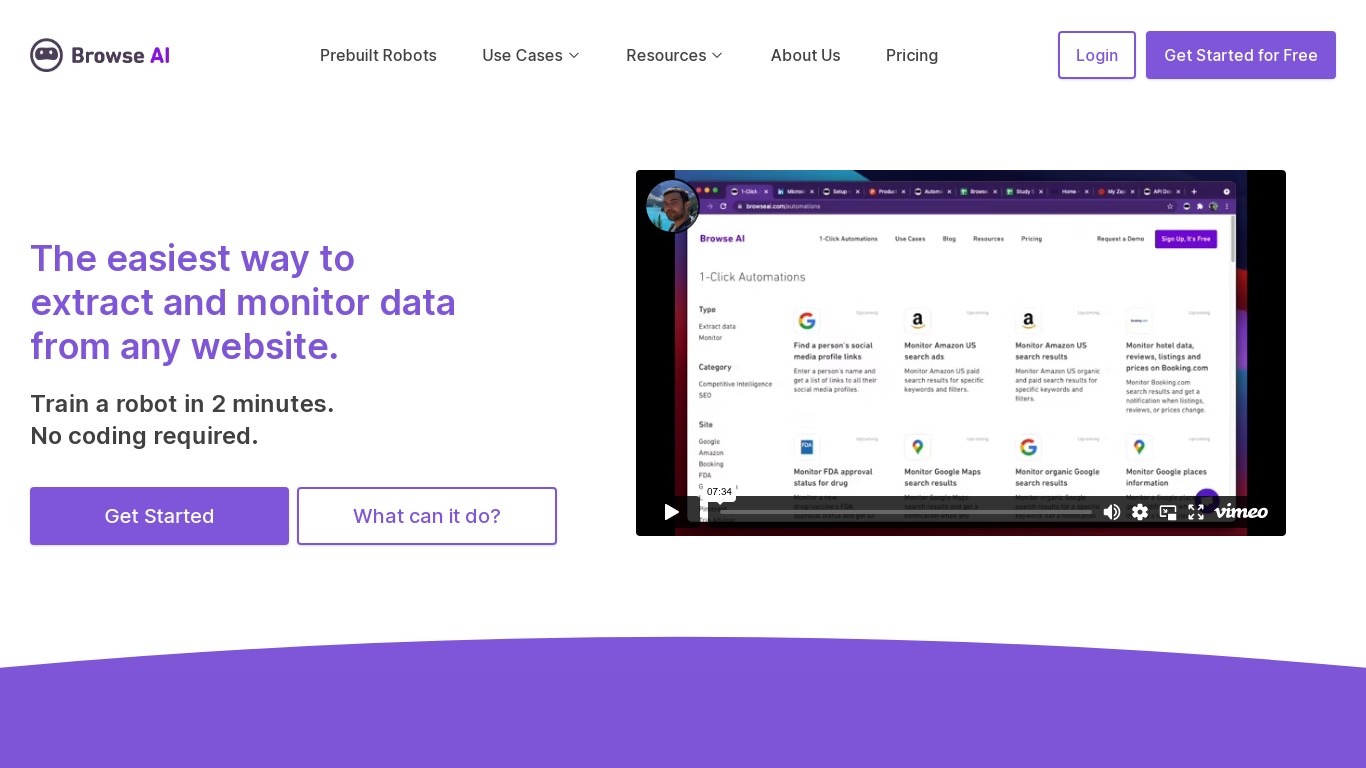
What is Browse AI?
Monitor any webpage for changes. Download any data on the web as a spreadsheet. Turn any website into an API.
Research Studio Upvotes
Browse AI Upvotes
Research Studio Top Features
Drag & Drop Integration: Easy file uploading with AI handling the complex analysis.
Summarization: Quick document summarization to save hours of manual work.
AI Chat Interaction: Engage with research through conversational AI for specific queries.
Competitor Analysis: Automatically discover and save lists of competitors within the app.
Sentiment Gauge: Deep dive into user feedback with sentiment highlights and detailed statements.
Browse AI Top Features
No top features listedResearch Studio Category
- Research
Browse AI Category
- Research
Research Studio Pricing Type
- Freemium
Browse AI Pricing Type
- Freemium