Restate vs HomeDesignsAI
Compare Restate vs HomeDesignsAI and see which AI Real Estate tool is better when we compare features, reviews, pricing, alternatives, upvotes, etc.
Which one is better? Restate or HomeDesignsAI?
When we compare Restate with HomeDesignsAI, which are both AI-powered real estate tools, The upvote count shows a clear preference for HomeDesignsAI. HomeDesignsAI has attracted 8 upvotes from aitools.fyi users, and Restate has attracted 6 upvotes.
Don't agree with the result? Cast your vote and be a part of the decision-making process!
Restate
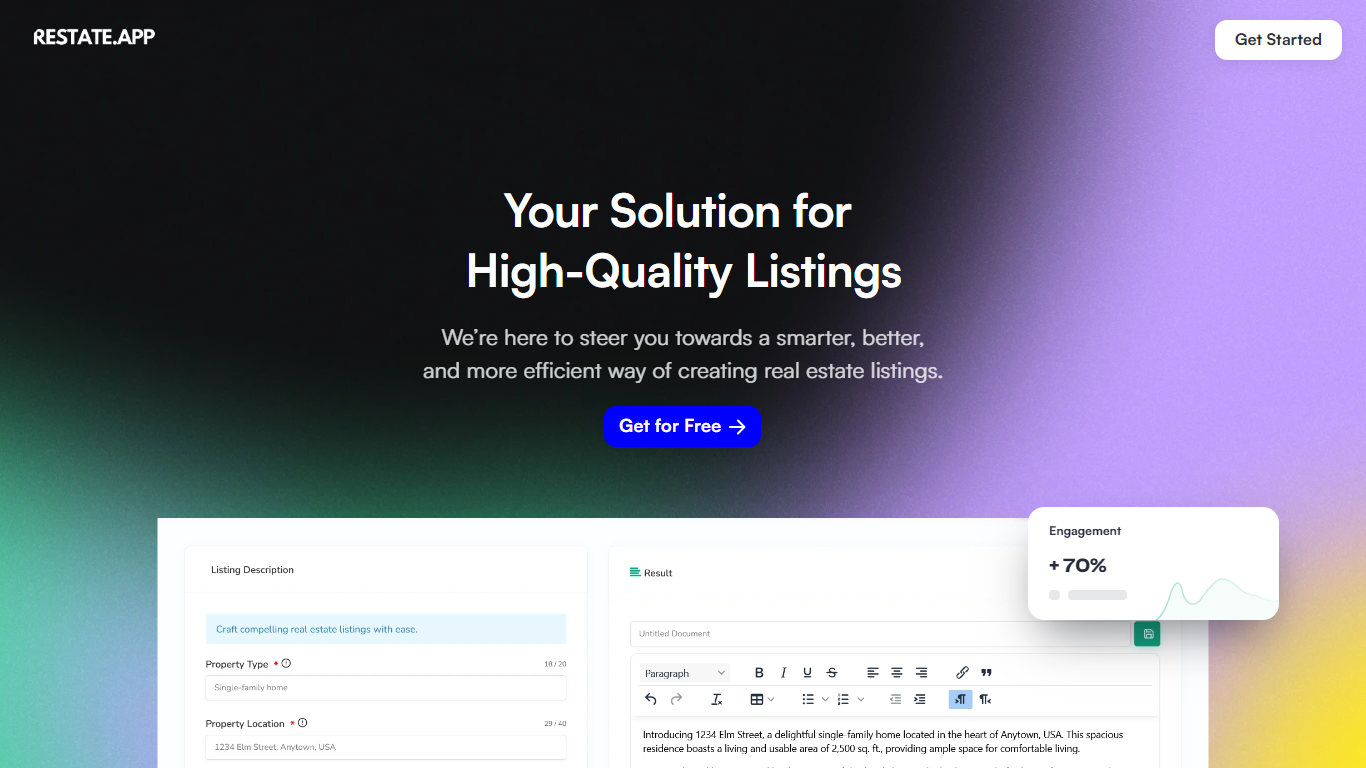

What is Restate ?
Restate is a cutting-edge platform that utilizes advanced AI technology to provide personalized, high-quality real estate listings. By harnessing the power of AI, Restate offers real estate professionals the tools to create compelling property listings quickly and efficiently.
Gone are the days of spending excessive time manually crafting each description. Restate's platform is designed to understand the uniqueness of each property, enabling users to customize and highlight specific features, ensuring the right information reaches the right clients.
With a significant increase in client engagement, Restate's service leads to faster deals and exceptional client satisfaction. The platform's user-friendly interface and speed of generating listings make it an indispensable tool in a highly competitive market.
HomeDesignsAI
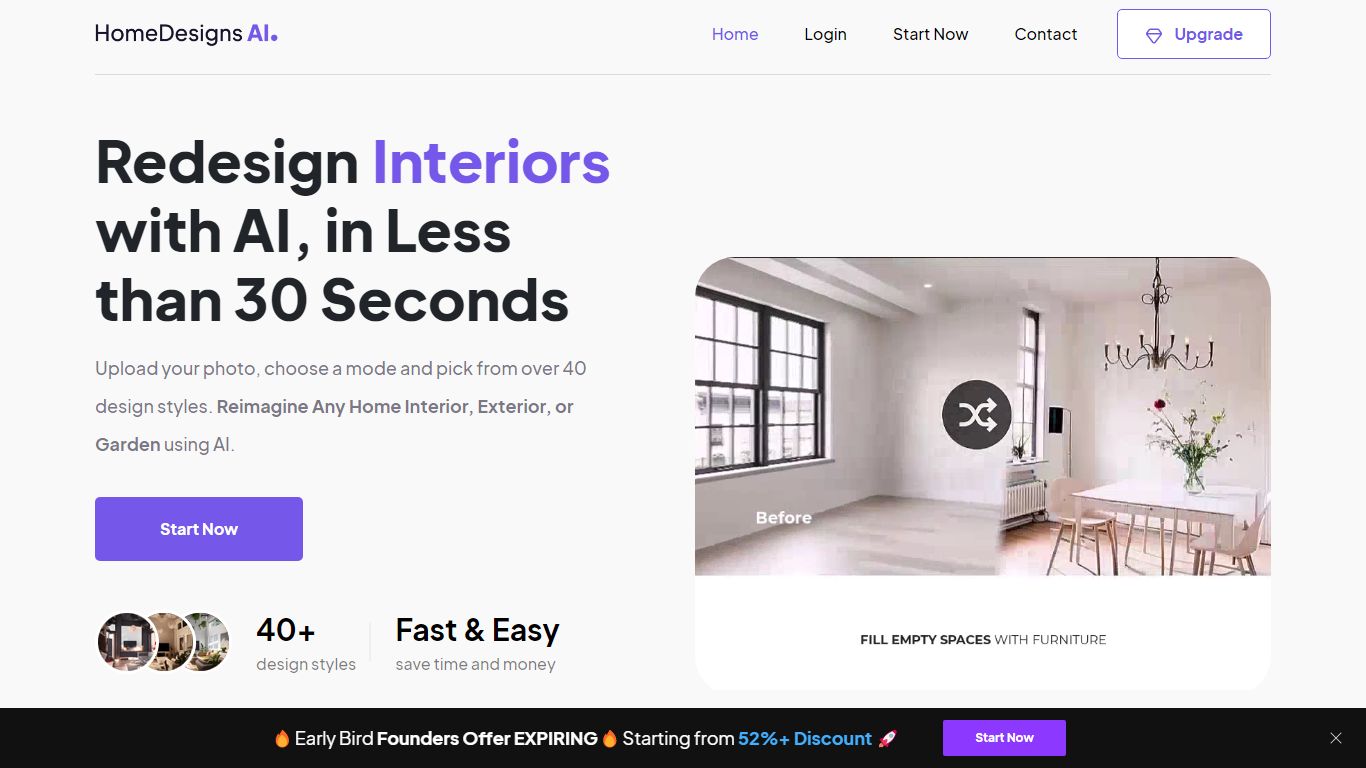
What is HomeDesignsAI?
HomeDesignsAI redesigns interiors, exteriors, gardens, and patios from a single uploaded photo in about 30 seconds. Its Structure-Lock keeps your real walls, windows, and layout fixed while swapping furniture, materials, lighting, and landscaping across 160 plus style presets.
Generic image generators invent new rooms with wrong proportions. HomeDesignsAI locks structure first, then offers virtual staging, declutter, sky and weather swaps, sketch-to-render, 2D-to-3D floor plans, and a shop-the-look furniture finder in one login. The trade-off is a credit system on the free tier and metered video exports on some plans.
Real estate agents stage vacant listings without furniture rental. Interior designers cut concept time by showing photoreal versions instead of mood boards. Homeowners test kitchen finishes and exterior facades before committing to contractor quotes.
Restate Upvotes
HomeDesignsAI Upvotes
Restate Top Features
Tailor-Made Listings: Personalize listings to showcase the uniqueness of each property.
Efficient Generation: Create listings quickly with AI-powered speed and ease.
Better Engagement: Increase client interest with detailed, high-quality descriptions.
User-Friendly: Enjoy a seamless listing creation process with an easy-to-use interface.
State-of-the-Art Technology: Leverage cutting-edge AI to automate and enhance property listings.
HomeDesignsAI Top Features
Structure-Lock keeps real walls, windows, and layout while redesigning in about 30 seconds
160 plus design styles across interiors, exteriors, gardens, patios, and terraces
7.76 million plus projects completed for 2.68 million plus users worldwide
Virtual staging, declutter, sketch-to-render, and 2D-to-3D floor plan tools in one platform
One-click video walkthroughs with 10, 20, or 30 second clip lengths
Shop-the-look furniture finder links real products seen in generated designs
Rated 4.8 out of 5 from 2,400 plus reviews on the public homepage
Restate Category
- Real Estate
HomeDesignsAI Category
- Real Estate
Restate Pricing Type
- Freemium
HomeDesignsAI Pricing Type
- Freemium