Restate vs ReRoom AI
In the face-off between Restate vs ReRoom AI, which AI Real Estate tool takes the crown? We scrutinize features, alternatives, upvotes, reviews, pricing, and more.
In a face-off between Restate and ReRoom AI, which one takes the crown?
If we were to analyze Restate and ReRoom AI, both of which are AI-powered real estate tools, what would we find? Neither tool takes the lead, as they both have the same upvote count. Join the aitools.fyi users in deciding the winner by casting your vote.
Feeling rebellious? Cast your vote and shake things up!
Restate

What is Restate ?
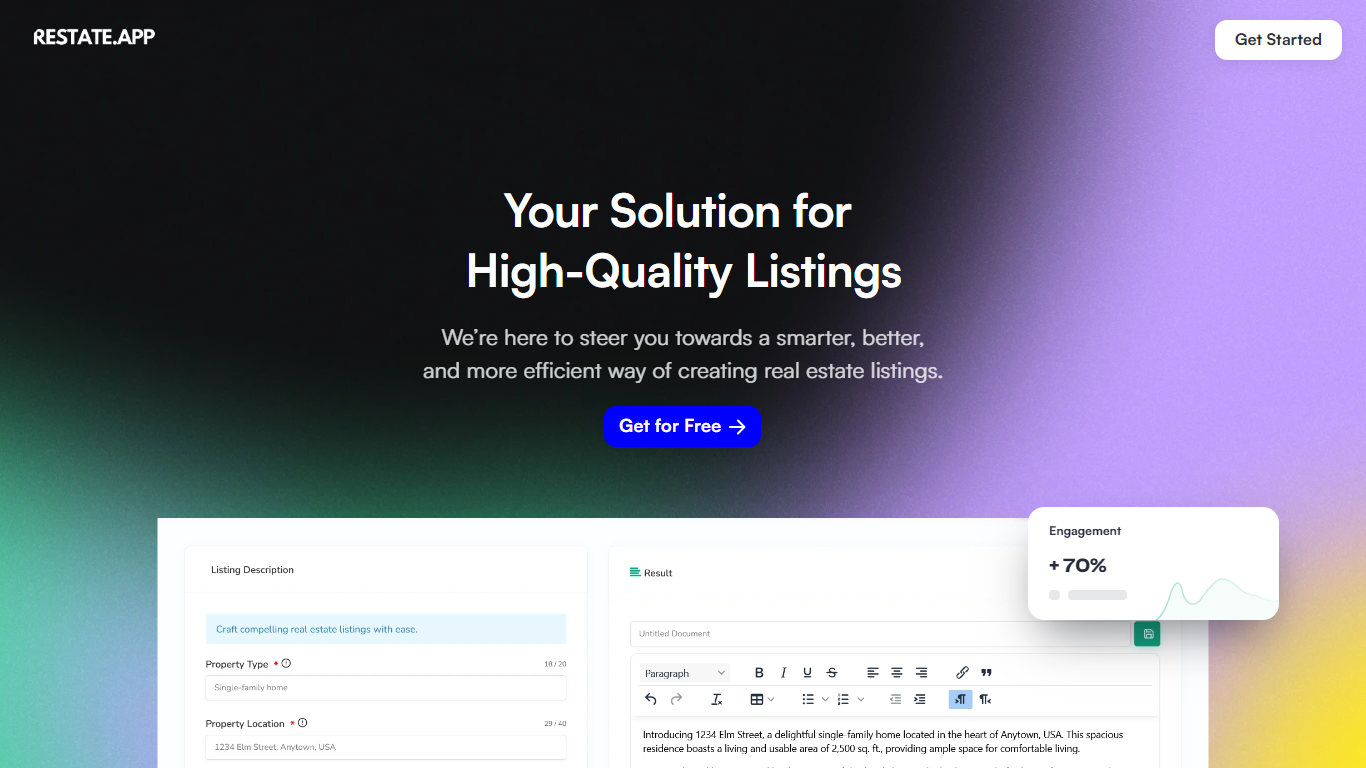
Restate is a cutting-edge platform that utilizes advanced AI technology to provide personalized, high-quality real estate listings. By harnessing the power of AI, Restate offers real estate professionals the tools to create compelling property listings quickly and efficiently.
Gone are the days of spending excessive time manually crafting each description. Restate's platform is designed to understand the uniqueness of each property, enabling users to customize and highlight specific features, ensuring the right information reaches the right clients.
With a significant increase in client engagement, Restate's service leads to faster deals and exceptional client satisfaction. The platform's user-friendly interface and speed of generating listings make it an indispensable tool in a highly competitive market.
ReRoom AI
What is ReRoom AI?
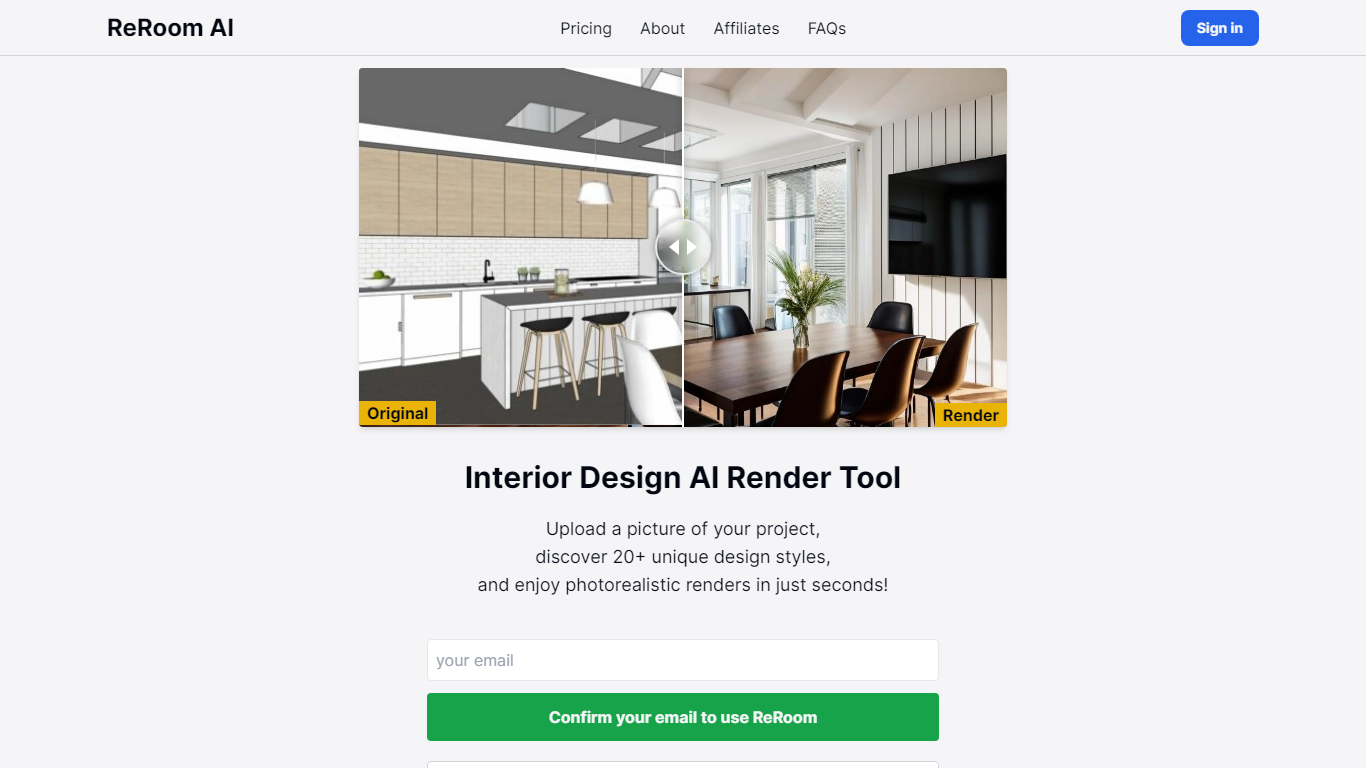
ReRoom AI turns interior photos, floor plans, SketchUp scenes, and clay models into photorealistic renders and virtual staging shots for real estate and design clients. You upload a source image, pick styles or prompts, and get presentation-ready interiors without a full 3D rebuild.
Compared with traditional rendering suites, ReRoom leans on fast AI passes with prompt control, 4x upscaling, and optional walkthrough video credits on paid plans. The free tier caps you at 3 watermarked renders per day, while paid plans unlock unlimited output, private mode, and commercial rights.
Interior designers, architects, and listing teams use it to pitch concepts, stage empty rooms, and refresh client decks. The about page cites 9,000+ daily renders across 150+ countries, with team billing and shared moodboards for agencies that need consistent styles.
Restate Upvotes
ReRoom AI Upvotes
Restate Top Features
Tailor-Made Listings: Personalize listings to showcase the uniqueness of each property.
Efficient Generation: Create listings quickly with AI-powered speed and ease.
Better Engagement: Increase client interest with detailed, high-quality descriptions.
User-Friendly: Enjoy a seamless listing creation process with an easy-to-use interface.
State-of-the-Art Technology: Leverage cutting-edge AI to automate and enhance property listings.
ReRoom AI Top Features
Free trial includes 3 renders per day with theme-based styling
Paid plans offer unlimited renders with 4x image upscaling
Private rendering mode removes watermarks on Pro and Team tiers
Prompt-based customization plus annotation edits on uploaded images
Video generation credits turn still renders into walkthrough clips
Team plans add shared projects, moodboards, and centralized billing
Tutorial library covers floor plans, SketchUp scenes, and satellite urban concepts
Restate Category
- Real Estate
ReRoom AI Category
- Real Estate
Restate Pricing Type
- Freemium
ReRoom AI Pricing Type
- Freemium