Roughly vs SketchGPT
In the battle of Roughly vs SketchGPT, which AI Design tool comes out on top? We compare reviews, pricing, alternatives, upvotes, features, and more.
Which one is better? Roughly or SketchGPT?
Upon comparing Roughly with SketchGPT, which are both AI-powered design tools, Roughly is the clear winner in terms of upvotes. Roughly has attracted 9 upvotes from aitools.fyi users, and SketchGPT has attracted 6 upvotes.
You don't agree with the result? Cast your vote to help us decide!
Roughly

What is Roughly?
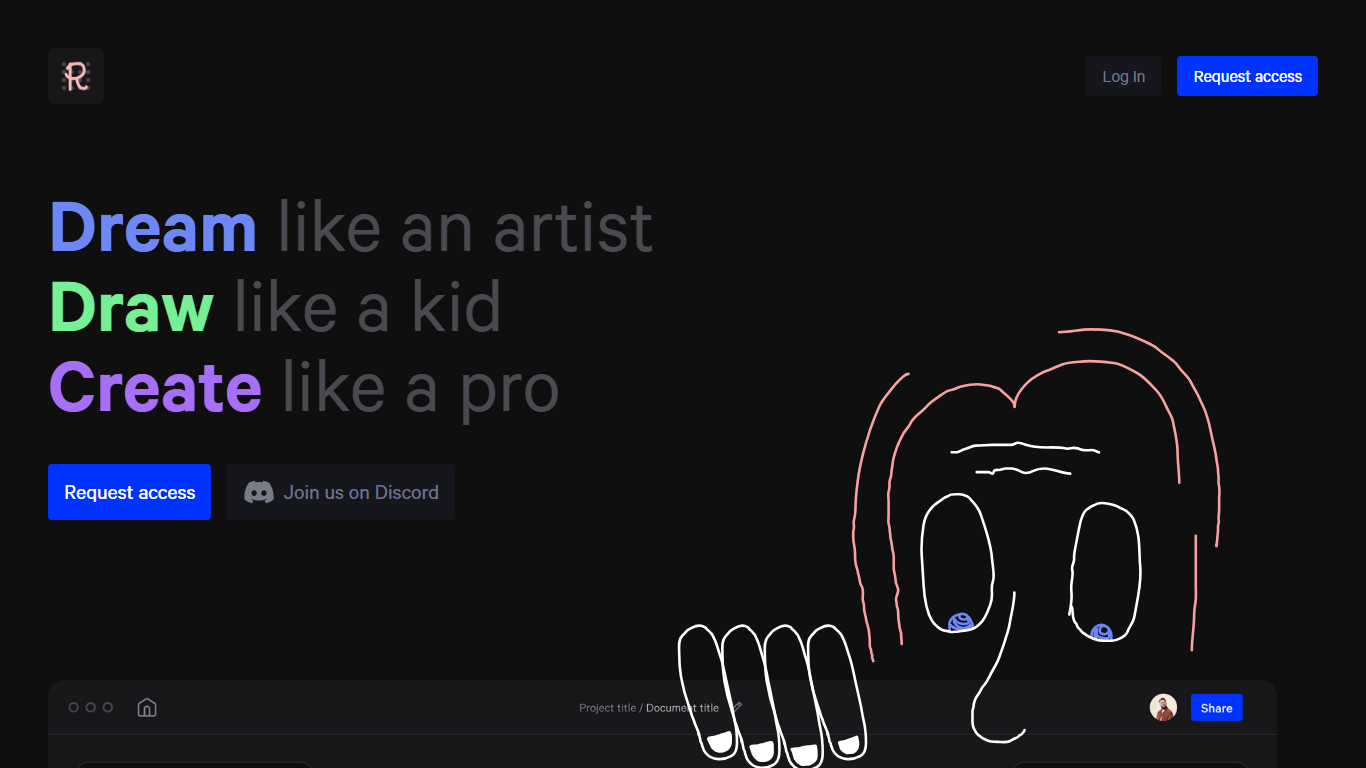
Unlock your inner visionary with Roughly, a platform dedicated to fostering an environment where creation knows no bounds. Dreaming has never been more vivid; with Roughly, you are invited to "Dream like an artist,” allowing your imagination to run wild and free.
Step into a youthful mindset and "Draw like a kid," where inhibitions are left behind, and every stroke is a step towards bringing your concepts to life. This seamless transition from thought to visual representation is what sets Roughly apart.
Finally, realize your vision and "Create like a pro." Whether you're crafting digital masterpieces in architecture, characters, landscapes, or fashion, or even developing for movies and games, Roughly equips you with the tools to produce professional-level results. Our platform offers an array of categories, including portraits, interiors, sculptures, and sneakers, ensuring that whatever your passion, you can create with confidence and flair.
Join our community of dreamers, artists, and creators on Discord. Request access today and embark on a journey of boundless creativity with Roughly—where your ideas are honored, nurtured, and brought to life.
SketchGPT
What is SketchGPT?
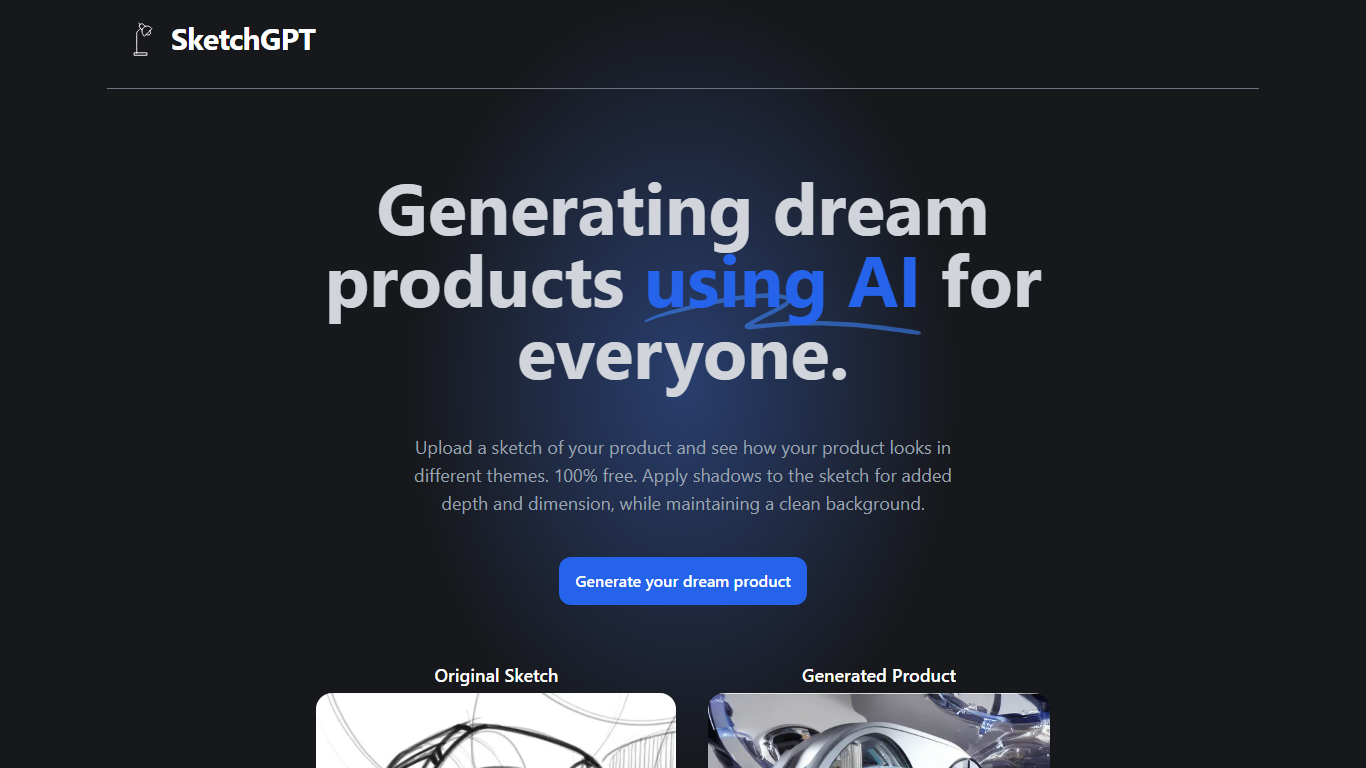
Transform your abstract ideas into tangible designs with SketchGPT—the AI-driven platform that grants power to your creativity. Whether you're an inventor, a designer, or anyone with a dream product in mind, SketchGPT helps you visualize your original sketches in various themes at no cost. The process is simple: upload your sketch, and let the AI work its magic, providing you with a generated product image that captures different thematic interpretations. The added shadow effect imbues your designs with depth and dimension while retaining a pristine background. This tool is not just a utility; it's a creative companion made with love by Sean Liu, ready to bridge the gap between your imagination and reality.
Roughly Upvotes
SketchGPT Upvotes
Roughly Top Features
Dream: Unleash your imagination to "Dream like an artist."
Draw: Embrace your inner child's freedom with "Draw like a kid."
Create: Achieve polished professional creations with "Create like a pro."
Categories: Explore a wide range of expressive categories that cater to diverse creative needs.
Community: Connect and collaborate through the Roughly Discord community.
SketchGPT Top Features
Free to Use: Explore and visualize your product ideas without any charges.
Visual Enhancement: Apply shadows for added depth and realism in your sketches.
Theme Variations: See your sketch in different themes to explore various design avenues.
Clean Backgrounds: Maintain a pristine background while focusing on product aesthetics.
Creator’s Touch: Made with dedication and love by developer Sean Liu.
Roughly Category
- Design
SketchGPT Category
- Design
Roughly Pricing Type
- Freemium
SketchGPT Pricing Type
- Freemium