Rows vs Tablesmith
In the battle of Rows vs Tablesmith, which AI Excel tool comes out on top? We compare reviews, pricing, alternatives, upvotes, features, and more.
Between Rows and Tablesmith, which one is superior?
Upon comparing Rows with Tablesmith, which are both AI-powered excel tools, Both tools are equally favored, as indicated by the identical upvote count. Join the aitools.fyi users in deciding the winner by casting your vote.
Don't agree with the result? Cast your vote and be a part of the decision-making process!
Rows


What is Rows?
Rows is a cloud spreadsheet built for teams that want to analyze business data without SQL, BI dashboards, or manual copy-paste workflows. You connect sources like analytics tools, ad platforms, bank accounts, and databases, then ask questions in plain language to build reports, models, and charts inside a familiar grid.
The product positions itself as an AI data analyst: you can extract tables from PDFs and images, merge datasets, run forecasts, and automate refreshes on a schedule. Rows also supports real-time collaboration, embeddable reports, and interactive forms so spreadsheets can be shared outside a traditional workbook.
Rows has joined Superhuman, and the site now points new users toward Coda as part of that transition. The Rows product, docs, templates, and integrations remain available at rows.com for existing workflows and sign-up.
Founded in 2016 with offices in Porto and Berlin, Rows targets business teams, marketers, and analysts who already think in spreadsheets but need live data connections and AI-assisted analysis in one place.
Tablesmith
What is Tablesmith?
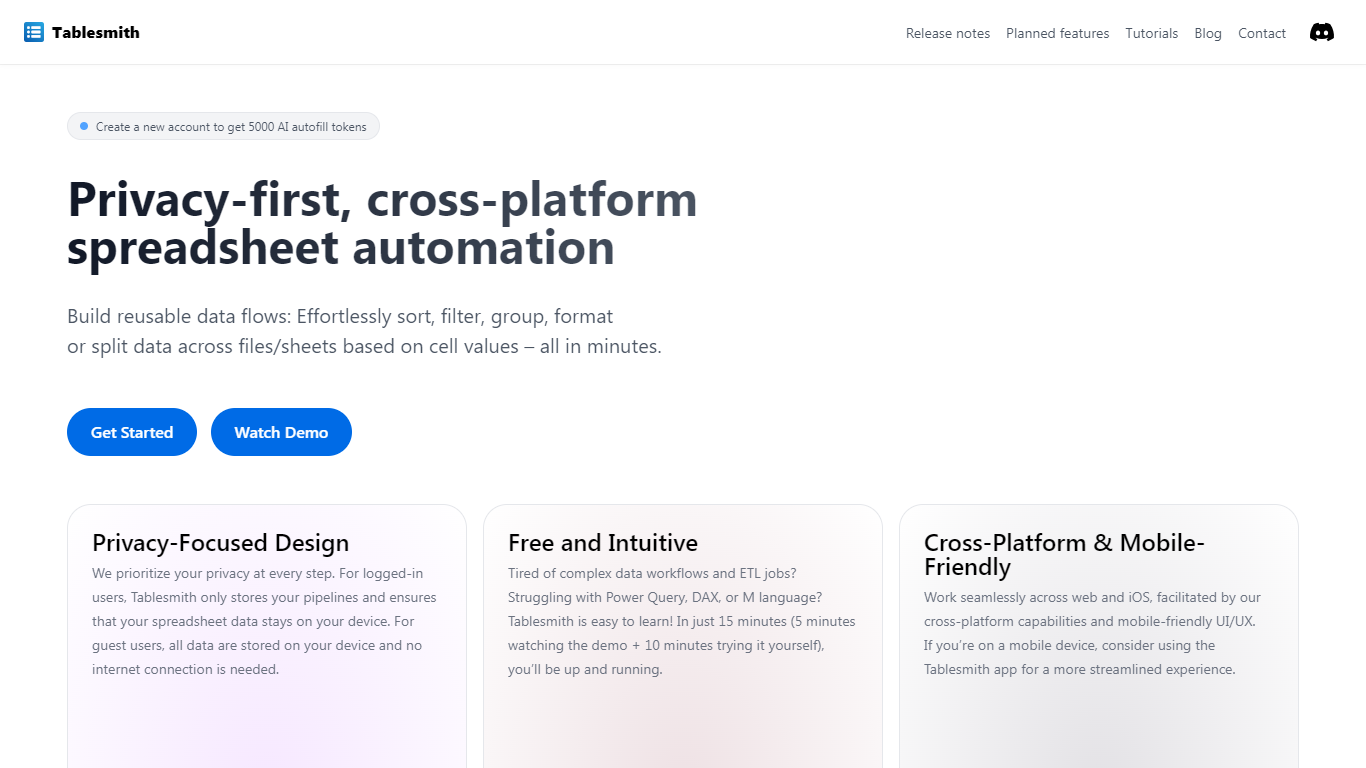
Tablesmith is an innovative, free no-code ETL platform designed to simplify and automate spreadsheet-related tasks for both CSV and XLSX files. With a focus on user privacy and ease of use, Tablesmith empowers users to create efficient data pipelines for sorting, filtering, formatting, and more, without the need for an internet connection for guest users. It only takes 15 minutes to learn how to use Tablesmith, thanks to a short demo and intuitive interface.
The AI autofill feature leverages upstream AI technology to predict and complete data entries, ensuring your prompts remain private. Tablesmith is compatible across different spreadsheet programs and is optimized for cross-platform use, with a mobile-friendly design that's perfect for working on the go. With Tablesmith, complex data management becomes a straightforward task, enabling users to focus on more important aspects of their work.
Rows Upvotes
Tablesmith Upvotes
Rows Top Features
Ask questions in plain language to build reports, fix formulas, and create charts without writing SQL
Import live data from 50+ integrations including GA4, Google Ads, Facebook Ads, Stripe, and Snowflake
Extract tables from PDFs, invoices, and screenshots with AI vision into editable spreadsheet rows
Automate data table refreshes on daily or per-minute schedules depending on your plan
Embed charts, calculators, and dashboards on websites, Notion docs, and other pages
Built-in Python analysis for cohorts, forecasts, and advanced stats without writing code manually
RowsX Chrome extension imports tables from websites in one click
Real-time collaboration with workspaces, folders, guest access, and version history
Tablesmith Top Features
Privacy-First Design: Ensures that user data remains on-device with no internet requirement for guest users.
Free and Easy-to-Learn: Offers a no-cost solution that users can master in just 15 minutes.
Cross-Platform & Mobile-Friendly: Provides a seamless experience across web and iOS platforms, with a mobile-friendly interface.
AI Autofill: Introduces a future-forward data entry feature leveraging AI to suggest and autofill based on user prompts, without storing any data on servers.
Flexible Input and Output: Handles multiple file formats like CSV and XLSX, offering versatility with various spreadsheet applications.
Rows Category
- Excel
Tablesmith Category
- Excel
Rows Pricing Type
- Freemium
Tablesmith Pricing Type
- Freemium