SafeSpelling vs AI Screen Writer
When comparing SafeSpelling vs AI Screen Writer, which AI Writing Assistant tool shines brighter? We look at pricing, alternatives, upvotes, features, reviews, and more.
Between SafeSpelling and AI Screen Writer, which one is superior?
When we put SafeSpelling and AI Screen Writer side by side, both being AI-powered writing assistant tools, Neither tool takes the lead, as they both have the same upvote count. Your vote matters! Help us decide the winner among aitools.fyi users by casting your vote.
Disagree with the result? Upvote your favorite tool and help it win!
SafeSpelling

What is SafeSpelling?
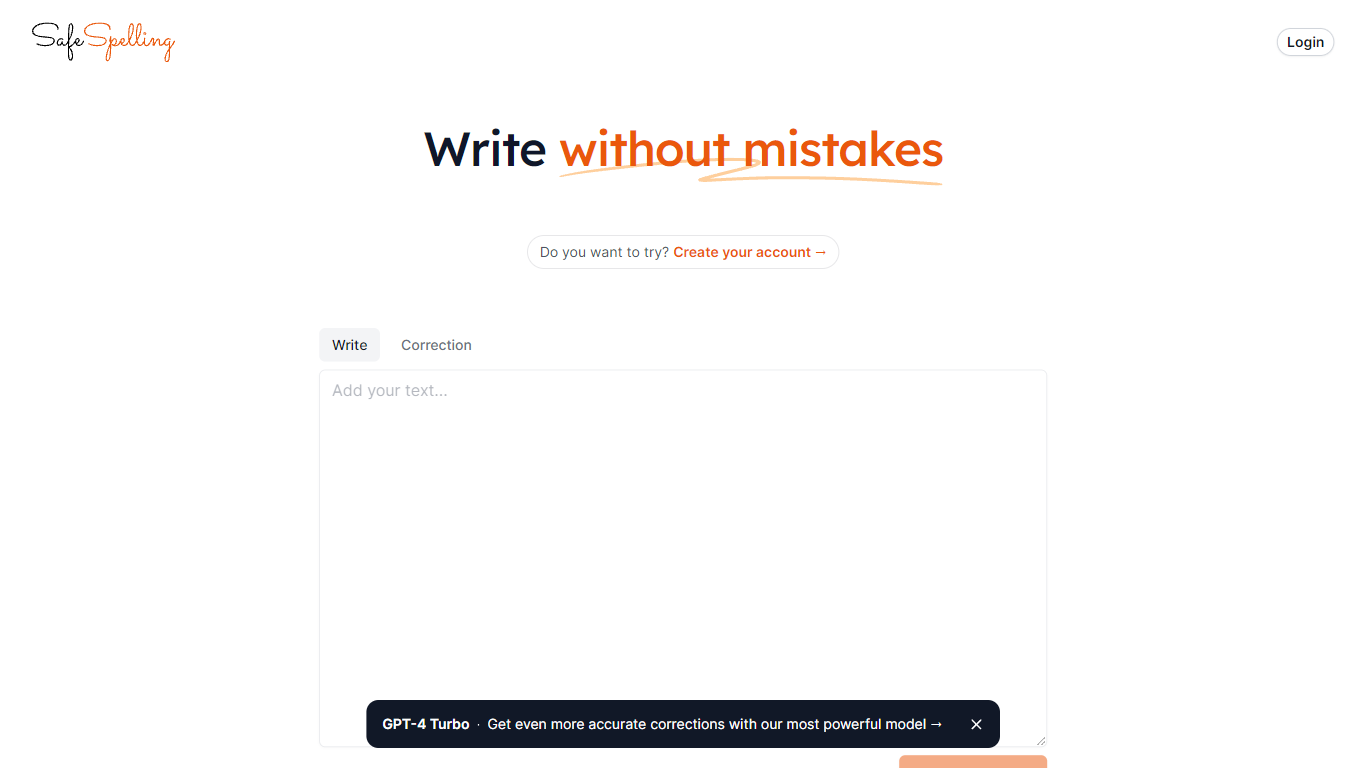
SafeSpelling helps users identify and correct spelling errors in their text quickly and accurately. It processes text inputs up to 1500 characters, making it suitable for emails, reports, and academic papers.
What sets SafeSpelling apart is its use of advanced GPT-3 and GPT-4 Turbo language models, which provide more precise corrections compared to basic spell checkers. Users can create accounts to access the most powerful AI model for personalized and reliable spelling correction.
The tool offers a simple and clean interface that focuses on improving written communication without overwhelming users with complex features. SafeSpelling balances ease of use with advanced AI technology to deliver effective spelling corrections efficiently.
While it supports relatively long text inputs, the 1500-character limit may require multiple submissions for longer documents. Despite this, SafeSpelling remains a valuable resource for students, professionals, writers, and educators aiming to enhance their text quality.
AI Screen Writer
What is AI Screen Writer?
AI Screen Writer is a writing assistant for screenplays, story outlines, and character sheets. The web app walks you through character sheets, story outlines, and individual film scenes, with an editor that lets you revise generated script text instead of treating the output as final.
General-purpose writing tools can draft prose, but they rarely structure a screenplay workflow around character sheets, beat outlines, and scene generation in one project. AI Screen Writer also adds realtime output, in-app human support, and eight interface languages (Spanish, French, German, Portuguese, Tamil, Hindi, Standard Chinese, and Russian). GlassFrog Productions built it in-house; the team cites credits on Avatar, District 9, Mad Max, The Lego Movie, Cyberpunk 2077, and Total Recall.
Screenwriters, indie filmmakers, and YouTube scriptwriters are the core audience. Access runs on monthly token credits with a 10,000-token free trial, and generated content is treated as user-owned per the FAQ. Projects stay on AI Screen Writer servers while your account is active, with downloads recommended for backup.
SafeSpelling Upvotes
AI Screen Writer Upvotes
SafeSpelling Top Features
Corrects spelling mistakes instantly for clear writing
Uses GPT-4 Turbo for more accurate text corrections
Supports up to 1500 characters per text check
Allows account creation for personalized use
Simple interface for quick and easy editing
AI Screen Writer Top Features
Character sheet, story outline, and film scene generators in one project workflow
Edit generated screenplay, script, or character sheet text after AI output
Realtime Output streams content as the model generates it
Interface supports 8 languages including Spanish, French, German, and Hindi
Free trial includes 10,000 tokens (roughly 7,500 generated words per FAQ)
Paid plans from $10 to $50 per month with 100,000 to 500,000 monthly tokens
In-app human support without leaving the writing workspace
SafeSpelling Category
- Writing Assistant
AI Screen Writer Category
- Writing Assistant
SafeSpelling Pricing Type
- Free
AI Screen Writer Pricing Type
- Freemium