SafeSpelling vs Sudowrite
Compare SafeSpelling vs Sudowrite and see which AI Writing Assistant tool is better when we compare features, reviews, pricing, alternatives, upvotes, etc.
Which one is better? SafeSpelling or Sudowrite?
When we compare SafeSpelling with Sudowrite, which are both AI-powered writing assistant tools, There's no clear winner in terms of upvotes, as both tools have received the same number. You can help us determine the winner by casting your vote and tipping the scales in favor of one of the tools.
Want to flip the script? Upvote your favorite tool and change the game!
SafeSpelling
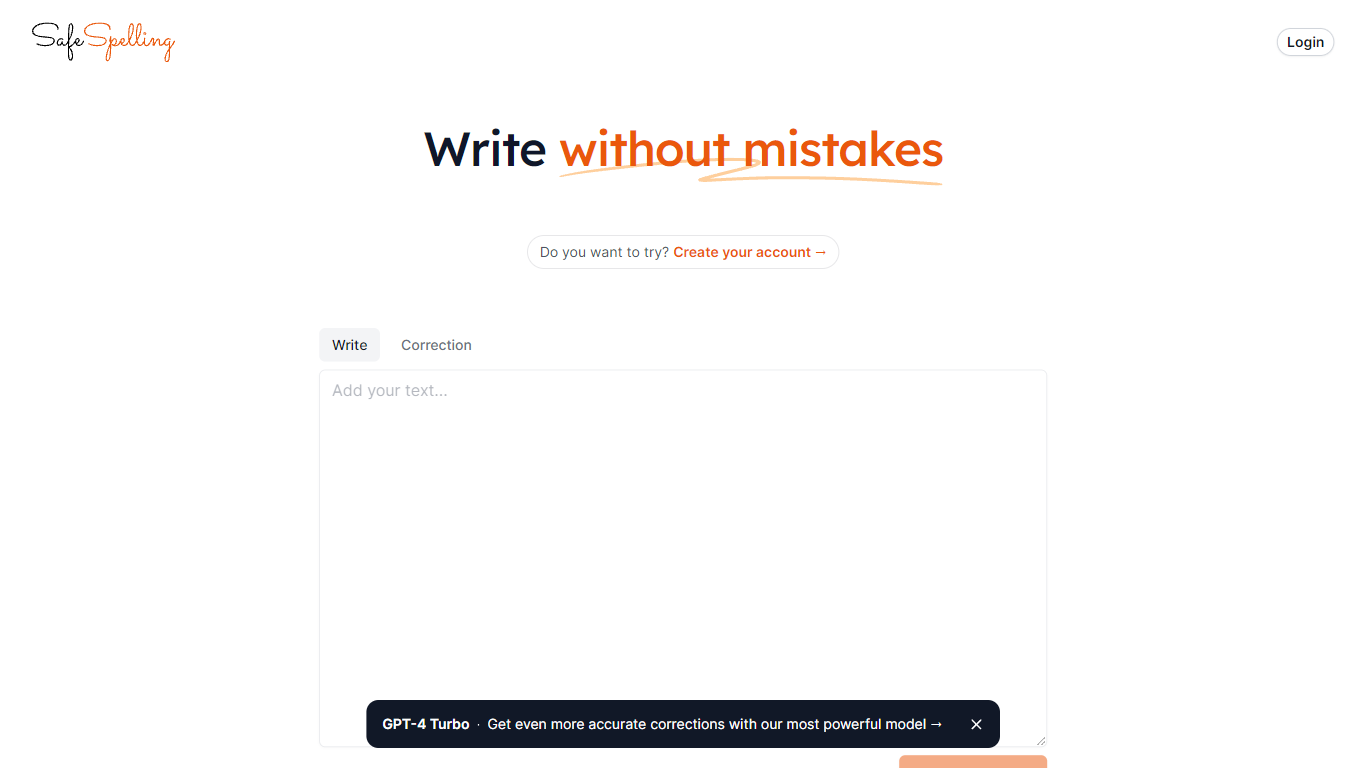

What is SafeSpelling?
SafeSpelling helps users identify and correct spelling errors in their text quickly and accurately. It processes text inputs up to 1500 characters, making it suitable for emails, reports, and academic papers.
What sets SafeSpelling apart is its use of advanced GPT-3 and GPT-4 Turbo language models, which provide more precise corrections compared to basic spell checkers. Users can create accounts to access the most powerful AI model for personalized and reliable spelling correction.
The tool offers a simple and clean interface that focuses on improving written communication without overwhelming users with complex features. SafeSpelling balances ease of use with advanced AI technology to deliver effective spelling corrections efficiently.
While it supports relatively long text inputs, the 1500-character limit may require multiple submissions for longer documents. Despite this, SafeSpelling remains a valuable resource for students, professionals, writers, and educators aiming to enhance their text quality.
Sudowrite
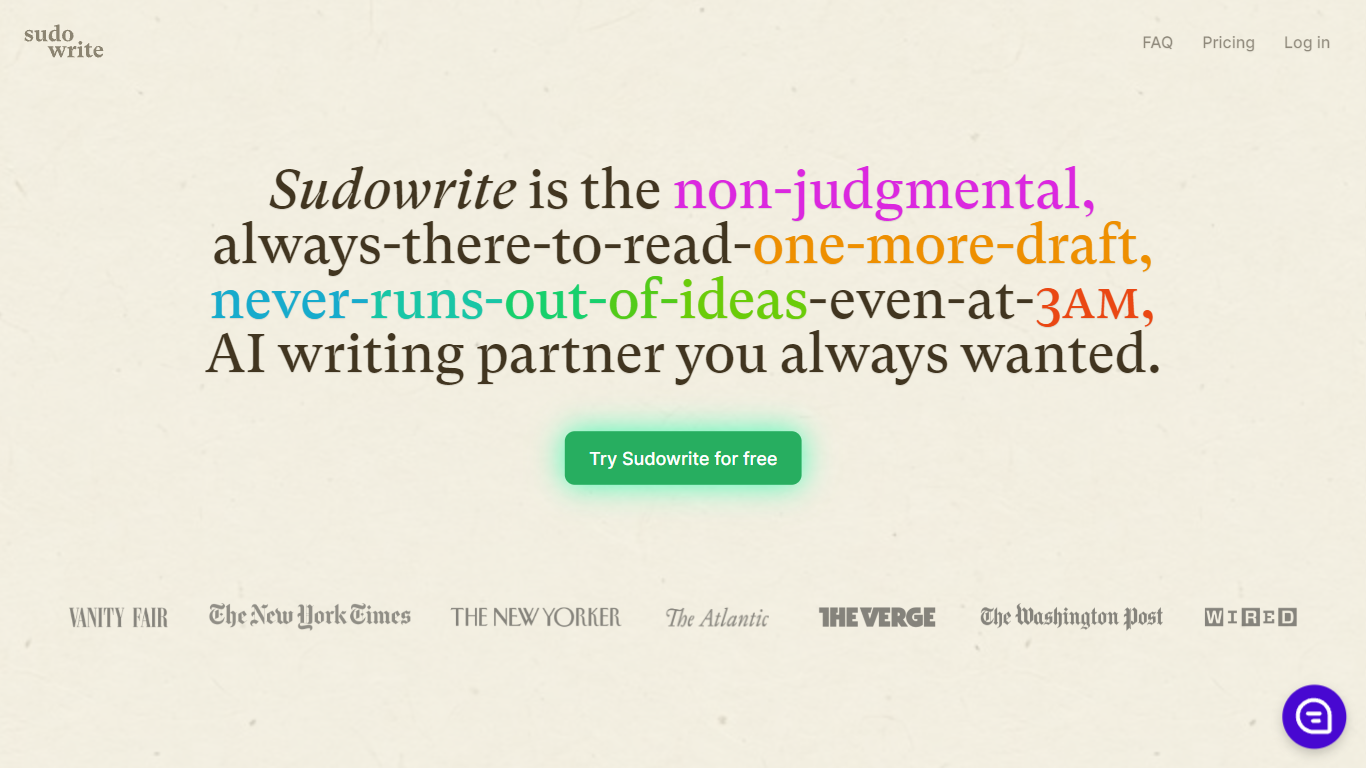
What is Sudowrite?
Sudowrite is an AI writing partner designed especially for novelists and creative writers. It helps you write faster and overcome writer's block by suggesting the next 300 words in your voice, expanding scenes, and providing vivid descriptions that bring your story to life. The tool guides you from idea to outline to full draft with features like Story Bible, Brainstorm, and Canvas, which help organize plot points, character arcs, and themes.
Sudowrite also offers revision assistance with Rewrite and actionable Feedback to improve your drafts. It supports over 30 languages and lets you visualize characters and worlds with AI-generated art. Created by writers for writers, Sudowrite aims to make storytelling more enjoyable and productive.
SafeSpelling Upvotes
Sudowrite Upvotes
SafeSpelling Top Features
Corrects spelling mistakes instantly for clear writing
Uses GPT-4 Turbo for more accurate text corrections
Supports up to 1500 characters per text check
Allows account creation for personalized use
Simple interface for quick and easy editing
Sudowrite Top Features
📝 Write: Autocomplete that suggests the next 300 words in your style to keep your story flowing.
🌟 Expand: Build out scenes to improve pacing and add depth without losing momentum.
🎨 Visualize: Generate artwork from your character and world descriptions to bring your story to life.
🧠 Brainstorm: Infinite idea generator that learns your preferences to spark fresh plot points and character secrets.
🔄 Rewrite: Flexible revision tool that takes direction and helps you rephrase sentences effortlessly.
SafeSpelling Category
- Writing Assistant
Sudowrite Category
- Writing Assistant
SafeSpelling Pricing Type
- Free
Sudowrite Pricing Type
- Paid