ScanTo3D | OpalAi vs MakePose
Compare ScanTo3D | OpalAi vs MakePose and see which AI 3D Generation tool is better when we compare features, reviews, pricing, alternatives, upvotes, etc.
Which one is better? ScanTo3D | OpalAi or MakePose?
When we compare ScanTo3D | OpalAi with MakePose, which are both AI-powered 3d generation tools, Interestingly, both tools have managed to secure the same number of upvotes. You can help us determine the winner by casting your vote and tipping the scales in favor of one of the tools.
Think we got it wrong? Cast your vote and show us who's boss!
ScanTo3D | OpalAi

What is ScanTo3D | OpalAi?
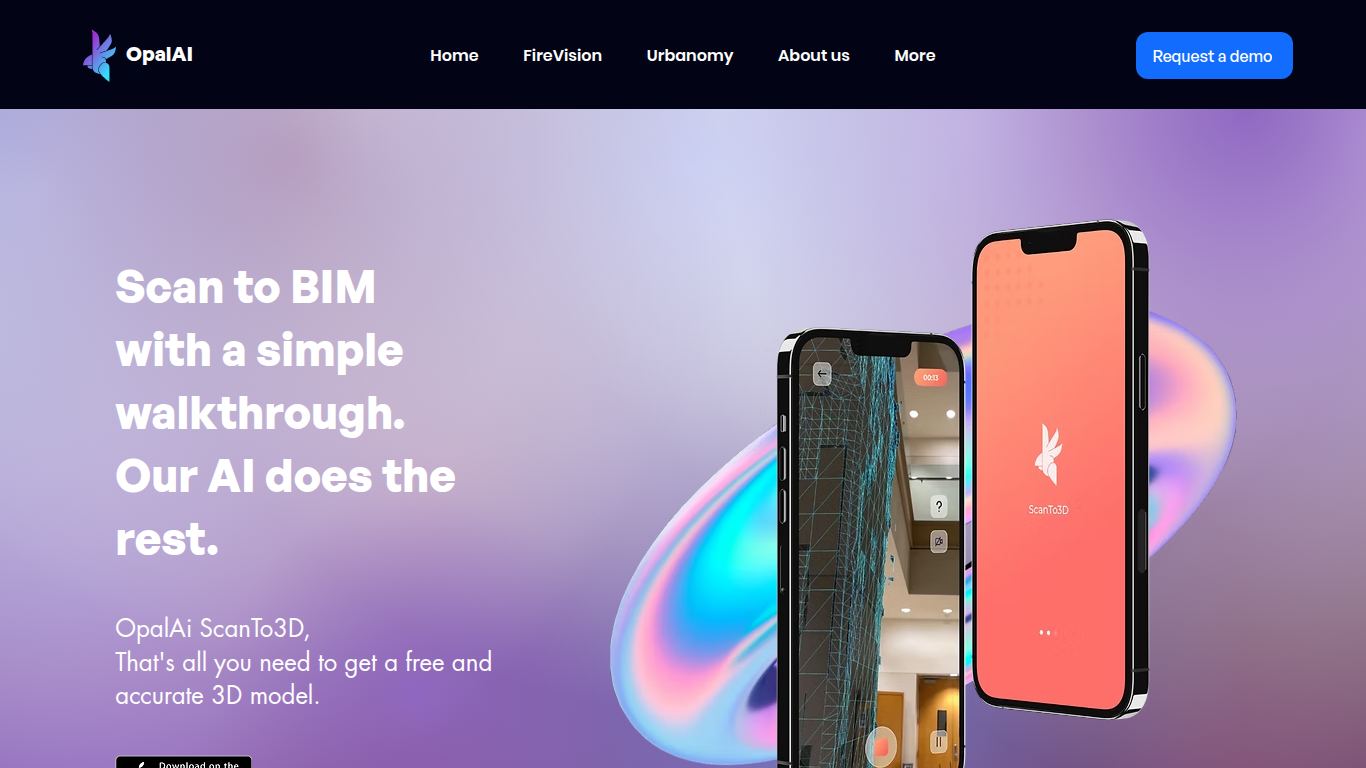
ScanTo3D by OpalAi is a 3D generation app for iPhone Pro and iPad Pro that turns LiDAR walkthrough scans into floor plans, point clouds, and BIM-ready models. You walk through a space with your phone, capture geometry in InstaCAD or LiDAR mode, and export digital twins in formats like OBJ, GLTF, STL, and USDZ. It targets property owners, contractors, and facility teams who need as-built documentation without hauling a dedicated scanner.
Compared to renting tripod LiDAR hardware, ScanTo3D trades equipment cost for device requirements and optional cloud processing. InstaCAD mode builds 2D floor plans and 3D CAD models in real time for spaces under 2,000 square feet, while LiDAR mode handles larger environments with no hard size cap though OpalAi recommends keeping each scan under about 5,000 square feet.
Site managers, real estate teams, and construction sales staff use it for quick floor plans, ANSI-compliant gross living area calculations, and textured 3D exports. OpalAi claims less than 1 inch of error per 30 feet and about 98% accuracy on generated floor plans and BIM objects.
MakePose
What is MakePose?
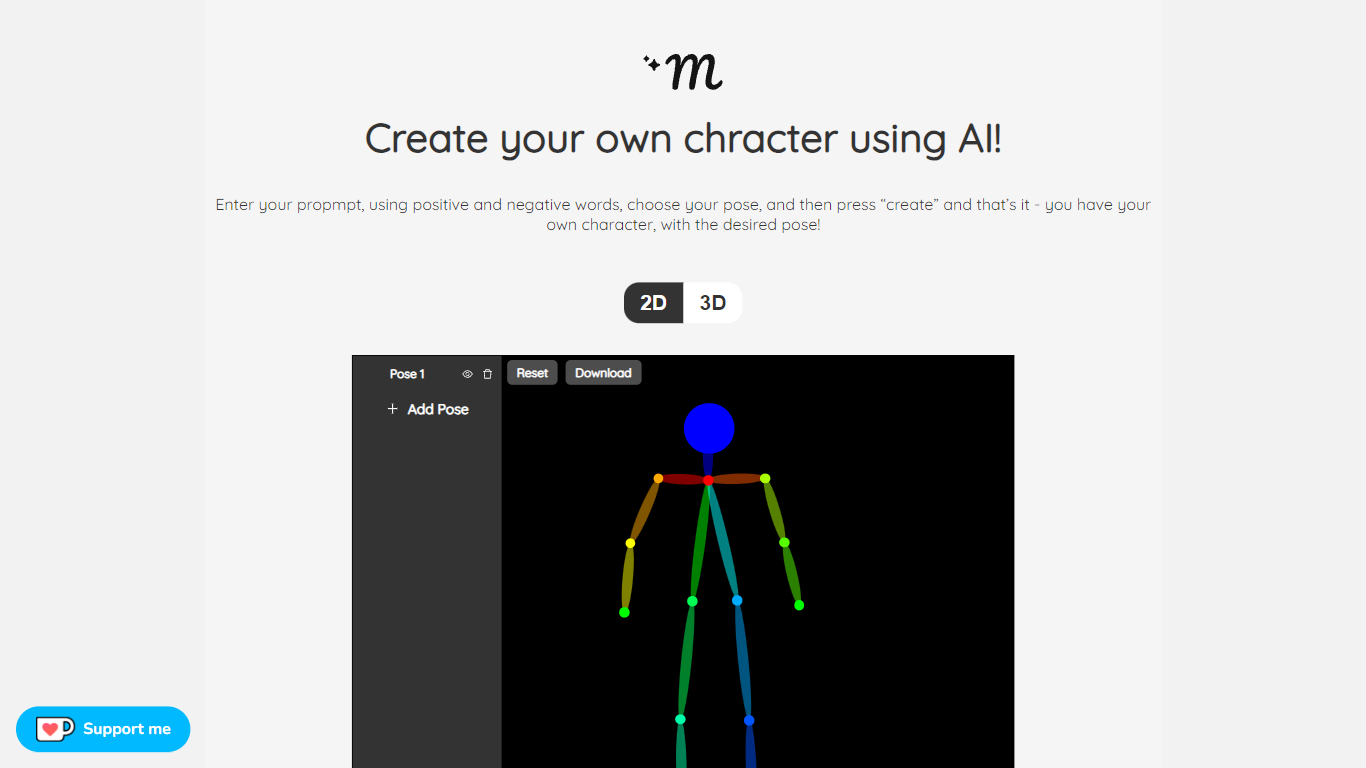
MakePose is an innovative online platform that enables users to create unique characters using advanced AI technology. With the simple click of a button, you can generate a personalized character by entering specific attributes through positive and negative prompts. You have the versatility to choose between 2D and 3D representations, add custom poses, and layer various elements to craft the perfect avatar. Once you are satisfied with your creation, MakePose allows you to easily download your character. Whether for gaming, storytelling, or digital art, MakePose offers a user-friendly interface that caters to both beginners and professionals. The service is always evolving, and user feedback is highly welcomed to enhance the experience further.
ScanTo3D | OpalAi Upvotes
MakePose Upvotes
ScanTo3D | OpalAi Top Features
InstaCAD mode builds 2D floor plans and 3D CAD models in real time while you scan
LiDAR mode captures point clouds with no property size limit on supported devices
Exports OBJ, GLTF, GLB, STL, FBX, USDZ, PCD, PLY, LAS, and e57 formats on Pro
Accuracy under 1 inch per 30 feet with about 98% floor plan accuracy claimed
Works on iPhone Pro and iPad Pro devices with built-in LiDAR cameras
Cloud upload delivers processed 2D and 3D floor plans in 1 to 2 business days
ANSI-compliant gross living area calculations included with uploaded scans
MakePose Top Features
Custom Character Generation: Utilize AI to create distinctive characters based on input prompts.
Positive and Negative Prompt System: Fine-tune your character's attributes with positive and negative keywords.
2D and 3D Options: Choose between two-dimensional or three-dimensional character representations.
Pose Customization: Adjust and add custom poses to bring your character to life.
Downloadable Creations: Conveniently download your AI-generated character for various uses.
ScanTo3D | OpalAi Category
- 3D Generation
MakePose Category
- 3D Generation
ScanTo3D | OpalAi Pricing Type
- Freemium
MakePose Pricing Type
- Freemium