Screen App vs Clipchamp
Compare Screen App vs Clipchamp and see which AI Video Editing tool is better when we compare features, reviews, pricing, alternatives, upvotes, etc.
Which one is better? Screen App or Clipchamp?
When we compare Screen App with Clipchamp, which are both AI-powered video editing tools, With more upvotes, Screen App is the preferred choice. The upvote count for Screen App is 7, and for Clipchamp it's 6.
Not your cup of tea? Upvote your preferred tool and stir things up!
Screen App
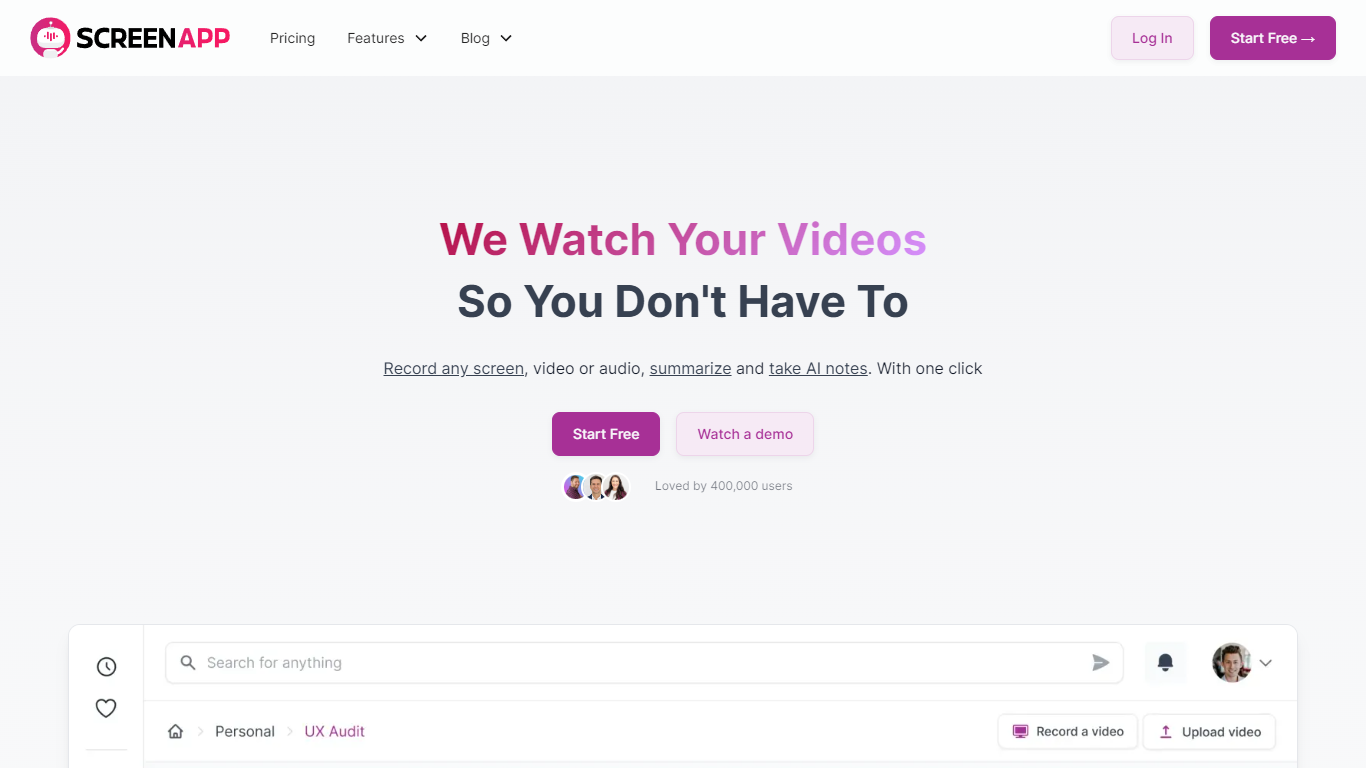

What is Screen App?
Experience the convenience of recording your screen with our Free Online Screen Recorder that is both easy to use and does not impose any watermarks on your recordings.
Whether it's capturing video calls, webinars, or creating tutorials, our tool ensures high-quality results without any additional software downloads.
With the added power of AI, users can automatically transcribe and summarize their videos, making content analysis a breeze.
Discover features such as in-browser audio recording, AI note-taking, video summarization, instant audio recording, and much more. Additionally, our platform guarantees the safety of your recordings with regular security checks, secure data storage, and optional local storage options.
Clipchamp

What is Clipchamp?
Clipchamp is a versatile video editing platform that empowers users to create stunning videos with ease. Whether you're editing on a browser, using the Windows app, or on mobile, Clipchamp simplifies the process with its smart tools and royalty-free content. It's ideal for everything from YouTube and TikTok videos to promo videos and Facebook video ads. Notable for its AI video editing capabilities, such as autocaptions and text-to-speech, Clipchamp also offers features like green screen effects, video overlays, and even speaker coaching. It ensures that your video fits any platform perfectly by allowing you to resize and transform your video with stylish elements. For business, education, or fun, Clipchamp is the way to go for creating high-quality videos without watermarks in up to 4K resolution. Now a part of Microsoft, this tool assures a smooth experience for all your video creation needs.
Screen App Upvotes
Clipchamp Upvotes
Screen App Top Features
Free Online Screen Recording: Record your screen without any watermarks, and enjoy easy-to-use functionality right from your web browser.
AI-Powered Summarization: Let the AI feature summarize and chapterize videos, providing you with concise takeaways and timestamps.
Effective Note-Taking: Turn your videos into skimmable notes with the advanced AI Video Notetaker.
Direct Audio Recording: Instantly record audio directly from your browser without the need for external software.
Extensive Compatibility: Download videos seamlessly from various websites, including popular video-sharing platforms and social media.
Clipchamp Top Features
Autocaptions: Automatically generate accurate captions in over 140 languages using advanced speech-to-text technology.
Text to Speech: Easily convert text into natural-sounding speech in various languages and voices.
Resize Video: Adjust the aspect ratio of your videos to fit different platforms with customizable background colors and blur effects.
Speaker Coach: Improve communication skills with feedback on pace pitch and filler words using the webcam recorder tool.
Royalty-Free Elements: Enhance your videos with access to a wide range of stock elements including text overlays filters and templates.
Screen App Category
- Video Editing
Clipchamp Category
- Video Editing
Screen App Pricing Type
- Freemium
Clipchamp Pricing Type
- Freemium