Screens vs Legal Robot
When comparing Screens vs Legal Robot, which AI Legal tool shines brighter? We look at pricing, alternatives, upvotes, features, reviews, and more.
In a comparison between Screens and Legal Robot, which one comes out on top?
When we put Screens and Legal Robot side by side, both being AI-powered legal tools, The upvote count favors Screens, making it the clear winner. Screens has garnered 6 upvotes, and Legal Robot has garnered 3 upvotes.
Don't agree with the result? Cast your vote and be a part of the decision-making process!
Screens

What is Screens?
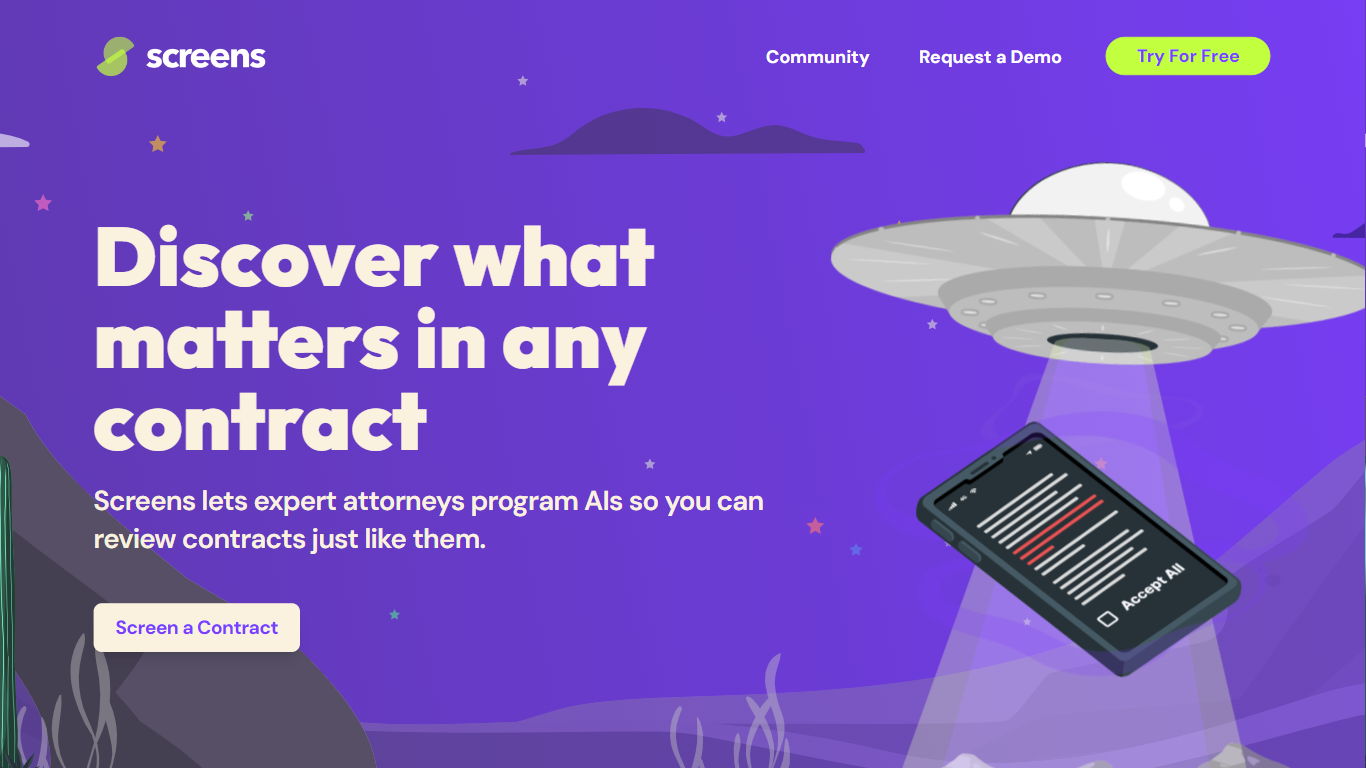
Screens offers an advanced AI-powered contract review platform that makes understanding and analyzing legal documents more efficient and user-friendly. Designed by expert attorneys, Screens allows users to choose from pre-programmed AI reviews or to customize their own for any type of contract. This AI tool identifies key aspects and potential issues within contracts, streamlining the review process for both legal professionals and businesses. It features community-driven screens by top legal minds, enabling users to tap into collective expertise.
Affordability, accuracy, and trustworthiness are central to Screens' service, offering an intelligent solution for all your contract review needs. Additionally, it offers document storage with powerful search capabilities and emphasizes strict data security and privacy policies. Whether you're looking to analyze a single contract or manage a database of documents, Screens provides a trusted, accurate, and budget-friendly AI contract review assistant.
Legal Robot
What is Legal Robot?
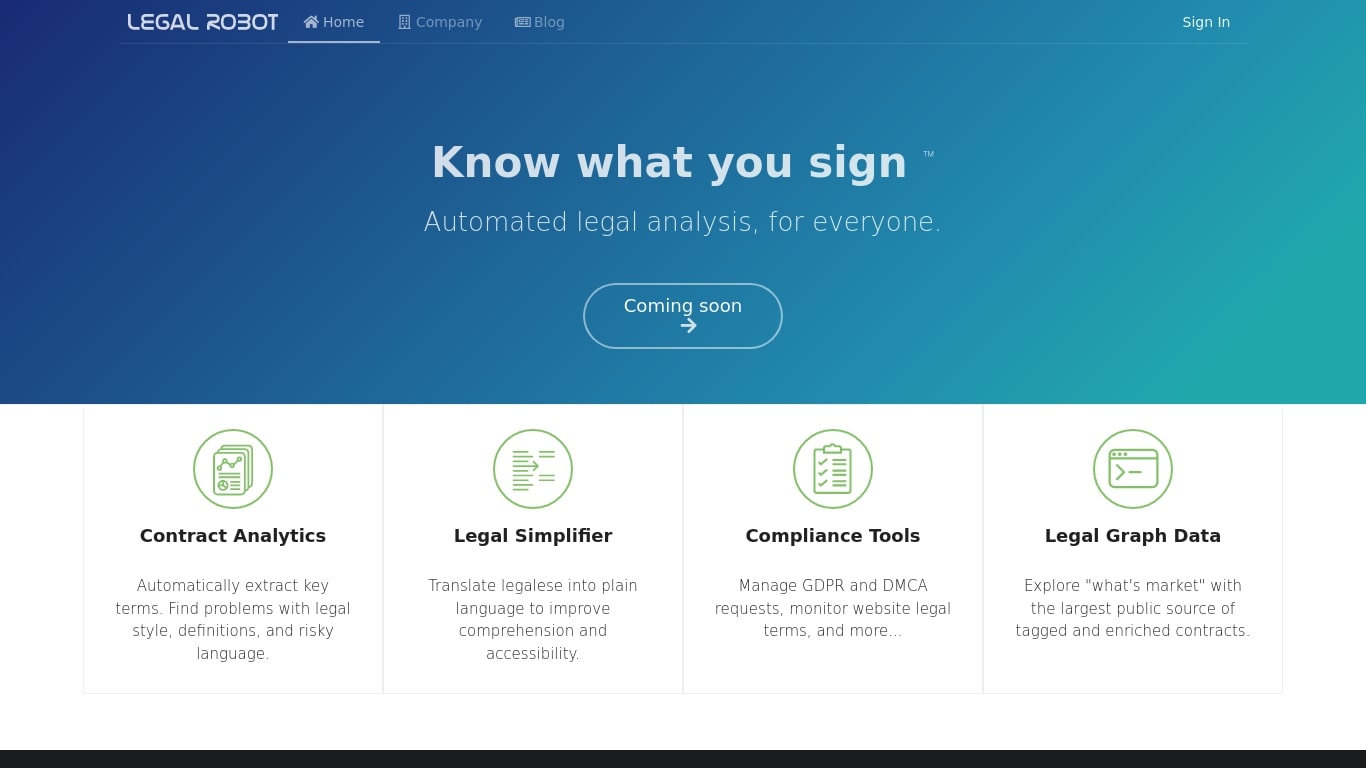
Legal Robot reads legal documents and flags risky language, unclear definitions, and style problems before you sign. Its Legal Simplifier turns dense legalese into plain English, and compliance helpers cover GDPR and DMCA requests. A Legal Graph Data layer lets you compare contract language against a large tagged corpus.
Most contract review tools send your files to a remote server. Legal Robot runs analysis on your device, encrypts the results with a key only you hold, and stores the ciphertext in your own cloud account. That local-first model targets teams who cannot upload sensitive agreements to a vendor cloud.
Legal Robot was trained on English-language contracts from the US, Canada, UK, and Australia under common law. The FAQ states it does not provide legal advice, only automated comparisons and linguistic statistics. New sign-ups currently show a Coming soon label on the homepage, so access may be limited even though the product pages remain live.
It fits small business owners, in-house counsel, and contract managers who need a first pass on agreements before involving an attorney. Support is email-only at [email protected], and the company lists a Vallejo, California address on its site.
Screens Upvotes
Legal Robot Upvotes
Screens Top Features
👩⚖️ Expert-Crafted AIs: Attorneys program AIs to mimic expert contract reviews, ensuring accuracy.
🛠️ Community and Custom Screens: Use community-created screens or build your own for tailored contract analysis.
🔍 Audit Feature: Verify AI-highlighted contract sections for added confidence and transparency.
🔒 Data Privacy and Security: Privacy by design with enterprise-grade security measures to protect your data.
💼 Flexible Pricing Tiers: Free workspace option and premium Pro Workspace for advanced features and support.
Legal Robot Top Features
Contract Analytics extracts key terms and flags risky language, style issues, and weak definitions
Legal Simplifier translates legalese into plain language for faster comprehension
Compliance Tools handle GDPR and DMCA requests and monitor website legal terms
Legal Graph Data compares your contract language against a large tagged public corpus
On-device analysis keeps sensitive documents off Legal Robot servers before encryption
Deep Learning models trained on English contracts from the US, Canada, UK, and Australia
Screens Category
- Legal
Legal Robot Category
- Legal
Screens Pricing Type
- Freemium
Legal Robot Pricing Type
- Paid