Scrip AI vs Supercreator AI
Explore the showdown between Scrip AI vs Supercreator AI and find out which AI Video Generation tool wins. We analyze upvotes, features, reviews, pricing, alternatives, and more.
When comparing Scrip AI and Supercreator AI, which one rises above the other?
When we contrast Scrip AI with Supercreator AI, both of which are exceptional AI-operated video generation tools, and place them side by side, we can spot several crucial similarities and divergences. The community has spoken, Supercreator AI leads with more upvotes. Supercreator AI has been upvoted 52 times by aitools.fyi users, and Scrip AI has been upvoted 10 times.
Disagree with the result? Upvote your favorite tool and help it win!
Scrip AI

What is Scrip AI?
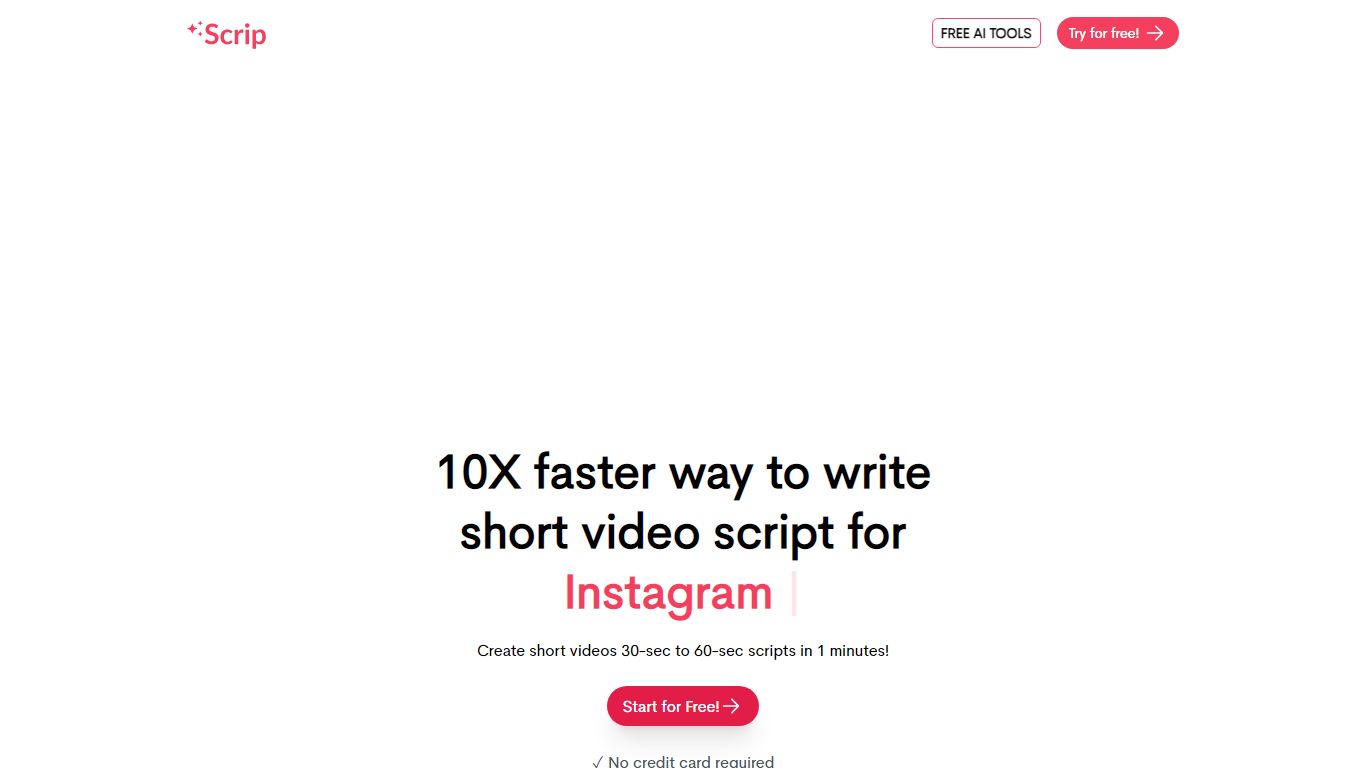
Scrip AI is a free video script generator built around short-form social clips. Its headline tools write 30-second scripts for Instagram Reels, TikTok, and YouTube Shorts, with optional 60-second lengths and tone controls from professional to humorous. The site also bundles 100+ separate generators for hashtags, hooks, captions, blog outlines, ad copy, and email subject lines, all usable without creating an account.
Where most AI writers chase long-form blogs or generic chat, Scrip AI narrows in on scroll-stopping short video copy and the surrounding social workflow. You pick a platform-specific template, add a title prompt, and get a timed script rather than a wall of paragraphs. That focus makes it closer to a script studio for creators than a general writing assistant like Copy.ai.
The product is aimed at short-form creators, social media managers, and solo marketers who post on Reels, TikTok, or Shorts daily and want draft scripts fast. No credit card or login is required, which lowers the friction for quick experiments before a shoot.
Supercreator AI

What is Supercreator AI?
Supercreator AI lets you plan a short video scene by scene, record it with a scrolling teleprompter, then trim and caption the footage in the same browser workspace. Storyboarding, recording, timeline editing, and mini apps for AI media, talking avatars, and multi-shot sequences all sit on one home screen. You sign in to save creations, but every tool is listed before you start.
Where many video editors assume you already have footage, Supercreator AI front-loads scripting and recording. The storyboard maps scenes before capture, the recorder scrolls your script while you film, and one-click templates plus AI captions sit beside standalone tools like a Reel transcriber and clip editor. That workflow keeps scripting, capture, and polish in one tab instead of three separate apps.
It fits creators who publish to TikTok, Reels, and Shorts and want scripting, capture, and caption polish without switching tools. Founders, educators, and on-camera marketers get teleprompter support, visual aids, and reusable identity presets across projects.
Scrip AI Upvotes
Supercreator AI Upvotes
Scrip AI Top Features
Writes 30-second Instagram Reel, TikTok, and YouTube Shorts scripts from a title prompt
100+ free generators covering hashtags, hooks, captions, blog outlines, and ad copy
13 output languages including English, Spanish, French, Hindi, and Japanese
Tone picker with 12 styles from professional and informative to humorous and inspirational
No login or credit card required to run any tool on the site
Supercreator AI Top Features
Storyboard maps scripts scene by scene before you hit record
Built-in recorder pairs a teleprompter with visual aids and smart overlays
Timeline editor cuts clips and adds AI-generated stylized captions
One-click templates turn raw clips into scroll-stopping social videos
Script Trainer collects high-performing videos, transcribes them, and drafts new scripts
Avatars mini app builds talking-head videos with AI voices
Super Director stitches multi-shot AI video sequences from one workspace
Scrip AI Category
- Video Generation
Supercreator AI Category
- Video Generation
Scrip AI Pricing Type
- Free
Supercreator AI Pricing Type
- Freemium