Seance AI vs LiveReacting
In the clash of Seance AI vs LiveReacting, which AI Companion tool emerges victorious? We assess reviews, pricing, alternatives, features, upvotes, and more.
When we put Seance AI and LiveReacting head to head, which one emerges as the victor?
Let's take a closer look at Seance AI and LiveReacting, both of which are AI-driven companion tools, and see what sets them apart. The upvote count is neck and neck for both Seance AI and LiveReacting. The power is in your hands! Cast your vote and have a say in deciding the winner.
Want to flip the script? Upvote your favorite tool and change the game!
Seance AI
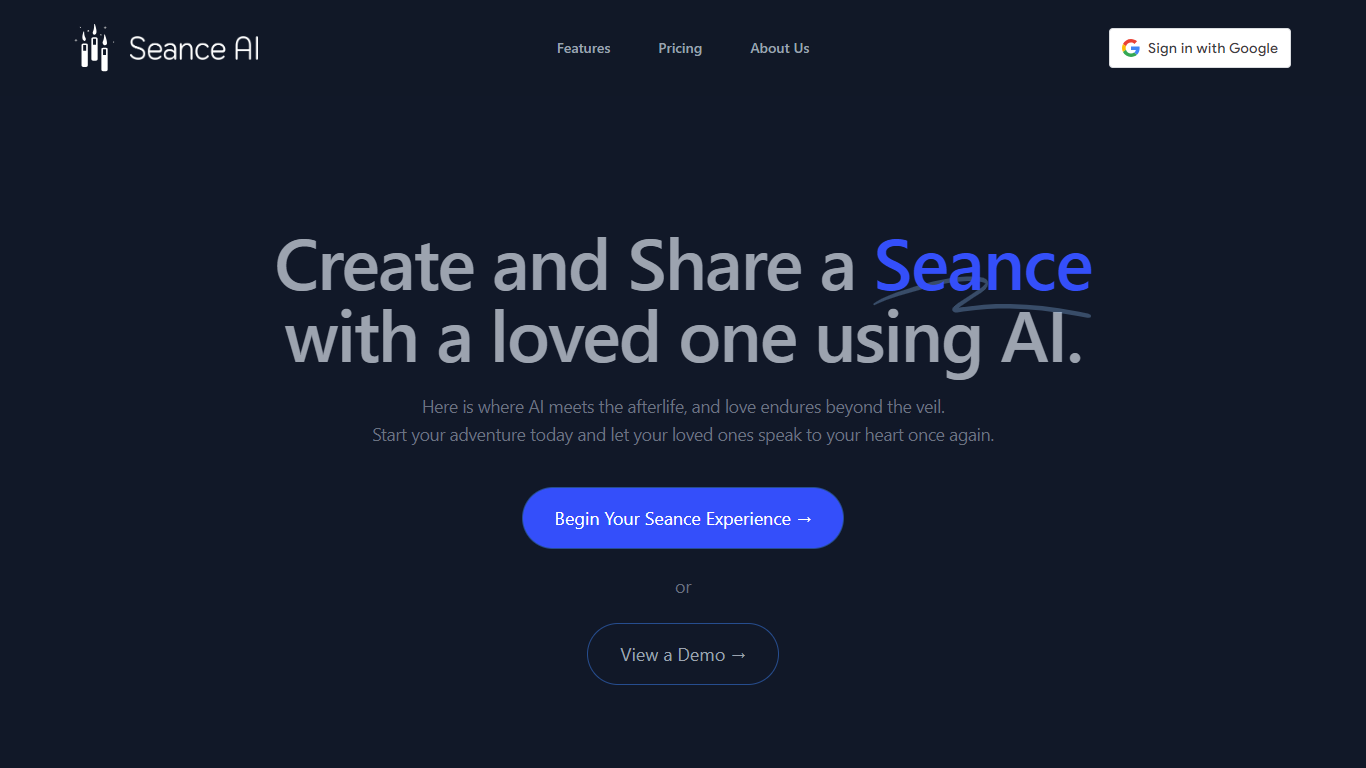

What is Seance AI ?
Seance AI lets you build a chat profile for someone you miss, then hold a text conversation that mimics how they wrote and spoke. You add personality traits, relationships, writing samples, and topics, and the app generates a simulated dialogue you can revisit or share with family.
Unlike generic grief chatbots, Seance AI walks you through a six-step setup (who they were, how they wrote, what to discuss) before opening the conversation. Premium adds voice recreation and animated portraits with subtle eye and head movement. The site is clear this is simulated entertainment, not real spirit contact.
Built by AE Studio, Seance AI targets people processing loss who want a creative outlet rather than a therapist. Early access is free with one-month conversation storage; Google sign-in handles account access.
LiveReacting
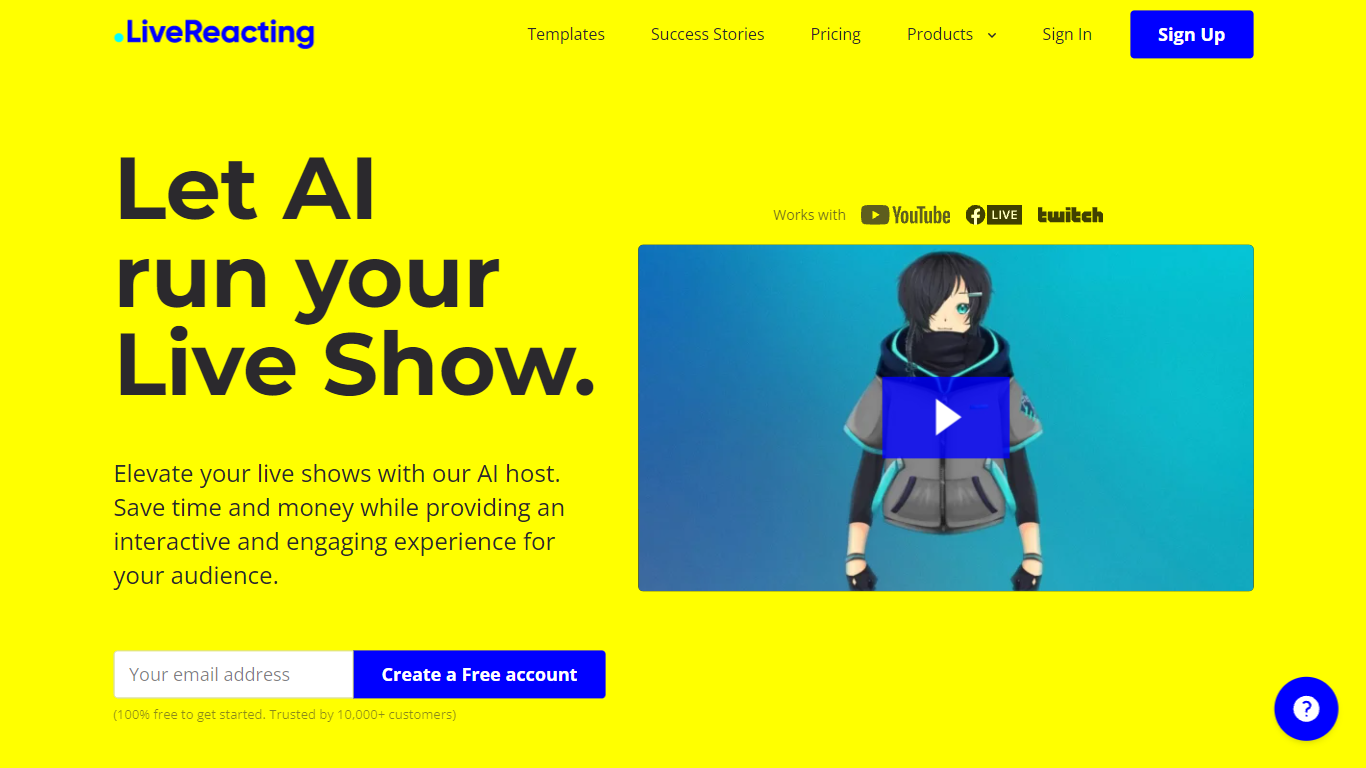
What is LiveReacting?
LiveReacting is a live streaming companion that adds an AI host to your broadcasts on YouTube, Facebook, and Twitch. The host runs trivia shows from start to finish: introducing rounds, reading questions, waiting for answers, announcing winners, and shouting out players in real time. You can also layer polls, giveaways, countdowns, and interactive games into the same feed.
Most streamers either stay on camera for every quiz segment or hire a human host for recurring shows. LiveReacting streams from its own servers so your computer does not need to stay on, and the AI host handles the full show script without you guiding each step. Optional instructions let you insert sponsor messages or prize announcements mid-show.
The platform fits streamers running weekly trivia nights, educators hosting classroom quizzes, marketers promoting products through live games, and small venues that want pub-quiz energy without a permanent emcee. Paid Medium plans and above unlock the AI host feature; it is free to test while in beta.
Seance AI Upvotes
LiveReacting Upvotes
Seance AI Top Features
Six-step profile builder covering personality, relationships, writing style, and topics
Free early access stores conversations for 1 month with sharing to friends and family
Premium tier at $19.99 adds AI voice recreation and animated portrait movement
Google sign-in for account access without a separate password
Built by AE Studio with a live demo and in-browser app at ae.studio/seanceai
LiveReacting Top Features
AI host runs full trivia shows: intro, questions, winner announcements, and player shout-outs
Server-side streaming so your computer does not need to stay on during broadcasts
Multistream to up to 20 destinations on the Enterprise plan
100+ ready-to-use templates plus trivia, polls, giveaways, and word games in the feed
Multilanguage AI host supporting English, Spanish, French, Ukrainian, and more
OBS, Wirecast, StreamYard, and Ecamm integration via Plugin Mode
Free plan includes 3 streams per month at 720p with 25 game participants
Seance AI Category
- Companion
LiveReacting Category
- Companion
Seance AI Pricing Type
- Freemium
LiveReacting Pricing Type
- Freemium