Sendsteps.ai vs Beautiful AI
Compare Sendsteps.ai vs Beautiful AI and see which AI Presentation tool is better when we compare features, reviews, pricing, alternatives, upvotes, etc.
Which one is better? Sendsteps.ai or Beautiful AI?
When we compare Sendsteps.ai with Beautiful AI, which are both AI-powered presentation tools, The community has spoken, Sendsteps.ai leads with more upvotes. Sendsteps.ai has received 8 upvotes from aitools.fyi users, while Beautiful AI has received 4 upvotes.
You don't agree with the result? Cast your vote to help us decide!
Sendsteps.ai
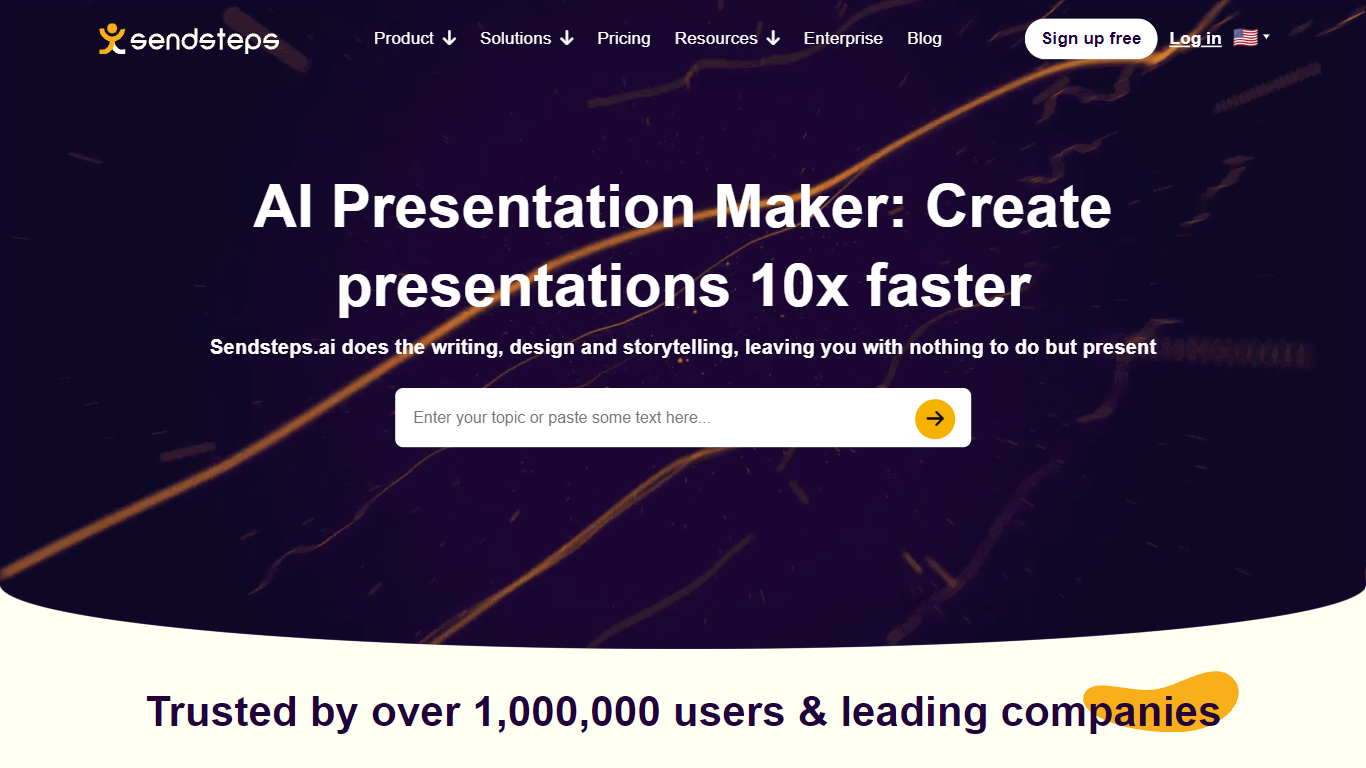

What is Sendsteps.ai?
ai, designed to enhance the way you create presentations. ai elevates your storytelling, design, and writing, allowing you to focus on delivering an impactful message. Whether you're a student, educator, or business professional, this platform facilitates effortless creation of interactive presentations, complete with live Q&A, word clouds, and quizzes to engage your audience.
ai's intuitive system to describe your topic or upload a document, and let the AI handle the rest, from generating interactivity to crafting the final content. ai is the go-to solution for efficient, engaging presentation creation without the hassle.
Beautiful AI
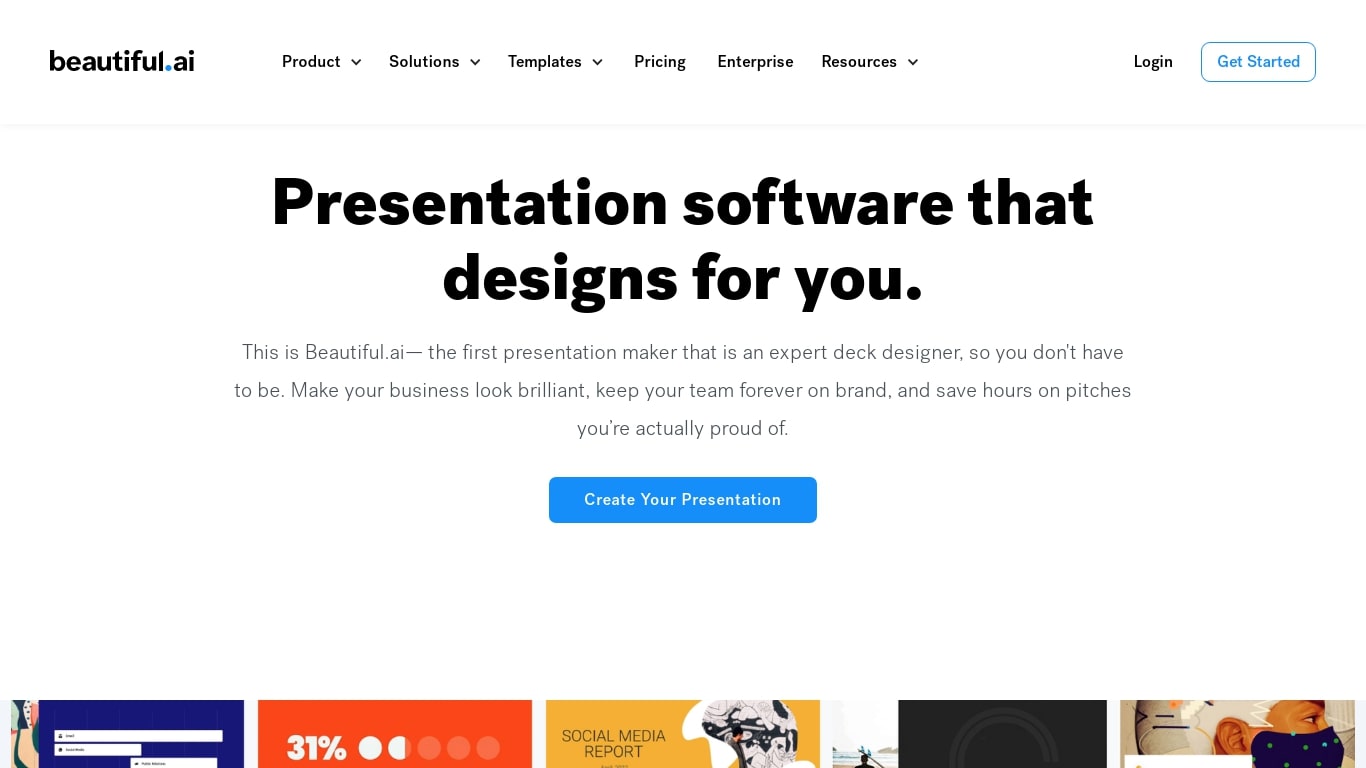
What is Beautiful AI?
Beautiful AI helps teams turn outlines into polished presentation decks in the browser, without manual slide formatting. Smart Slides are the core building block: layouts that resize, realign, and animate your content as you edit. You can start from a prompt, a pasted outline, or pick from 300+ layout templates.
One-shot AI deck tools often dump a rough first draft and leave you fixing spacing by hand. Beautiful AI puts outline review first in its Create with AI workflow, so you refine story flow before slides get designed. When you swap layouts or rewrite copy later, Smart Slides keep hierarchy intact, which matters more for recurring sales decks than one-off experiments.
The product targets individuals, agencies, and departments that need every deck to match brand colors, fonts, and logos. Customer stories cite teams at Cvent, IDC, and Paciolan cutting build time by 75 percent. Shared themes, slide libraries, and viewer analytics are built for orgs where many people present the same narrative.
Sendsteps.ai Upvotes
Beautiful AI Upvotes
Sendsteps.ai Top Features
⚡ Fast Presentation Creation: Generate complete presentations in under a minute to save time.
📄 Document Upload: Convert Word, PowerPoint, PDF, or .txt files into interactive presentations.
🌍 Multi-language Support: Create presentations in 86 languages to reach diverse audiences.
🎯 Interactive Tools: Engage audiences with live quizzes, polls, word clouds, and Q&A sessions.
💾 PowerPoint Export: Easily export AI-generated presentations to PowerPoint format for flexibility.
Beautiful AI Top Features
300+ Smart Slide layouts that auto-align spacing and hierarchy as you edit
Create with AI workflow lets you refine a slide outline before generating designs
Data-linked charts and graphs from uploaded spreadsheets or pasted data
Locked brand themes with colors, fonts, logos, and footers applied across every deck
Export to PDF and editable PowerPoint, plus voice-over recording on slides
Viewer analytics and secure sharing on Team plans for 2 to 20 seats
Sendsteps.ai Category
- Presentation
Beautiful AI Category
- Presentation
Sendsteps.ai Pricing Type
- Freemium
Beautiful AI Pricing Type
- Paid