Sensible Instruct vs LightPDF
Explore the showdown between Sensible Instruct vs LightPDF and find out which AI PDF tool wins. We analyze upvotes, features, reviews, pricing, alternatives, and more.
In a face-off between Sensible Instruct and LightPDF, which one takes the crown?
When we contrast Sensible Instruct with LightPDF, both of which are exceptional AI-operated pdf tools, and place them side by side, we can spot several crucial similarities and divergences. The upvote count reveals a draw, with both tools earning the same number of upvotes. Join the aitools.fyi users in deciding the winner by casting your vote.
You don't agree with the result? Cast your vote to help us decide!
Sensible Instruct
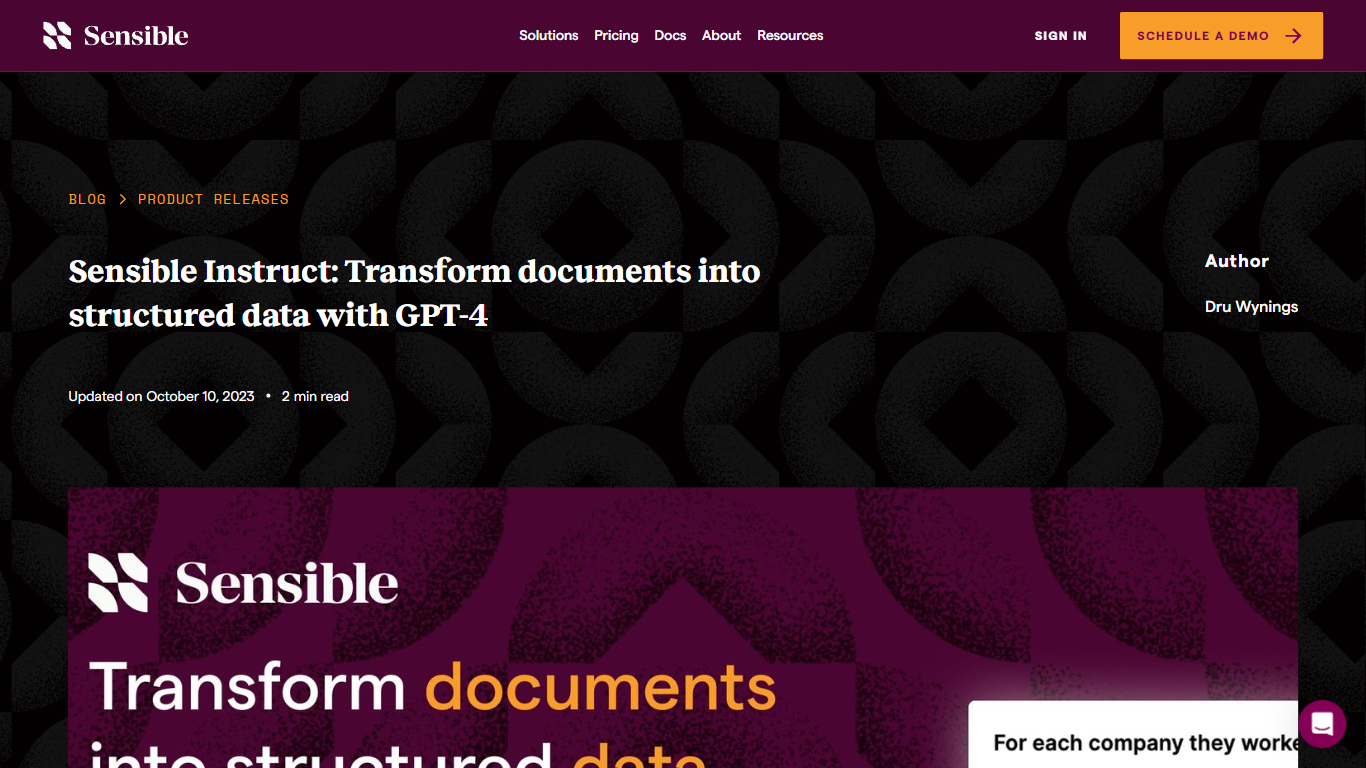

What is Sensible Instruct?
Sensible Instruct turns PDFs and scans into structured JSON by letting you describe fields in plain language instead of writing brittle parsers. The feature lives inside Sensible's document extraction platform and uses large language models, including GPT-4, to read resumes, invoices, contracts, bank statements, and other layouts you have not configured before.
Traditional OCR and template parsers break when a carrier changes a form layout. Sensible Instruct adds Query, List, and Table primitives so teams pull single facts, repeating lines, or table rows through natural language prompts, then pair those prompts with SenseML configs when production guardrails matter. Sensible's broader hybrid pipeline still wraps AI steps with deterministic validation so extraction stays traceable in regulated workflows.
Operations teams, developers, and data scientists at insurance, healthcare, finance, and logistics companies use Sensible Instruct through app.sensible.so/instruct with a 14-day platform trial. Growth and Scale plans price per extracted document rather than per token, which keeps monthly bills predictable when volume spikes.
LightPDF
What is LightPDF?
LightPDF lets you upload PDFs, Word files, Excel spreadsheets, PowerPoint decks, and scanned documents, then ask questions and get cited answers back. The ChatPDF feature runs on GPT-4, supports multi-document chats, OCR for scanned files, and follow-up questions. You can upload a file up to 100 pages on the free web tier before upgrading.
Unlike standalone ChatPDF clones, LightPDF bundles document chat into a wider PDF toolkit with conversion, editing, e-signatures, and a dozen other AI tools like mind map creation, PDF translation, and presentation generation. One premium subscription covers Windows, Mac, Android, iOS, and the web app, with AI credits allocated monthly or as a one-time pool on the perpetual plan.
Researchers, students, and office workers use LightPDF to summarize contracts, extract tables from financial reports, and pull outlines from long readings. Business teams can also use it for document Q&A on proposals and compliance files. The company behind LightPDF has operated since 2015 and holds ISO/IEC 27001, ISO/IEC 27701, and GDPR certifications.
Sensible Instruct Upvotes
LightPDF Upvotes
Sensible Instruct Top Features
Query, List, and Table primitives extract facts, repeating rows, and tables via natural language prompts
GPT-4 powered extraction works on unseen document layouts without prebuilt templates
SenseML configs combine with Instruct prompts for customizable production parsers
Non-technical users can test prompts in the UI while developers deploy extraction APIs at scale
Platform reports 75 million plus documents processed with 150 plus library configurations
Growth plan includes 750 documents per month at $449 monthly or $499 on annual billing
LightPDF Top Features
Chat with PDF, Word, Excel, PPT, EPUB, TXT, and scanned files using GPT-4
Upload documents up to 100 pages free on the web app before upgrading
Multi-document chat lets you query several files in one session
Answers include clickable citations pointing to the source passage
Premium includes 1,000 AI credits per month on monthly and annual plans
One subscription covers Windows, Mac, Android, iOS, and web platforms
Sensible Instruct Category
- PDF
LightPDF Category
- PDF
Sensible Instruct Pricing Type
- Freemium
LightPDF Pricing Type
- Freemium