SEO Pilot vs ChatGPT for Search Engines
In the battle of SEO Pilot vs ChatGPT for Search Engines, which AI Search Engine tool comes out on top? We compare reviews, pricing, alternatives, upvotes, features, and more.
Which one is better? SEO Pilot or ChatGPT for Search Engines?
Upon comparing SEO Pilot with ChatGPT for Search Engines, which are both AI-powered search engine tools, Both tools have received the same number of upvotes from aitools.fyi users. Since other aitools.fyi users could decide the winner, the ball is in your court now to cast your vote and help us determine the winner.
Not your cup of tea? Upvote your preferred tool and stir things up!
SEO Pilot

What is SEO Pilot?
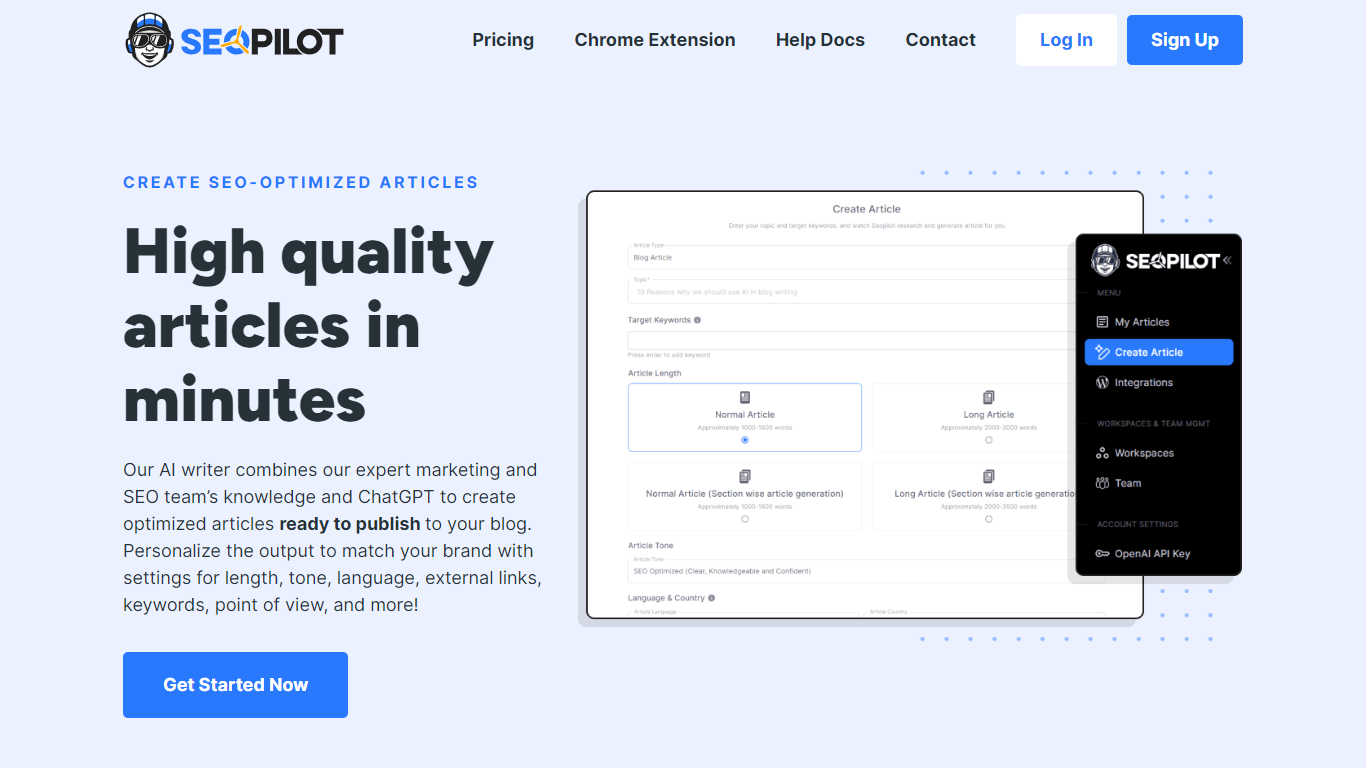
SEO Pilot is an SEO content platform that combines a SaaS writing workflow with a free Chrome extension for on-page analysis. The web app covers keyword research, an idea library for article concepts, bulk article cluster generation, and a content calendar for scheduling posts to WordPress.
The content editor lets you pick AI models, set article structure and tone, and fine-tune drafts with a built-in text editor. You can generate blog posts and listicles, track content metrics against SERP competitors, and organize work across folders and team workspaces with role-based access.
The Chrome extension runs alongside the SaaS product, offering on-page SEO checks, broken link detection, heading extraction, contact info scraping, and an AI writer that turns existing page outlines into new articles. Paid plans unlock the full SaaS writer; the extension itself is free for core SEO analysis.
ChatGPT for Search Engines
What is ChatGPT for Search Engines?
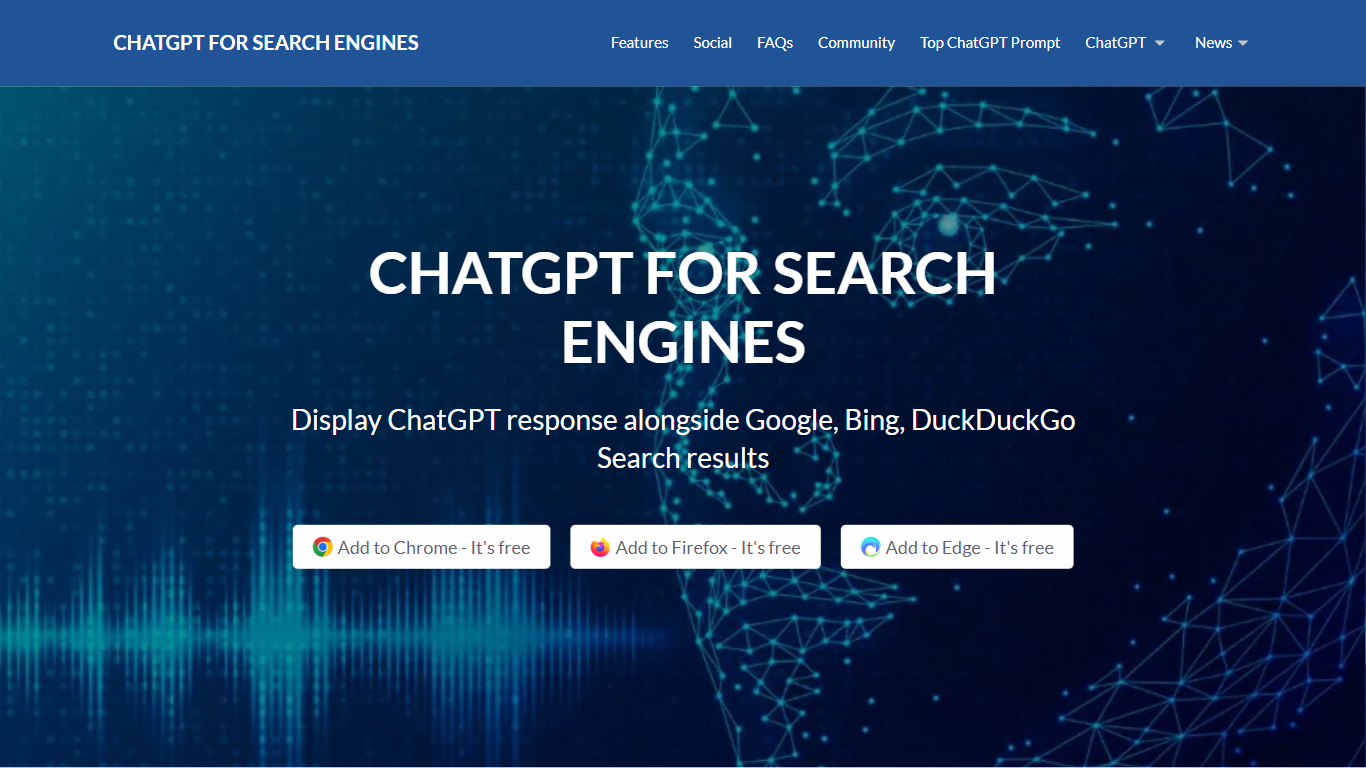
ChatGPT for Search Engines is a browser extension that shows ChatGPT answers alongside results from Google, Bing, DuckDuckGo, Ecosia, and Baidu. Install it in Chrome, Firefox, or Edge, run a search, and a ChatGPT panel appears next to the results with a natural-language summary or direct answer to your query. You can trigger it manually, always show it, or activate it with a question mark.
Unlike opening ChatGPT in a separate tab, this extension keeps AI context on the same page as your search results. It adds code syntax highlighting for technical answers, 70 plus prompt templates for SEO, ads, and content writing, and a choice between a popup panel or standalone page. You can use the free web API or connect your own OpenAI API key for more stable responses.
Researchers, developers, marketers, and students use it to get quick explanations without leaving their search workflow. The Chrome listing shows over 200,000 users, and the extension is free with optional paid API usage if you bring your own OpenAI key.
SEO Pilot Upvotes
ChatGPT for Search Engines Upvotes
SEO Pilot Top Features
Keyword research with search volume data and an idea library for saving article concepts
Bulk article cluster generation with one-click WordPress publishing and scheduling
Content calendar with monthly, weekly, daily, and list views for editorial planning
AI text editor for condensing, rewording, and bulletizing drafts before publication
Free Chrome extension for on-page SEO, broken links, heading structure, and contact extraction
ChatGPT for Search Engines Top Features
Shows ChatGPT answers alongside Google, Bing, DuckDuckGo, Ecosia, and Baidu results
70 plus built-in prompt templates covering SEO, ads, video scripts, and blog outlines
Code syntax highlighting in technical ChatGPT responses
Three trigger modes: always show, manual activation, or question-mark shortcut
Choose between a popup panel or standalone page for ChatGPT output
Free to install with optional OpenAI API key for more stable responses
SEO Pilot Category
- Search Engine
ChatGPT for Search Engines Category
- Search Engine
SEO Pilot Pricing Type
- Paid
ChatGPT for Search Engines Pricing Type
- Free