SEO Pilot vs FindWise
In the battle of SEO Pilot vs FindWise, which AI Search Engine tool comes out on top? We compare reviews, pricing, alternatives, upvotes, features, and more.
Which one is better? SEO Pilot or FindWise?
Upon comparing SEO Pilot with FindWise, which are both AI-powered search engine tools, FindWise is the clear winner in terms of upvotes. The number of upvotes for FindWise stands at 8, and for SEO Pilot it's 7.
Not your cup of tea? Upvote your preferred tool and stir things up!
SEO Pilot

What is SEO Pilot?
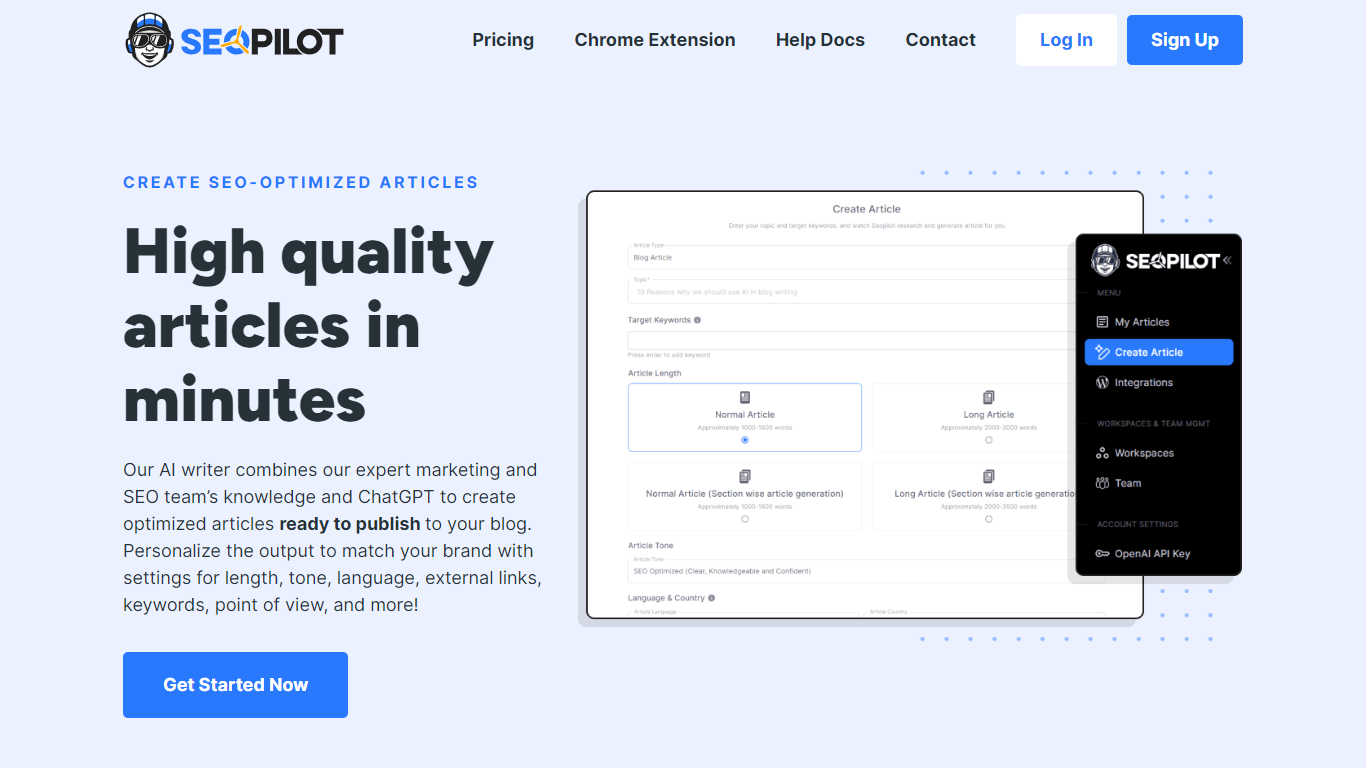
SEO Pilot is an SEO content platform that combines a SaaS writing workflow with a free Chrome extension for on-page analysis. The web app covers keyword research, an idea library for article concepts, bulk article cluster generation, and a content calendar for scheduling posts to WordPress.
The content editor lets you pick AI models, set article structure and tone, and fine-tune drafts with a built-in text editor. You can generate blog posts and listicles, track content metrics against SERP competitors, and organize work across folders and team workspaces with role-based access.
The Chrome extension runs alongside the SaaS product, offering on-page SEO checks, broken link detection, heading extraction, contact info scraping, and an AI writer that turns existing page outlines into new articles. Paid plans unlock the full SaaS writer; the extension itself is free for core SEO analysis.
FindWise
What is FindWise?
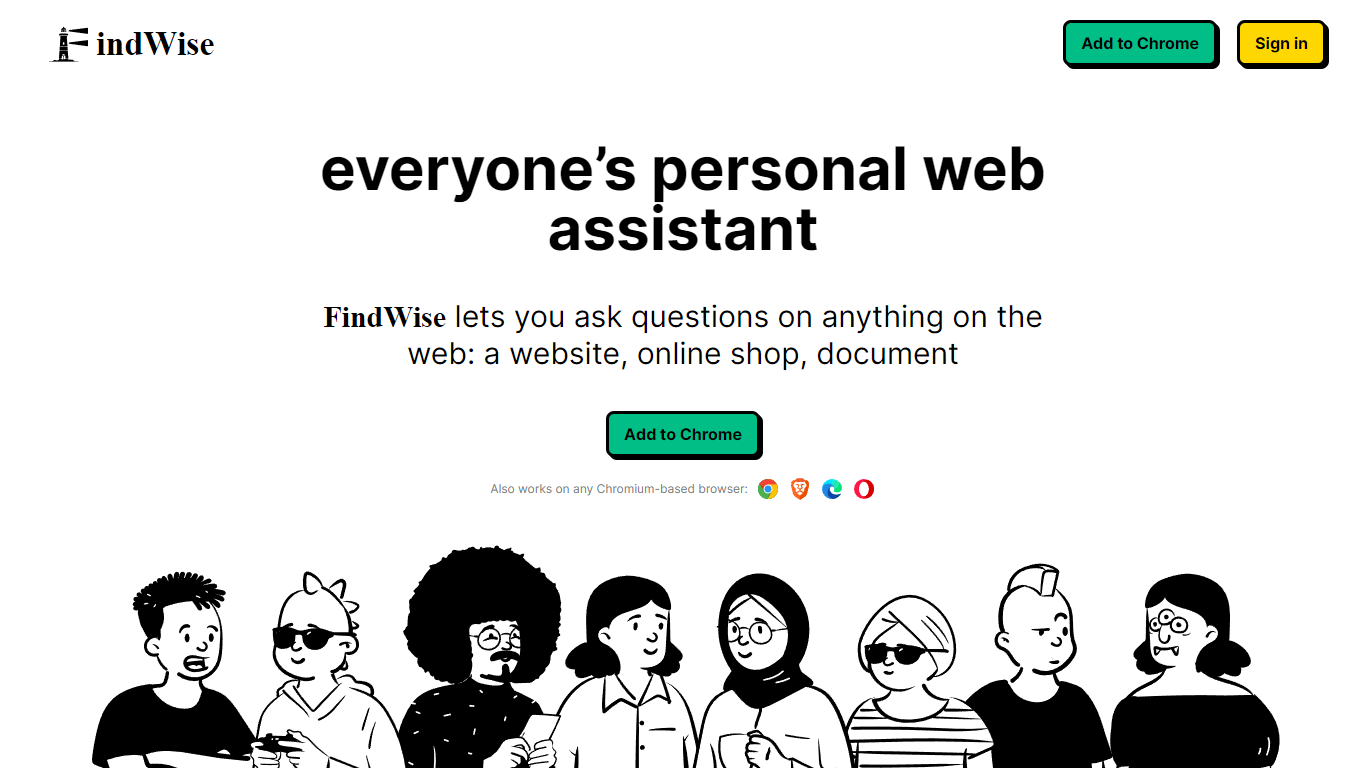
FindWise gives website owners an embeddable AI chat button that answers visitor questions from the site's own content. You design the button, train the chatbot on your pages and documents, then activate it on your site. The same platform also offers a free Chrome extension for asking questions on any webpage, plus a WordPress plugin for direct installation.
The chatbot analyzes indexed pages and returns answers grounded in that material instead of pulling from the open web. FindWise markets the product for customer support, e-commerce FAQs, HR portals, educational sites, and personal blogs where visitors need quick, context-specific answers.
Setup on the marketing site follows three steps: customize the button appearance, add URLs or documents for indexing, then activate the button on your website. The Chrome extension is free with no credit card required.
SEO Pilot Upvotes
FindWise Upvotes
SEO Pilot Top Features
Keyword research with search volume data and an idea library for saving article concepts
Bulk article cluster generation with one-click WordPress publishing and scheduling
Content calendar with monthly, weekly, daily, and list views for editorial planning
AI text editor for condensing, rewording, and bulletizing drafts before publication
Free Chrome extension for on-page SEO, broken links, heading structure, and contact extraction
FindWise Top Features
Design a chat button with custom colors, icons, borders, shadows, and on-page placement
Train the bot on your pages, documents, products, services, and policies
WordPress plugin indexes site content and embeds an AI search interface for visitors
Chrome extension answers questions in the context of whatever webpage you have open
Supports major languages and matches responses to your website content language
SEO Pilot Category
- Search Engine
FindWise Category
- Search Engine
SEO Pilot Pricing Type
- Paid
FindWise Pricing Type
- Freemium