SheetSavvy vs Spreadsheet.com
When comparing SheetSavvy vs Spreadsheet.com, which AI Excel tool shines brighter? We look at pricing, alternatives, upvotes, features, reviews, and more.
In a comparison between SheetSavvy and Spreadsheet.com, which one comes out on top?
When we put SheetSavvy and Spreadsheet.com side by side, both being AI-powered excel tools, Both tools are equally favored, as indicated by the identical upvote count. Be a part of the decision-making process. Your vote could determine the winner.
Not your cup of tea? Upvote your preferred tool and stir things up!
SheetSavvy

What is SheetSavvy?
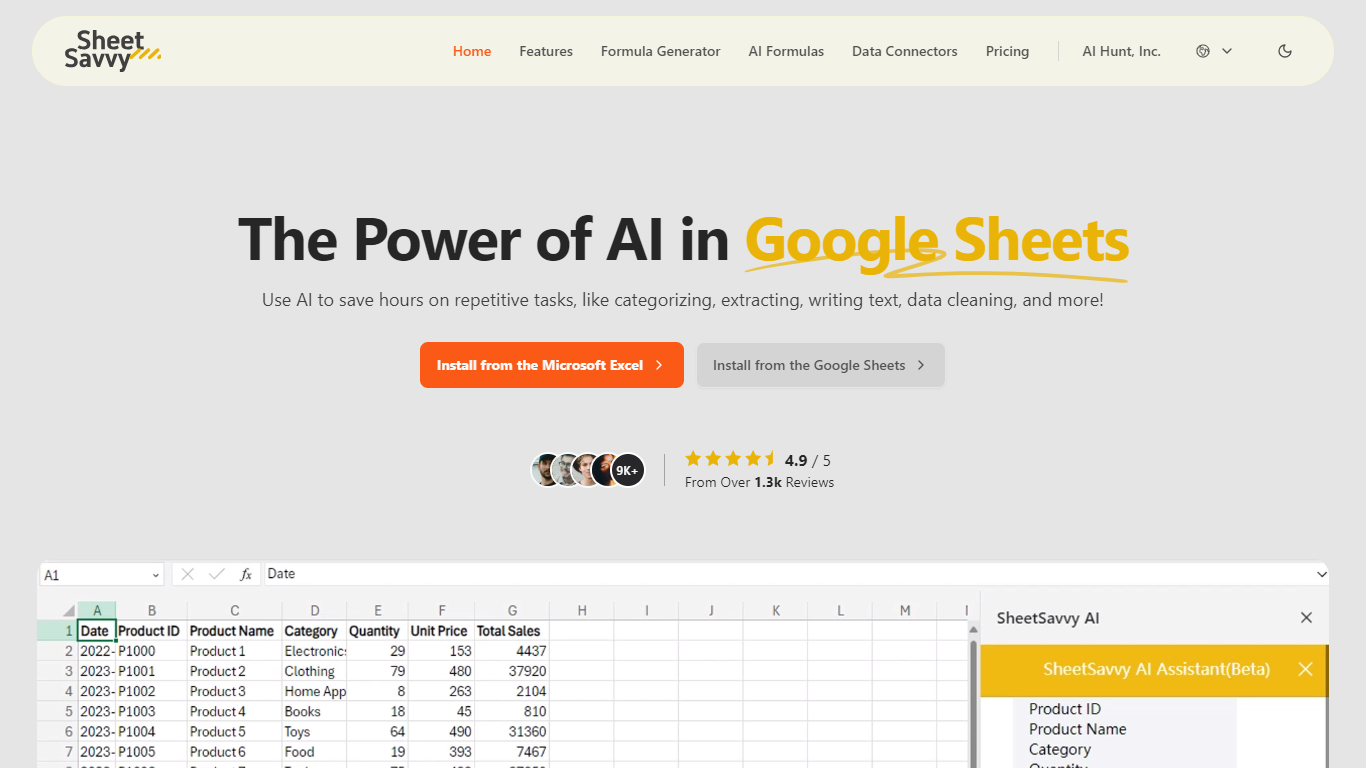
SheetSavvy is a spreadsheet add-in for Microsoft Excel and Google Sheets that brings formula generation, cell-level AI functions, and live data imports into the apps you already use. Install it from the Microsoft AppSource or Google Workspace Marketplace, sign in, and work inside your workbook instead of copying data to a separate web tool.
The product centers on four areas: an AI assistant for templates, summaries, and charts; a formula generator that turns plain-English prompts into Excel or Sheets formulas; custom =SSAI formulas for text, tagging, extraction, and translation inside cells; and data connectors that pull live records from external systems without manual exports.
SheetSavvy targets analysts, operations teams, and spreadsheet-heavy roles who spend time cleaning data, writing nested formulas, or refreshing dashboards. The free Personal plan covers light use with GPT-3.5, while paid tiers unlock GPT-4, higher request limits, more connectors, and priority support.
Spreadsheet.com
What is Spreadsheet.com?
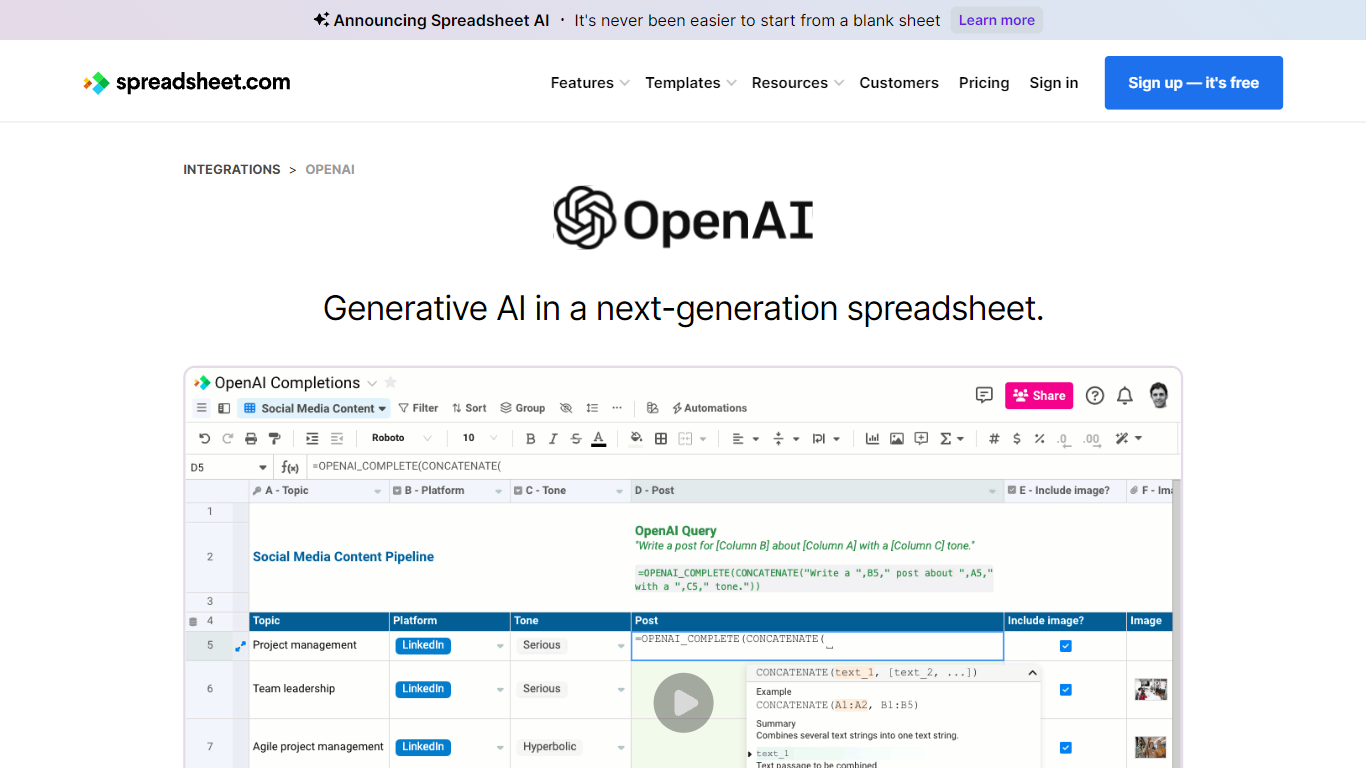
The collaboration between OpenAI and Spreadsheet.com introduces the power of generative AI into the realm of spreadsheets, transforming the traditional spreadsheet experience. With this integration, users can now utilize the advanced technology behind ChatGPT to generate content and answer queries based on their spreadsheet data. This innovative feature simplifies data management, analysis, and reporting, making it accessible to users with any level of technical expertise. Spreadsheet.com’s next-generation platform allows for building no-code solutions like Project Management, CRM, ATS, and ERP systems. It enhances productivity with tailored views for sheets, Gantt charts, Kanban boards, forms, and calendars. Plus, the platform supports a vast array of integrations and automation to streamline processes. The service caters to various business needs and offers specialized templates for a quick start. Whether it's for project planning, sales management, or personal organization, Spreadsheet.com’s versatile features open up new possibilities for work management.
SheetSavvy Upvotes
Spreadsheet.com Upvotes
SheetSavvy Top Features
Installs as a plug-in for Microsoft Excel and Google Sheets from official marketplaces
Formula generator turns plain-English prompts into spreadsheet formulas with explanations
Custom =SSAI formulas generate text, tag data, extract fields, summarize, and translate in cells
Data connectors import live records into spreadsheets with timed refresh and change alerts
Generates VBA, JavaScript, and Apps Script code to automate repetitive workbook tasks
Spreadsheet.com Top Features
Generative AI Integration: Leverage the power of OpenAI in spreadsheets for content generation and data queries.
No-Code Solutions: Create complex applications for Project Management CRM and more without any coding required.
Interactive Views: Organize and visualize your data with custom sheet views Gantt Kanban calendar and form views.
Robust Automations: Set up no-code automations to streamline repetitive tasks and workflows.
Comprehensive Templates: Access over 200 pre-made templates for various industries and use cases to get started quickly.
SheetSavvy Category
- Excel
Spreadsheet.com Category
- Excel
SheetSavvy Pricing Type
- Freemium
Spreadsheet.com Pricing Type
- Freemium