SheetSavvy vs Tablesmith
In the contest of SheetSavvy vs Tablesmith, which AI Excel tool is the champion? We evaluate pricing, alternatives, upvotes, features, reviews, and more.
If you had to choose between SheetSavvy and Tablesmith, which one would you go for?
When we examine SheetSavvy and Tablesmith, both of which are AI-enabled excel tools, what unique characteristics do we discover? The upvote count reveals a draw, with both tools earning the same number of upvotes. Be a part of the decision-making process. Your vote could determine the winner.
Not your cup of tea? Upvote your preferred tool and stir things up!
SheetSavvy

What is SheetSavvy?
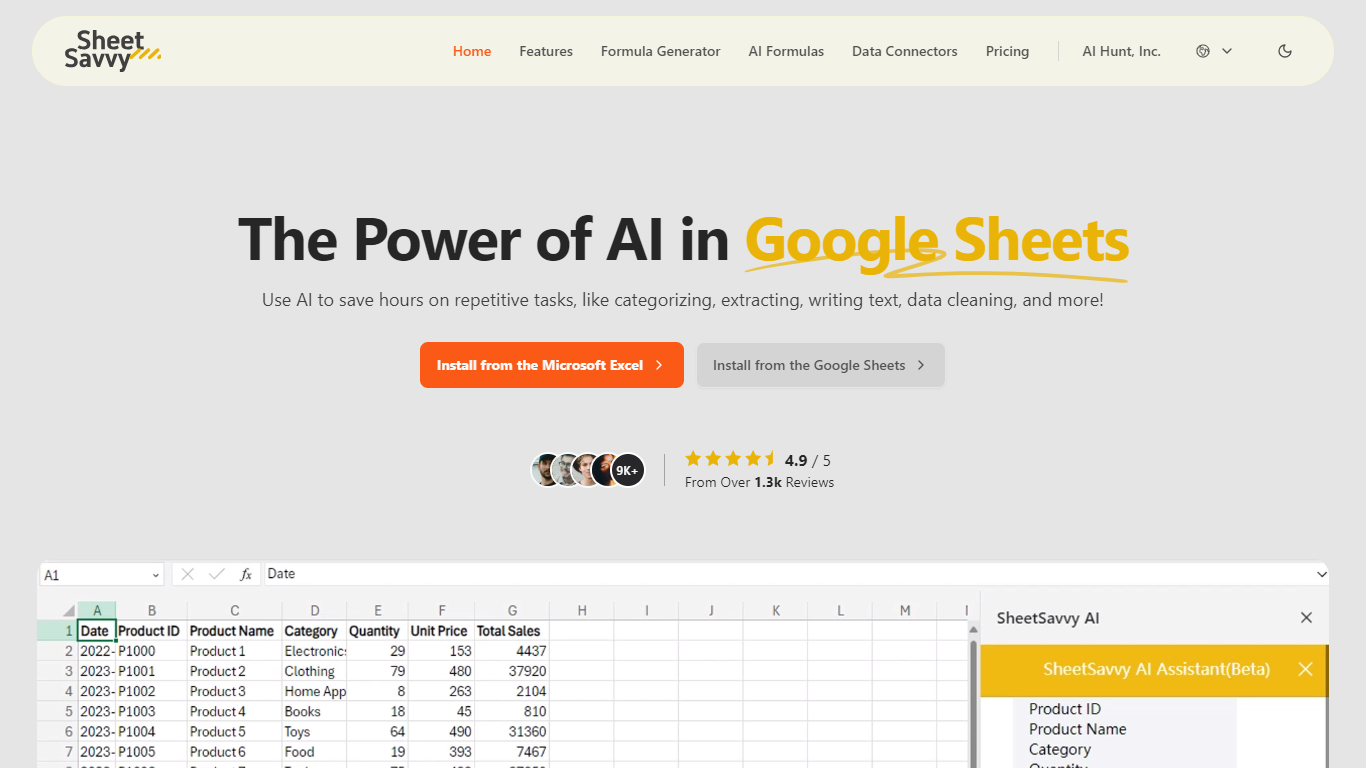
SheetSavvy is a spreadsheet add-in for Microsoft Excel and Google Sheets that brings formula generation, cell-level AI functions, and live data imports into the apps you already use. Install it from the Microsoft AppSource or Google Workspace Marketplace, sign in, and work inside your workbook instead of copying data to a separate web tool.
The product centers on four areas: an AI assistant for templates, summaries, and charts; a formula generator that turns plain-English prompts into Excel or Sheets formulas; custom =SSAI formulas for text, tagging, extraction, and translation inside cells; and data connectors that pull live records from external systems without manual exports.
SheetSavvy targets analysts, operations teams, and spreadsheet-heavy roles who spend time cleaning data, writing nested formulas, or refreshing dashboards. The free Personal plan covers light use with GPT-3.5, while paid tiers unlock GPT-4, higher request limits, more connectors, and priority support.
Tablesmith
What is Tablesmith?
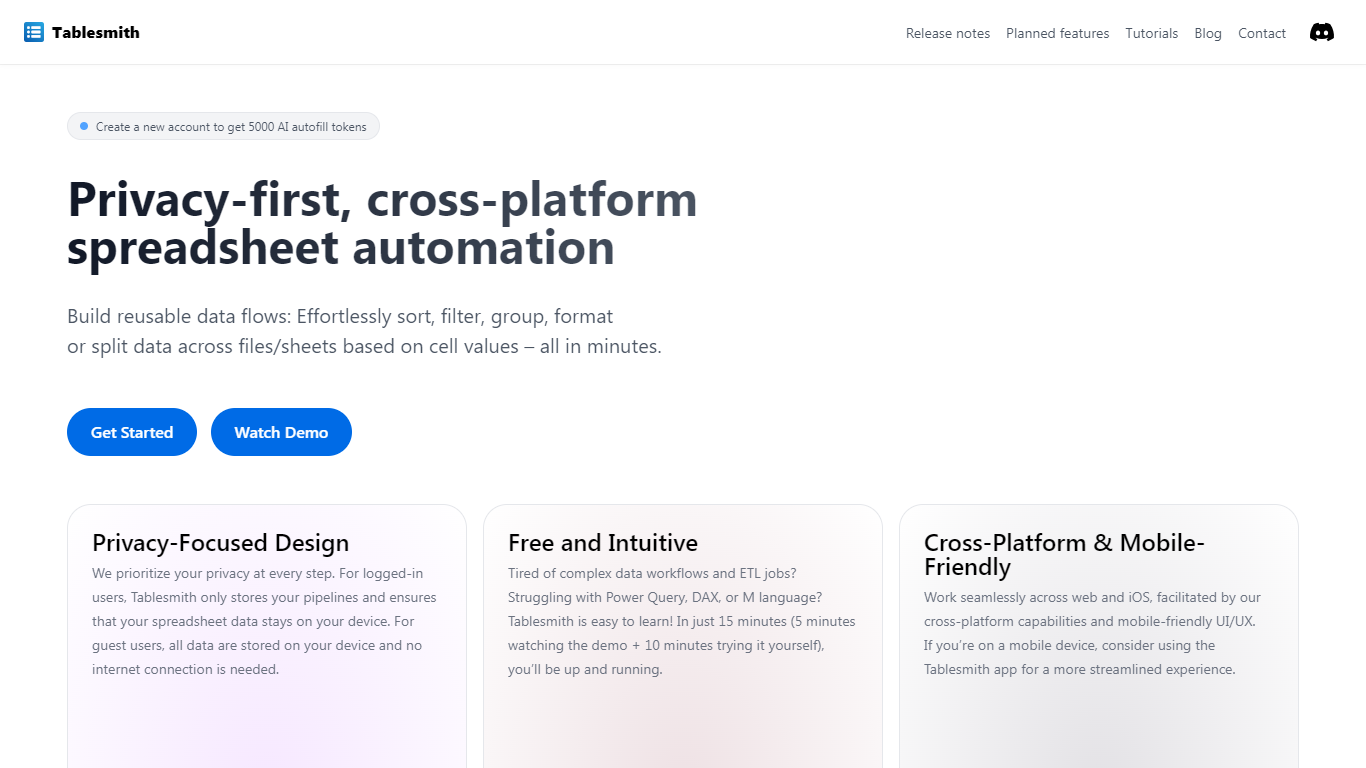
Tablesmith is an innovative, free no-code ETL platform designed to simplify and automate spreadsheet-related tasks for both CSV and XLSX files. With a focus on user privacy and ease of use, Tablesmith empowers users to create efficient data pipelines for sorting, filtering, formatting, and more, without the need for an internet connection for guest users. It only takes 15 minutes to learn how to use Tablesmith, thanks to a short demo and intuitive interface.
The AI autofill feature leverages upstream AI technology to predict and complete data entries, ensuring your prompts remain private. Tablesmith is compatible across different spreadsheet programs and is optimized for cross-platform use, with a mobile-friendly design that's perfect for working on the go. With Tablesmith, complex data management becomes a straightforward task, enabling users to focus on more important aspects of their work.
SheetSavvy Upvotes
Tablesmith Upvotes
SheetSavvy Top Features
Installs as a plug-in for Microsoft Excel and Google Sheets from official marketplaces
Formula generator turns plain-English prompts into spreadsheet formulas with explanations
Custom =SSAI formulas generate text, tag data, extract fields, summarize, and translate in cells
Data connectors import live records into spreadsheets with timed refresh and change alerts
Generates VBA, JavaScript, and Apps Script code to automate repetitive workbook tasks
Tablesmith Top Features
Privacy-First Design: Ensures that user data remains on-device with no internet requirement for guest users.
Free and Easy-to-Learn: Offers a no-cost solution that users can master in just 15 minutes.
Cross-Platform & Mobile-Friendly: Provides a seamless experience across web and iOS platforms, with a mobile-friendly interface.
AI Autofill: Introduces a future-forward data entry feature leveraging AI to suggest and autofill based on user prompts, without storing any data on servers.
Flexible Input and Output: Handles multiple file formats like CSV and XLSX, offering versatility with various spreadsheet applications.
SheetSavvy Category
- Excel
Tablesmith Category
- Excel
SheetSavvy Pricing Type
- Freemium
Tablesmith Pricing Type
- Freemium