Shook vs Vidby
Compare Shook vs Vidby and see which AI Translation tool is better when we compare features, reviews, pricing, alternatives, upvotes, etc.
Which one is better? Shook or Vidby?
When we compare Shook with Vidby, which are both AI-powered translation tools, The users have made their preference clear, Vidby leads in upvotes. The number of upvotes for Vidby stands at 15, and for Shook it's 6.
Don't agree with the result? Cast your vote and be a part of the decision-making process!
Shook

What is Shook?
Shook clones your voice on iOS and plays back typed messages in other languages. You record a short voice sample, write or pick a message, choose a target language, and hear the result spoken in a version of your own voice. The marketing site describes the core pitch as hearing yourself speak in different languages, then sends you to the App Store download.
Most translation apps output a generic synthetic voice. Shook focuses on voice cloning so the translated audio still sounds like you, which makes shared voice messages feel more personal than standard text-to-speech. The privacy policy confirms the app stores voice samples and language preferences to power cloning and translation, but the public website itself stays minimal with almost no feature breakdown beyond the download flow.
It suits iPhone users who want to experiment with multilingual voice messages for friends, language practice, or curiosity about how they sound in another tongue. Android users are out of luck since the site only links to iOS. Without a public pricing page on getshook.app, plan details live inside the App Store listing rather than on the web.
Vidby
What is Vidby?
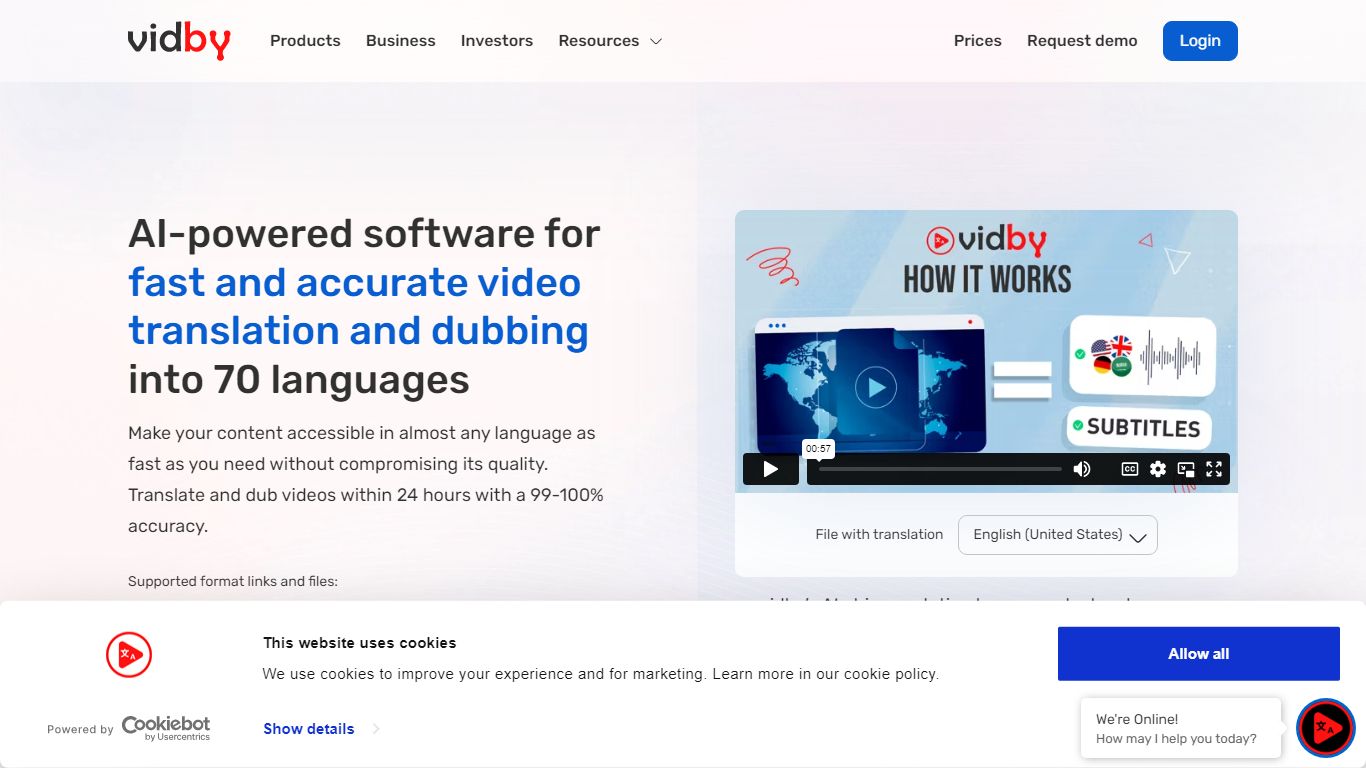
Vidby translates, dubs, and subtitles videos for teams that need to reach viewers in other languages without hiring a full localization studio. Upload a file or paste a link, pick one of four quality tiers from fully automated AI dubbing to human actor voiceover, and get a localized video in minutes instead of weeks.
Where most dubbing vendors quote opaque per-minute rates, Vidby publishes subscription plans with included credits and a checkout calculator for one-off orders. The platform covers 150+ languages and dialects, offers kid, teen, and elderly AI voices, and includes lip sync, voice cloning, and burnt-in subtitle options on paid tiers.
YouTube lists Vidby as a recommended vendor for multi-language audio tracks. Corporate customers include media brands registered with Disney and Warner Bros. supplier programs. A free tier exists with watermark exports, while Basic starts at $9.95 per month with 100 credits.
Shook Upvotes
Vidby Upvotes
Shook Top Features
Clones your voice from a short audio sample for translated playback
Translates typed English messages into your selected target language
Outputs speech that mimics your own voice instead of a generic narrator
Available as an iOS download through the App Store
Privacy policy documents voice-sample storage for cloning and translation
Vidby Top Features
Translates and dubs video into 150+ languages and dialects with four quality tiers from Full AI to human actor dubbing
Subscription plans include 100 credits at $9.95 per month, 300 at $35, and 700 at $75 on the Pro tier
Four dubbing modes: Full AI, manual transcript edit, professional human review, and human actor voiceover
Voice cloning, lip sync, and kid, teen, and elderly voice options for localized audio tracks
Built-in subtitle translation with burnt-in subtitles and a 14-day money-back guarantee on orders
Telegram bot and API let teams place translation orders outside the main web dashboard
Shook Category
- Translation
Vidby Category
- Translation
Shook Pricing Type
- Freemium
Vidby Pricing Type
- Freemium