Sixth vs Cosine
In the battle of Sixth vs Cosine, which AI Developer tool comes out on top? We compare reviews, pricing, alternatives, upvotes, features, and more.
Between Sixth and Cosine, which one is superior?
Upon comparing Sixth with Cosine, which are both AI-powered developer tools, In the race for upvotes, Sixth takes the trophy. Sixth has 9 upvotes, and Cosine has 7 upvotes.
Feeling rebellious? Cast your vote and shake things up!
Sixth
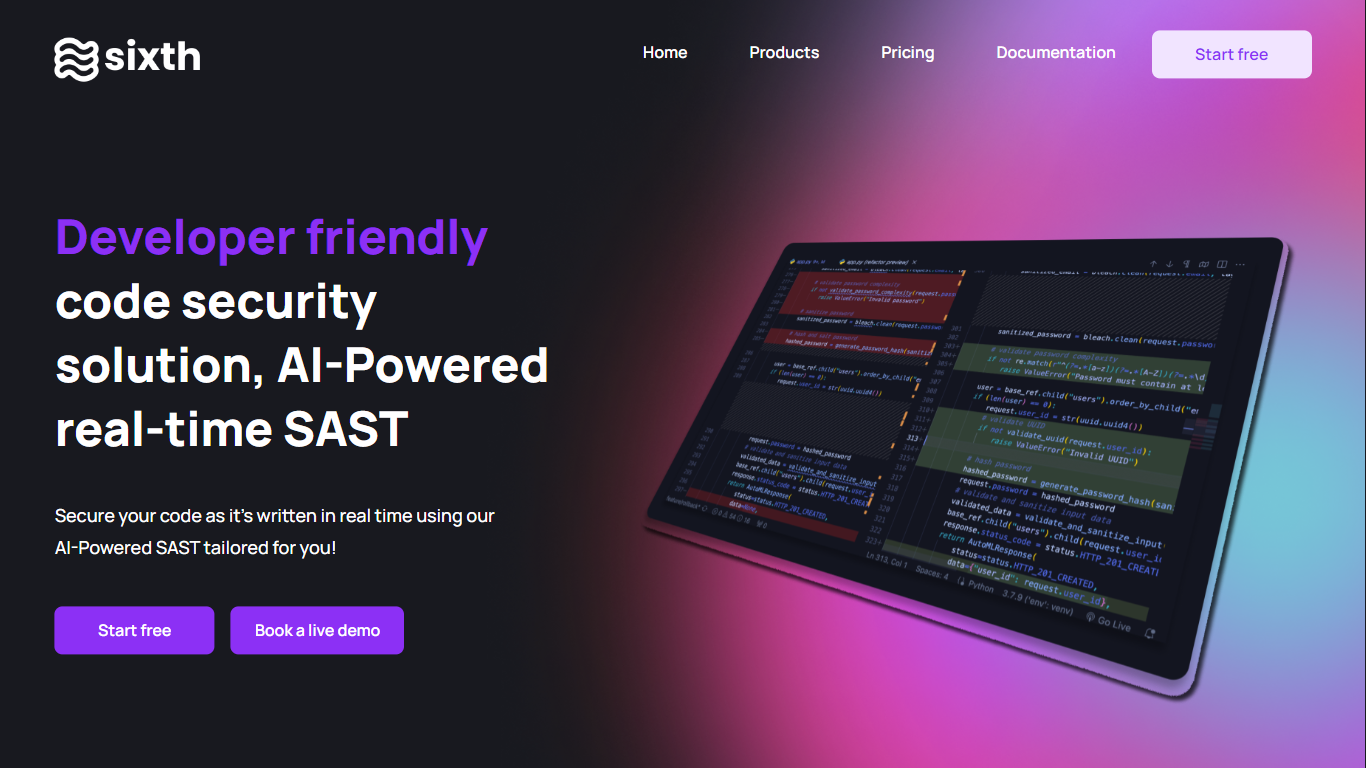

What is Sixth?
Sixth is a developer-focused coding agent that plans, writes, and debugs software inside your editor and through chat. It ships as a web app and a Visual Studio Code extension, and it routes work across frontier models from Anthropic, Google, and OpenAI instead of locking you to one provider.
Where many assistants jump straight to autocomplete, Sixth emphasizes orchestration. Deep Planning Mode drafts a step-by-step strategy before code changes, sub-agents run research and validation in parallel, and Telegram remote control lets you approve tasks from a phone. Paid tiers add MCP server access, with Pro+ listing more than 1,000 integrations.
Individual developers can start on the free tier with monthly agent and completion limits. Pro, Pro+, Ultra, and Teams plans raise usage caps, model access, and support levels, while the Enterprise page adds SOC 2 Type II compliance, SSO, and optional private deployment for regulated teams.
Cosine
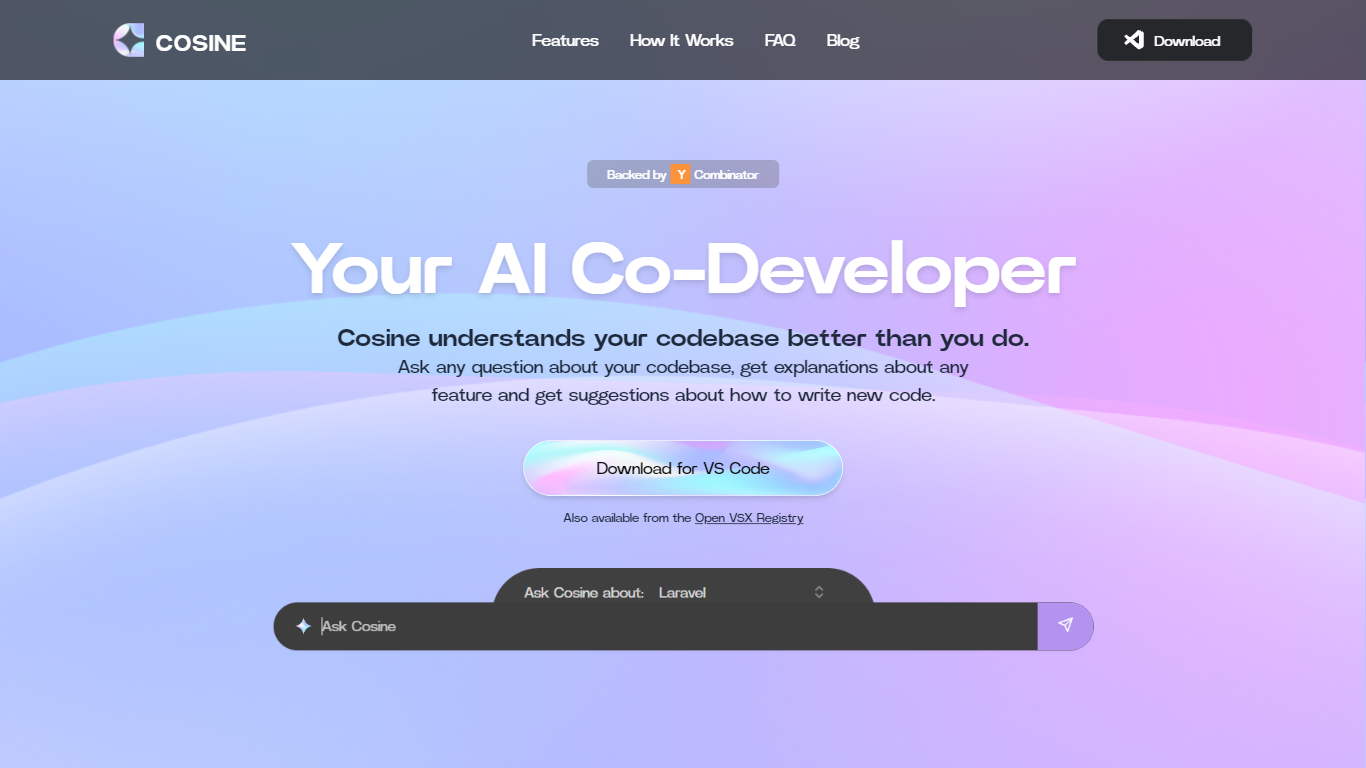
What is Cosine?
Cosine is revolutionizing the way developers interact with their codebase. Acting as an AI-powered co-developer, Cosine is designed to assist programmers by providing immediate, context-aware answers to questions about their code. This tool is not just a simple language model interface; it combines extensive heuristics such as static analysis and semantic search to deliver fully contextual insights. Whether developers seek to locate implementation of features, plan new functionality, or decode complex parts of the code, Cosine steps in to help by understanding the codebase on an intricate level. With features like indexing, semantic search, tagging, and relationship graph creation, Cosine facilitates smoother navigation and understanding of large and intricate codebases. Supported by Y Combinator, this cutting-edge tool is available for VS Code and can also be accessed from the Open VSX Registry, promising a new era of coding efficiency and knowledge transfer.
Sixth Upvotes
Cosine Upvotes
Sixth Top Features
Deep Planning Mode maps a step-by-step coding strategy before the agent edits files
Sub-agents run research, writing, and validation tasks in parallel during one session
Free tier includes 50 agent or chat requests and 2,000 completions per month
Pro+ unlocks 1,000+ MCP servers plus models such as GPT-5.6 sol and Gemini 3.6
Telegram remote control lets you monitor, approve, and steer agent work from a phone
Enterprise page lists SOC 2 Type II compliance, SSO, and a 99.99% uptime SLA
Cosine Top Features
Intelligent Codebase Understanding: In-depth knowledge of your code from graph relationships between files and functions to deep semantic understanding.
Contextual Question Answering: Superhuman level answers to both high-level and nuanced queries about your project.
Heuristic Combination: Use of static analysis semantic search and other heuristics to provide fully contextual answers beyond basic LLM capabilities.
Feature Implementation Guides: Step-by-step guidance on adding new features or modifying existing code.
Ready Accessibility: Download for VS Code also available from the Open VSX Registry making it easy to integrate with existing workflows.
Sixth Category
- Developer
Cosine Category
- Developer
Sixth Pricing Type
- Freemium
Cosine Pricing Type
- Freemium