Sketch2App vs Blend AI Studio
Compare Sketch2App vs Blend AI Studio and see which AI Design tool is better when we compare features, reviews, pricing, alternatives, upvotes, etc.
Which one is better? Sketch2App or Blend AI Studio?
When we compare Sketch2App with Blend AI Studio, which are both AI-powered design tools, Interestingly, both tools have managed to secure the same number of upvotes. Every vote counts! Cast yours and contribute to the decision of the winner.
Disagree with the result? Upvote your favorite tool and help it win!
Sketch2App
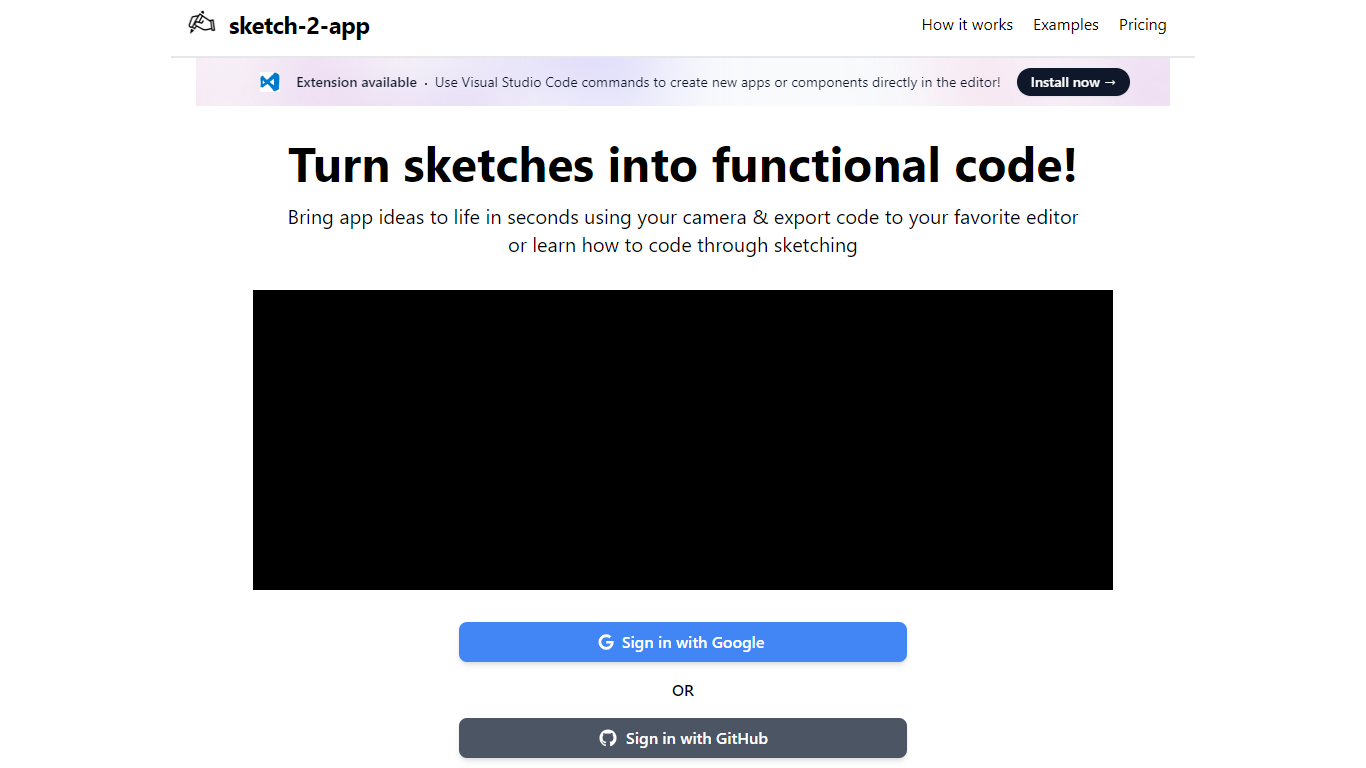

What is Sketch2App?
Sketch2App turns hand-drawn sketches, photos, or screenshots into working app code. Point your webcam at a paper sketch or upload an image, and the platform generates UI code you can export to your editor. It also supports cloning an existing website or starting from a premium template.
You pick the framework and libraries before generation, so the output matches your stack rather than a fixed template. A Visual Studio Code extension lets you create new apps or components with editor commands. Sign in with Google to get started.
The tool targets designers, indie developers, and beginners who want to move from a rough sketch to a functional prototype without writing every line by hand.
Blend AI Studio
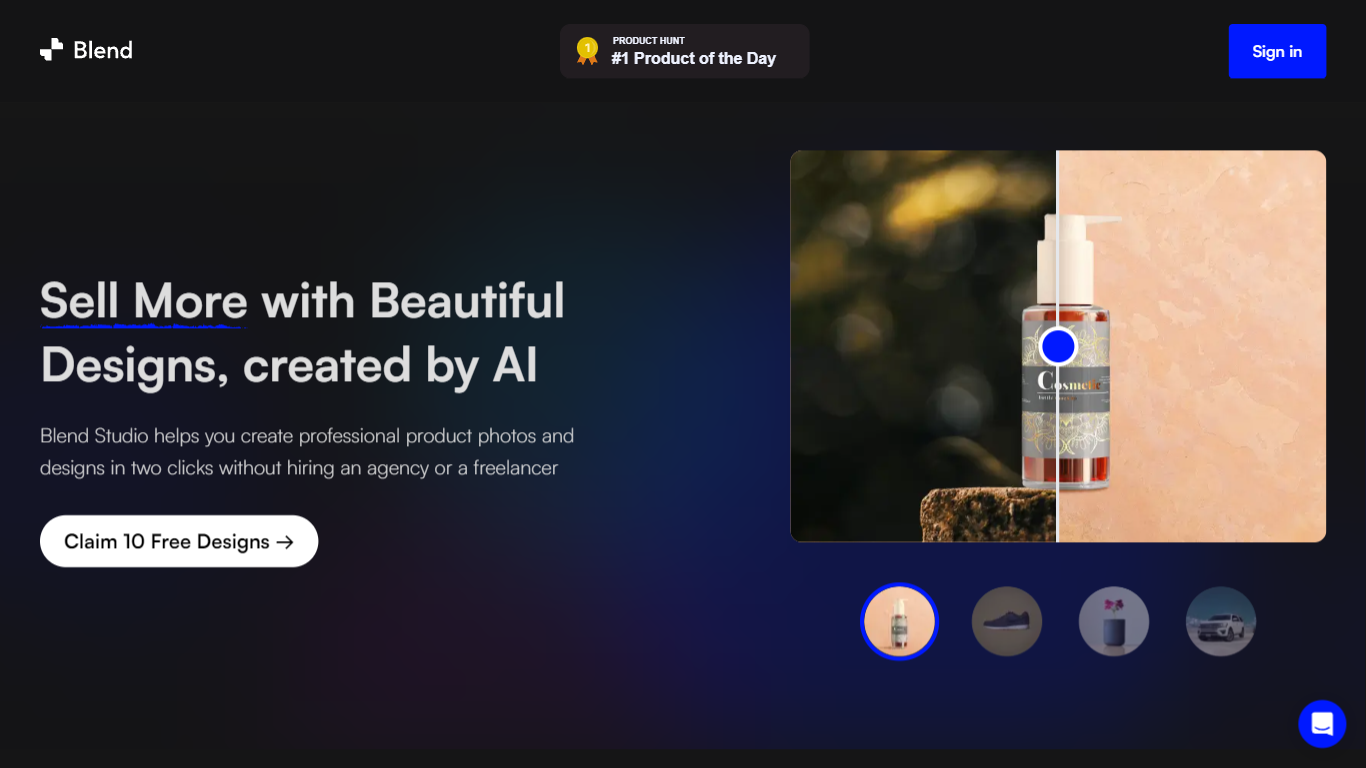
What is Blend AI Studio?
Blend AI Studio turns flat product uploads into studio shots, on-model try-on images, lifestyle scenes, and short product videos for ecommerce listings without booking a photographer. Upload a product image, pick a workflow like studio shots, ghost mannequin, or virtual try-on, and export listing-ready visuals through the web app or mobile apps.
Where general editors like Canva or Photoroom spread across social graphics and one-off cutouts, Blend keeps the workflow tied to seller tasks: marketplace white backgrounds, ghost mannequin apparel shots, batch catalog processing, and credit-priced limits per feature type on paid plans. That trade-off favors merchants shipping hundreds of SKUs over designers building broad brand decks.
Fashion, beauty, home goods, and high-volume catalog teams use it for Amazon, Etsy, Shopify, and DTC storefronts. BlendIt Studios reports 10M+ images created, 3.5M sellers on the platform, and a 4.8-star App Store rating on the homepage.
Sketch2App Upvotes
Blend AI Studio Upvotes
Sketch2App Top Features
Capture a paper sketch with your webcam and get functional UI code in under a minute
Choose your framework and libraries before generation so output fits your stack
Generate code from sketches, photos, screenshots, website clones, or premium templates
Visual Studio Code extension for creating apps and components inside the editor
Sign in with Google and export generated code to your preferred editor
Blend AI Studio Top Features
PRO includes 1,000 monthly credits with 100 AI model shots, 100 lifestyle shots, and 100 studio shots
Batch-edit up to 20 product photos for background removal in one pass on the mobile app
Generate AI product videos up to 10 seconds on PRO or 30 seconds on MAX
Create ghost mannequin, recolor, dimension overlays, and AI backgrounds from a single upload
MAX triples PRO credits and adds custom AI influencer model creation plus cheaper add-on credits
Access 1,000+ templates and DesignGPT outputs priced from 100 to 2,000 credits per run
Sketch2App Category
- Design
Blend AI Studio Category
- Design
Sketch2App Pricing Type
- Freemium
Blend AI Studio Pricing Type
- Freemium