Sketch2App vs Magic Brush AI
In the clash of Sketch2App vs Magic Brush AI, which AI Design tool emerges victorious? We assess reviews, pricing, alternatives, features, upvotes, and more.
When we put Sketch2App and Magic Brush AI head to head, which one emerges as the victor?
Let's take a closer look at Sketch2App and Magic Brush AI, both of which are AI-driven design tools, and see what sets them apart. There's no clear winner in terms of upvotes, as both tools have received the same number. Every vote counts! Cast yours and contribute to the decision of the winner.
Does the result make you go "hmm"? Cast your vote and turn that frown upside down!
Sketch2App

What is Sketch2App?
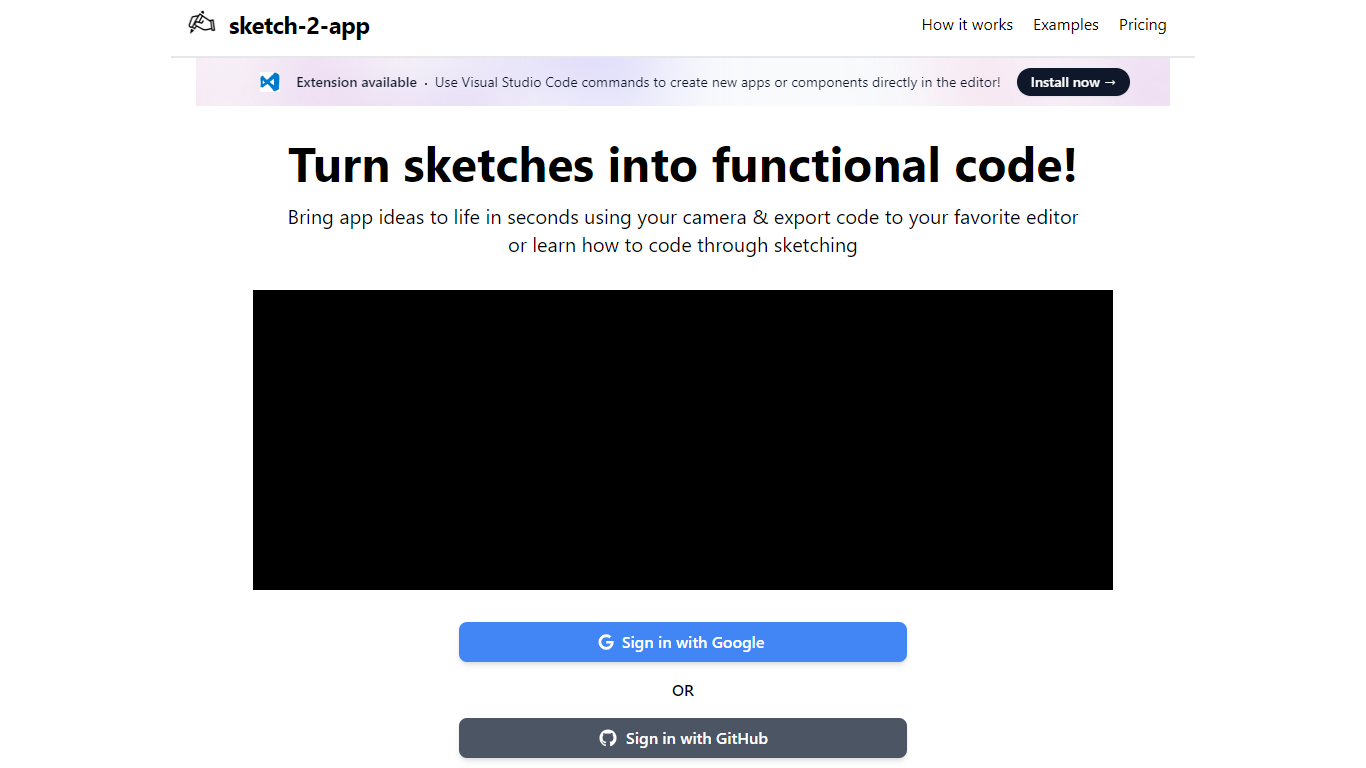
Sketch2App turns hand-drawn sketches, photos, or screenshots into working app code. Point your webcam at a paper sketch or upload an image, and the platform generates UI code you can export to your editor. It also supports cloning an existing website or starting from a premium template.
You pick the framework and libraries before generation, so the output matches your stack rather than a fixed template. A Visual Studio Code extension lets you create new apps or components with editor commands. Sign in with Google to get started.
The tool targets designers, indie developers, and beginners who want to move from a rough sketch to a functional prototype without writing every line by hand.
Magic Brush AI

What is Magic Brush AI?
Magic Brush AI introduces an innovative AI-powered plugin specifically designed for Figma users who wish to enhance their design process. The Magic Brush AI plugin seamlessly integrates with Figma, allowing designers to generate and edit images directly within the application. If you're looking to speed up your design workflow and leverage artificial intelligence in your projects, Magic Brush AI offers a simple yet powerful solution. With easy installation and a user-friendly interface, Magic Brush expands creative possibilities without ever leaving your favorite design platform. Additionally, the community aspect is emphasized with an invitation to join their Discord, suggesting a focus on user engagement and support. Designed by Elie Toubiana from sunshine-filled Los Angeles, CA, Magic Brush AI is poised to transform how creatives interact with Figma and image editing.
Sketch2App Upvotes
Magic Brush AI Upvotes
Sketch2App Top Features
Capture a paper sketch with your webcam and get functional UI code in under a minute
Choose your framework and libraries before generation so output fits your stack
Generate code from sketches, photos, screenshots, website clones, or premium templates
Visual Studio Code extension for creating apps and components inside the editor
Sign in with Google and export generated code to your preferred editor
Magic Brush AI Top Features
AI Powered Plugin: A convenient Figma plugin that utilizes AI for image generation and editing.
Seamless Integration: Integrates with Figma for a streamlined design workflow.
Easy Installation: Simple process to install the plugin directly on Figma.
Community Support: Access to a Discord community for networking and support.
Frequent Updates: Continual improvements and feature additions to enhance user experience.
Sketch2App Category
- Design
Magic Brush AI Category
- Design
Sketch2App Pricing Type
- Freemium
Magic Brush AI Pricing Type
- Freemium