Sketch2App vs Sizzlepop.ai
In the battle of Sketch2App vs Sizzlepop.ai, which AI Design tool comes out on top? We compare reviews, pricing, alternatives, upvotes, features, and more.
Between Sketch2App and Sizzlepop.ai, which one is superior?
Upon comparing Sketch2App with Sizzlepop.ai, which are both AI-powered design tools, There's no clear winner in terms of upvotes, as both tools have received the same number. Every vote counts! Cast yours and contribute to the decision of the winner.
Does the result make you go "hmm"? Cast your vote and turn that frown upside down!
Sketch2App
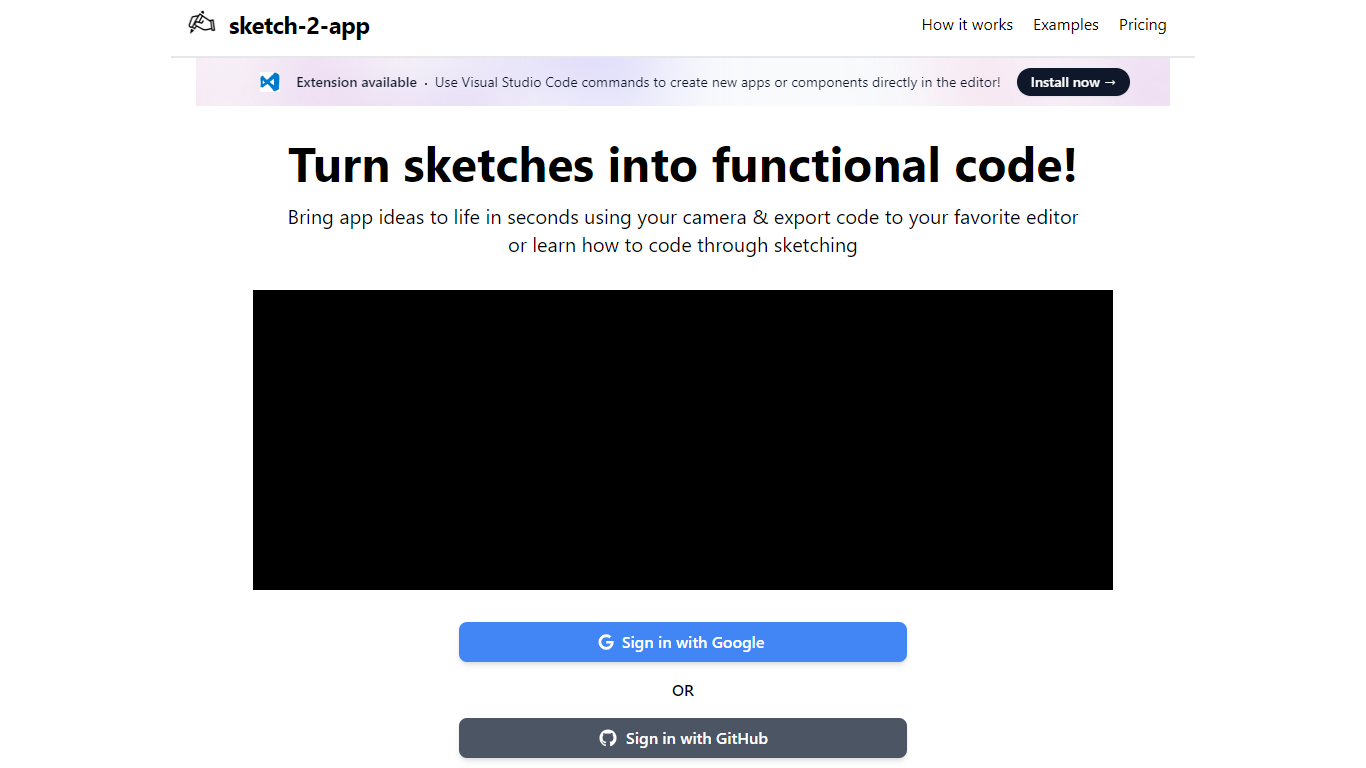

What is Sketch2App?
Sketch2App turns hand-drawn sketches, photos, or screenshots into working app code. Point your webcam at a paper sketch or upload an image, and the platform generates UI code you can export to your editor. It also supports cloning an existing website or starting from a premium template.
You pick the framework and libraries before generation, so the output matches your stack rather than a fixed template. A Visual Studio Code extension lets you create new apps or components with editor commands. Sign in with Google to get started.
The tool targets designers, indie developers, and beginners who want to move from a rough sketch to a functional prototype without writing every line by hand.
Sizzlepop.ai
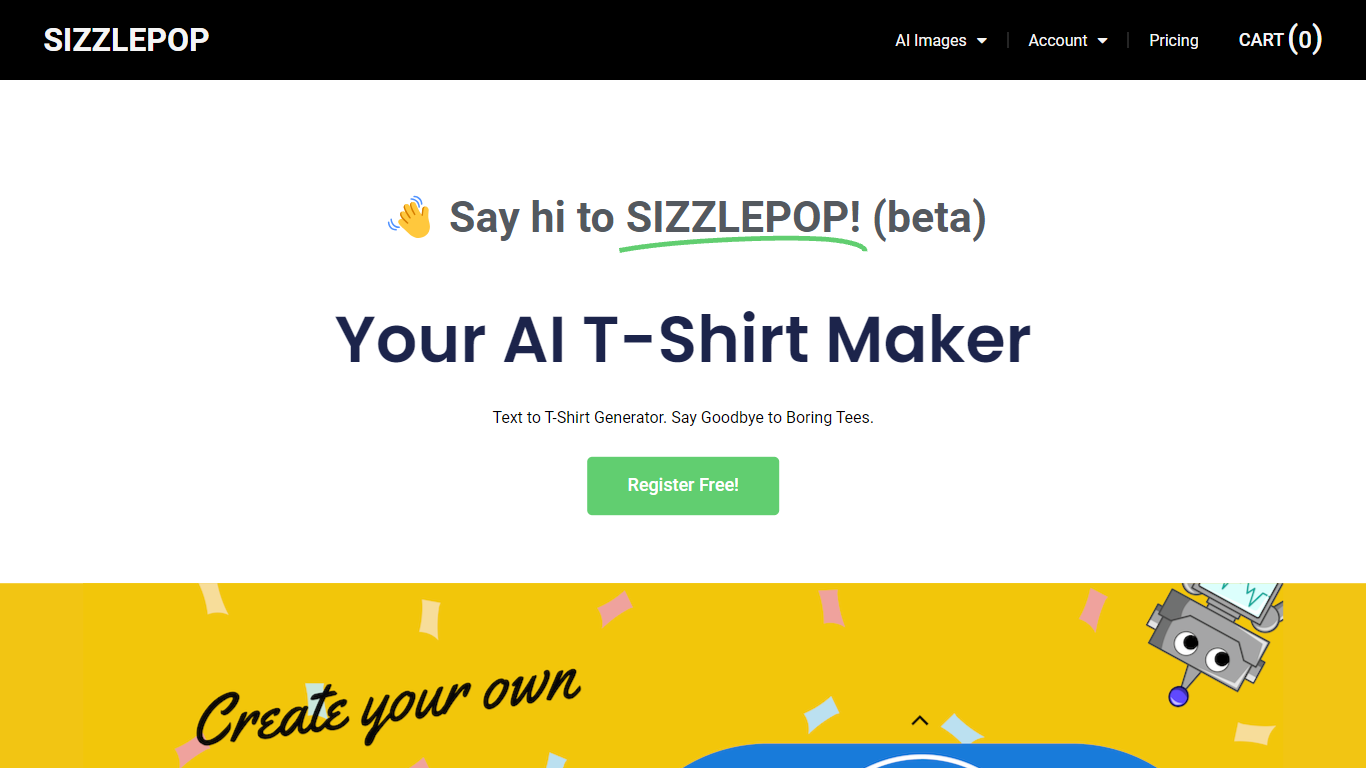
What is Sizzlepop.ai?
Sizzlepop.ai turns a short text prompt into artwork you can preview on t-shirts, mugs, phone cases, posters, and other merch. You type what you want in plain English, pick a style preset like retro screenprint or kawaii sticker, and get a draft in about three seconds. Free drafts need no signup to start, though watermarked 512px previews clear up when you buy the file or a printed product.
Where standalone image generators stop at a download link, Sizzlepop.ai runs the full loop: generate, mock up on real products, checkout, and US printing with free shipping. It also publishes a weekly trending-niche page and side-by-side comparisons of other AI merch tools, which is unusual for a product that sells its own prints. The trade-off is that print-quality modes and vector output sit behind the $12 per month Pro plan, and free tiers cap you at five drafts per day.
Gift shoppers, casual creators, and small merch sellers use it when they want a one-off tee or mug without opening Photoshop or juggling a separate print-on-demand vendor. Popular niches on the site include pickleball humor, retro national parks, and teacher-era designs, with prompts you can remix from a public gallery wall.
Sketch2App Upvotes
Sizzlepop.ai Upvotes
Sketch2App Top Features
Capture a paper sketch with your webcam and get functional UI code in under a minute
Choose your framework and libraries before generation so output fits your stack
Generate code from sketches, photos, screenshots, website clones, or premium templates
Visual Studio Code extension for creating apps and components inside the editor
Sign in with Google and export generated code to your preferred editor
Sizzlepop.ai Top Features
5 free AI drafts per day (30 per day with a free account), delivered as 512px watermarked previews
$9 one-time file unlocks a ~4000px transparent PNG at ~300 DPI with no watermark
Pro plan at $12 per month includes 150 print-quality generations and unlimited 1024px drafts
Style presets include Retro screenprint, Line art, Cute sticker, Watercolor, and Streetwear
Preview designs on tees, mugs, phone cases, posters, stickers, and puzzles before checkout
US printing with free shipping; orders arrive in about 5 to 8 business days
Sketch2App Category
- Design
Sizzlepop.ai Category
- Design
Sketch2App Pricing Type
- Freemium
Sizzlepop.ai Pricing Type
- Freemium