SketchGPT vs AutoDraw
In the clash of SketchGPT vs AutoDraw, which AI Design tool emerges victorious? We assess reviews, pricing, alternatives, features, upvotes, and more.
When we put SketchGPT and AutoDraw head to head, which one emerges as the victor?
Let's take a closer look at SketchGPT and AutoDraw, both of which are AI-driven design tools, and see what sets them apart. AutoDraw stands out as the clear frontrunner in terms of upvotes. The number of upvotes for AutoDraw stands at 16, and for SketchGPT it's 6.
You don't agree with the result? Cast your vote to help us decide!
SketchGPT

What is SketchGPT?
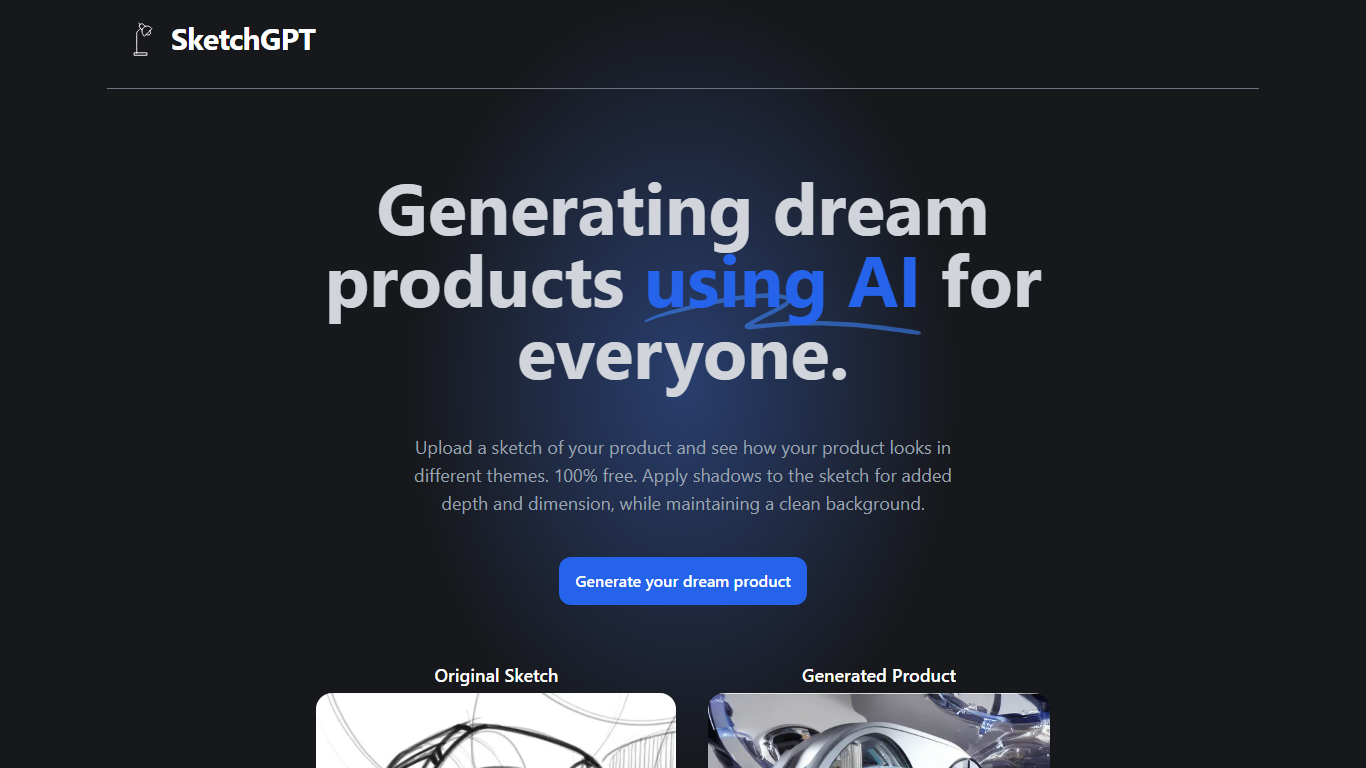
Transform your abstract ideas into tangible designs with SketchGPT—the AI-driven platform that grants power to your creativity. Whether you're an inventor, a designer, or anyone with a dream product in mind, SketchGPT helps you visualize your original sketches in various themes at no cost. The process is simple: upload your sketch, and let the AI work its magic, providing you with a generated product image that captures different thematic interpretations. The added shadow effect imbues your designs with depth and dimension while retaining a pristine background. This tool is not just a utility; it's a creative companion made with love by Sean Liu, ready to bridge the gap between your imagination and reality.
AutoDraw
What is AutoDraw?
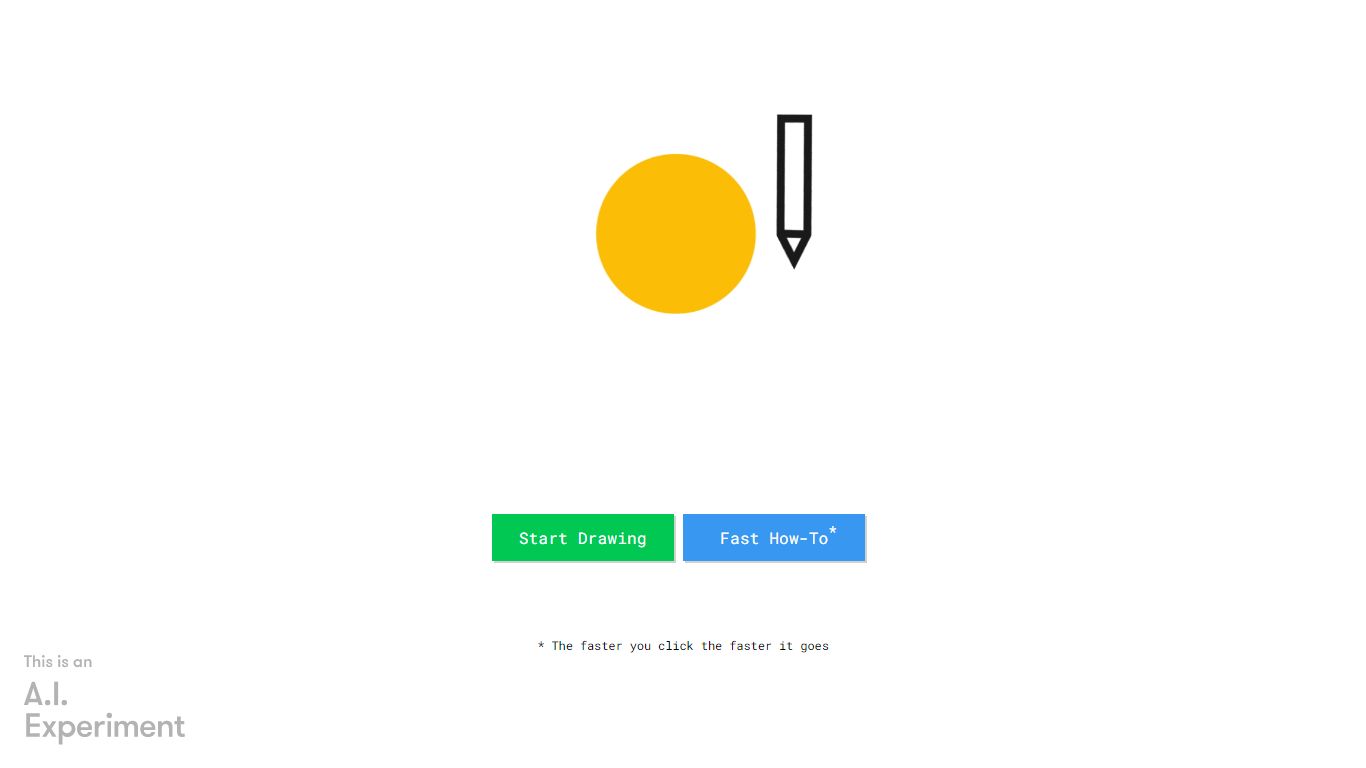
AutoDraw is a new kind of drawing tool. It pairs machine learning with drawings from talented artists to help everyone create anything visual, fast. There’s nothing to download. Nothing to pay for. And it works anywhere: smartphone, tablet, laptop, desktop, etc.
AutoDraw’s suggestion tool uses the same technology used in QuickDraw, to guess what you’re trying to draw. Right now, it can guess hundreds of drawings and we look forward to adding more over time. If you are interested in creating drawings for others to use with AutoDraw, contact us here.
We hope AutoDraw will help make drawing and creating a little more accessible and fun for everyone.
Built by Dan Motzenbecker and Kyle Phillips with friends at Google Creative Lab.
SketchGPT Upvotes
AutoDraw Upvotes
SketchGPT Top Features
Free to Use: Explore and visualize your product ideas without any charges.
Visual Enhancement: Apply shadows for added depth and realism in your sketches.
Theme Variations: See your sketch in different themes to explore various design avenues.
Clean Backgrounds: Maintain a pristine background while focusing on product aesthetics.
Creator’s Touch: Made with dedication and love by developer Sean Liu.
AutoDraw Top Features
No top features listedSketchGPT Category
- Design
AutoDraw Category
- Design
SketchGPT Pricing Type
- Freemium
AutoDraw Pricing Type
- Free