slAItor vs Dubbah
When comparing slAItor vs Dubbah, which AI Translation tool shines brighter? We look at pricing, alternatives, upvotes, features, reviews, and more.
In a comparison between slAItor and Dubbah, which one comes out on top?
When we put slAItor and Dubbah side by side, both being AI-powered translation tools, The community has spoken, Dubbah leads with more upvotes. Dubbah has attracted 7 upvotes from aitools.fyi users, and slAItor has attracted 6 upvotes.
Want to flip the script? Upvote your favorite tool and change the game!
slAItor
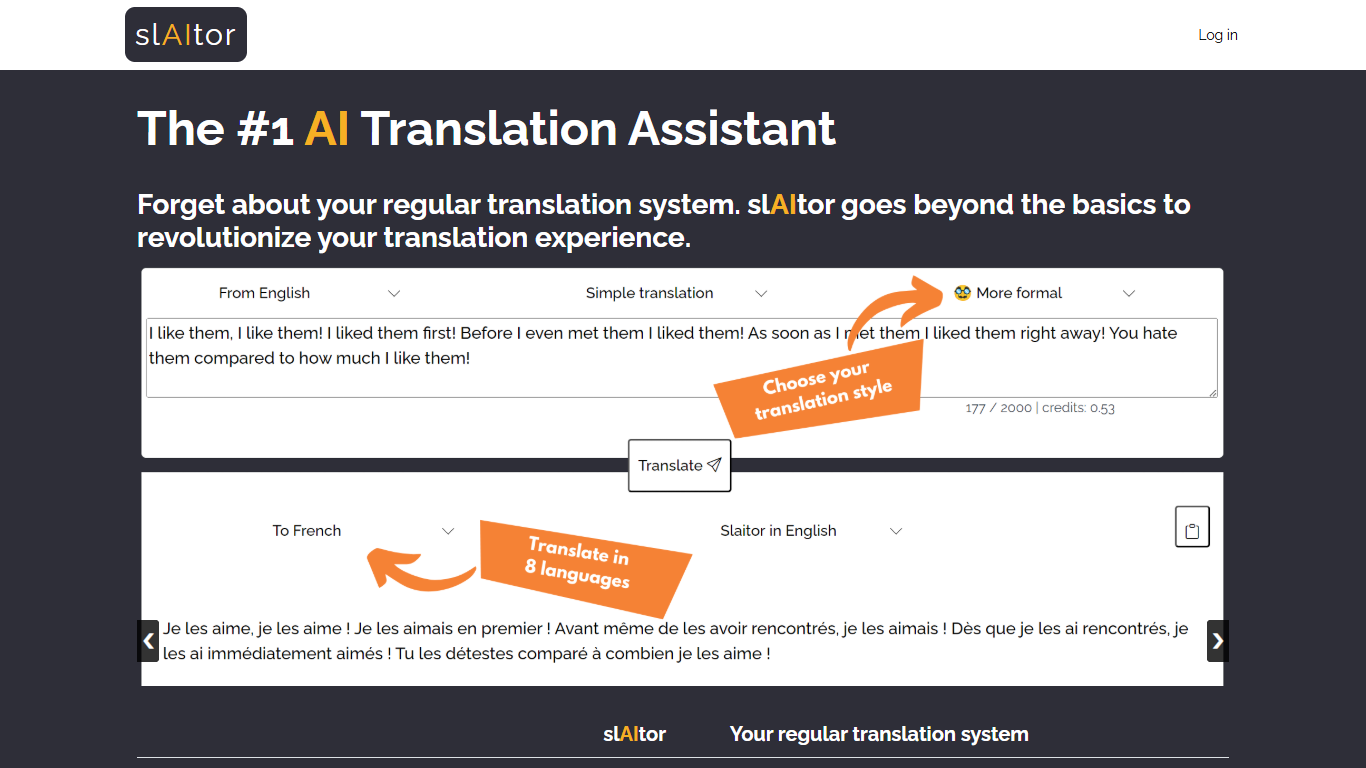

What is slAItor?
slAItor is an online translation assistant built around large language models from the GPT family, combined with standard machine translation pipelines. Instead of returning a single translated string, it is designed for people who want more context around a translation: explanations, alternatives, style adjustments, and error checking.
The product targets language learners, translators, and professionals who need more than a quick paste-and-go result. Benjamin Marie, who holds a Ph.D. in machine translation and has spent more than a decade in MT research, built slAItor to explore what becomes possible when GPT-style models sit at the center of a translation workflow.
slAItor supports 28 language pairs across Chinese, English, French, German, Italian, Japanese, Portuguese, and Spanish. The site is upfront that raw translation quality can trail established systems in some cases, but positions itself on price and on features like step-by-step explanations, paraphrasing, and a checker mode that reviews your own drafts.
Dubbah
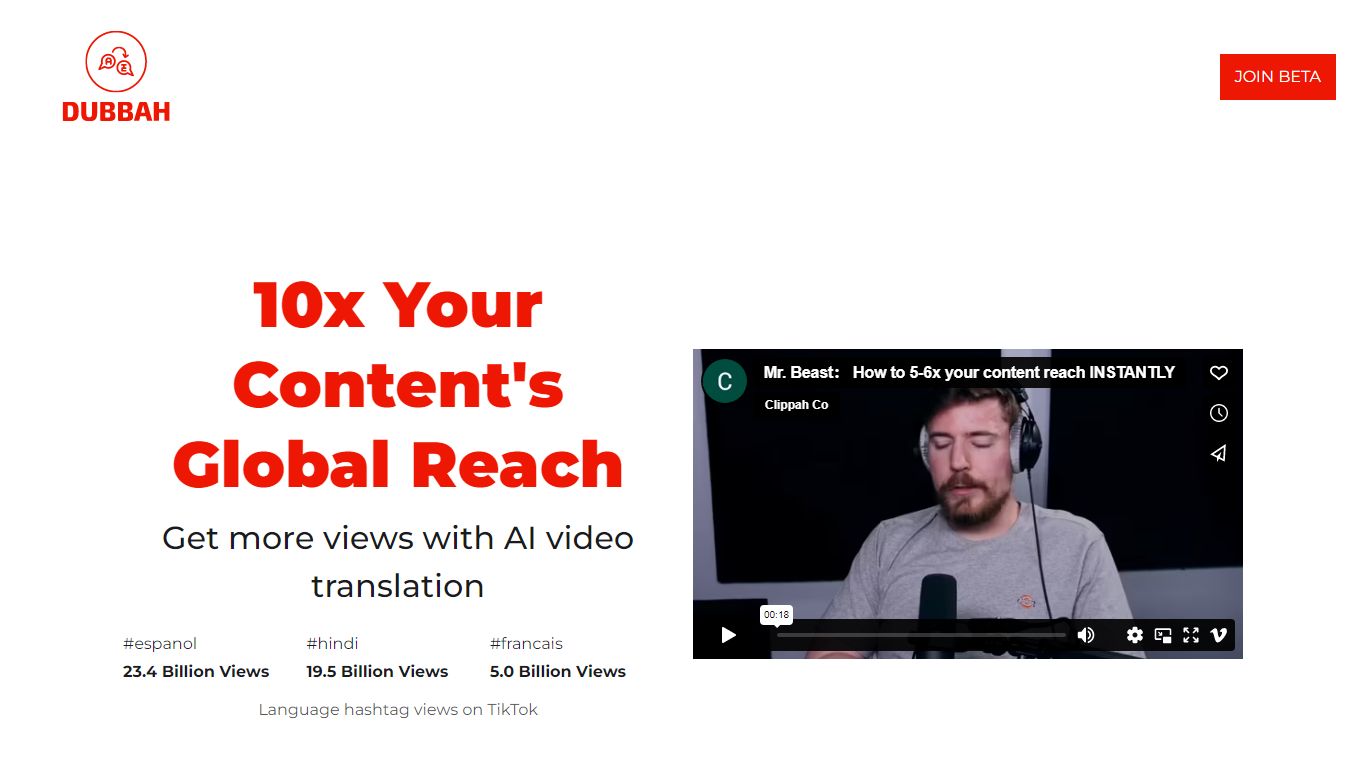
What is Dubbah?
Dubbah dubs videos into 14 languages locally on your Mac without shipping files to the cloud. Drop an MP4 or MOV, pick target languages, and the app translates dialogue, clones the speaker's voice tone, and lets you edit every line before export.
Cloud dubbing services charge per minute and keep copies on remote servers. Dubbah runs on macOS 13+ for Apple Silicon and Intel, works offline after setup, and stays free with no subscriptions or per-minute metering according to the product site.
Creators, educators, and indie filmmakers use Dubbah when they need multilingual cuts for social clips, training videos, or client deliverables while keeping sensitive footage on the machine. There is no account signup; download the app and start dubbing immediately.
slAItor Upvotes
Dubbah Upvotes
slAItor Top Features
Translates across 28 language pairs spanning eight major languages
Step-by-step and checker modes cost 3 credits per 1,000 characters
Monthly plan lists at $25 for 800 credits with commercial-use rights
Paraphraser and style calibrator offer up to five alternative phrasings
Minimum query cost is 0.1 credit per translation request
Dubbah Top Features
Dubs video into 14 languages including Spanish, Mandarin, Hindi, Arabic, and Japanese
Runs locally on macOS 13+ for Apple Silicon and Intel Macs
Voice cloning matches original speaker tone in the target language
Edit translated lines, timing, and re-generate individual segments before export
Works offline after initial setup with no internet required for dubbing
Completely free with no subscriptions or per-minute fees listed on site
slAItor Category
- Translation
Dubbah Category
- Translation
slAItor Pricing Type
- Paid
Dubbah Pricing Type
- Free